Skip to content
Skip to content
Instant Speed Test
Speed Test
Tools

Connection checks

  • Bufferbloat TestCompare latency before and during a transfer.
  • Video Call TestCompare your results with calling requirements.
  • Wi-Fi Room ComparisonCompare manual tests around your home.
  • Connection StabilityWatch HTTP response times and failed requests.

Bandwidth planning

  • Household BandwidthEstimate the capacity your activities need.
  • Streaming BitratePlan upload headroom and stream data use.
  • Download TimeEstimate how long a file transfer will take.
  • Gaming Data UsageEstimate a gaming session's data use.
Explore all tools  →Understand the measurements
Gamer Hub
Guides

Understand your internet

  • Speed BasicsDownload, upload, latency and connection terms.
  • ComparisonsUnderstand network and speed differences.
  • Home NetworksRouters, devices and household connections.

Find practical help

  • Wi-Fi TipsCoverage, interference and everyday improvements.
  • TroubleshootingWork through slow or unstable connections.
  • Gaming GuidesUnderstand lag, ping and in-game network stats.
Browse all articles  →More tips and guides
How We Test
Search

Search the site's published pages and articles.

Category: Blog

Use this collection to understand your speed-test results and choose the next check for your connection. Start with the difference between download, upload and response time, then follow the section that matches your activity or symptom. A low result on one device calls for a different investigation from a slowdown across the whole home. The guides cover testing conditions, Wi-Fi, wired connections, streaming, remote work and gaming. Keep the device, connection and test destination consistent when comparing results. The starting points below connect the main browser test with practical explanations and the wider guide library.

Run the internet speed test
Set up a useful speed-test comparison
Understand download speed
Investigate different speeds on a laptop and phone
Explore game-specific tools and guides

Why Downloading and Streaming at the Same Time Ruins Both
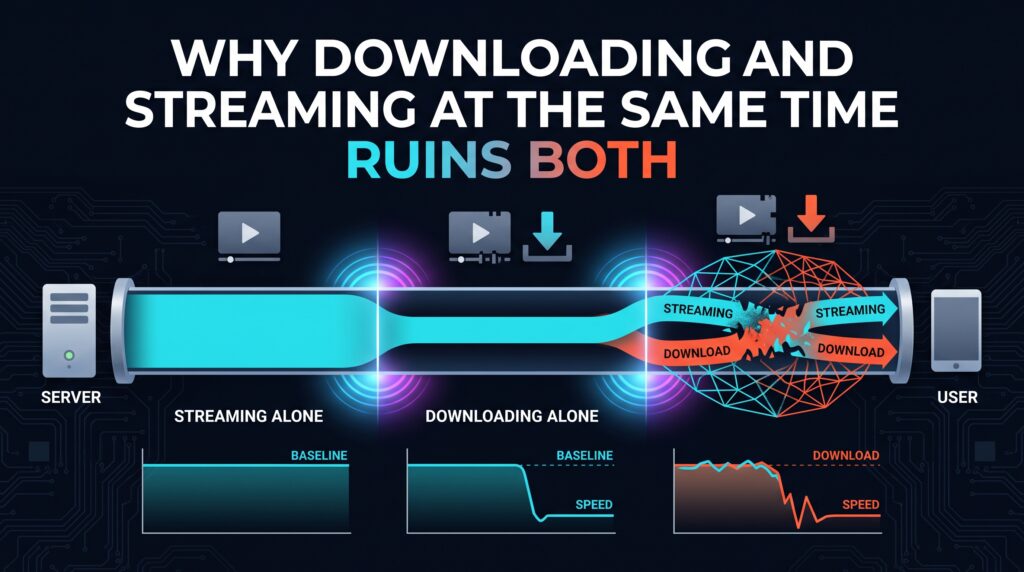
Why Downloading and Streaming at the Same Time Ruins Both

Starting a large download while streaming video shouldn’t matter on a fast connection, but it often does. Here’s the specific reason both suffer at once.

What “Ping” Actually Means in Plain English
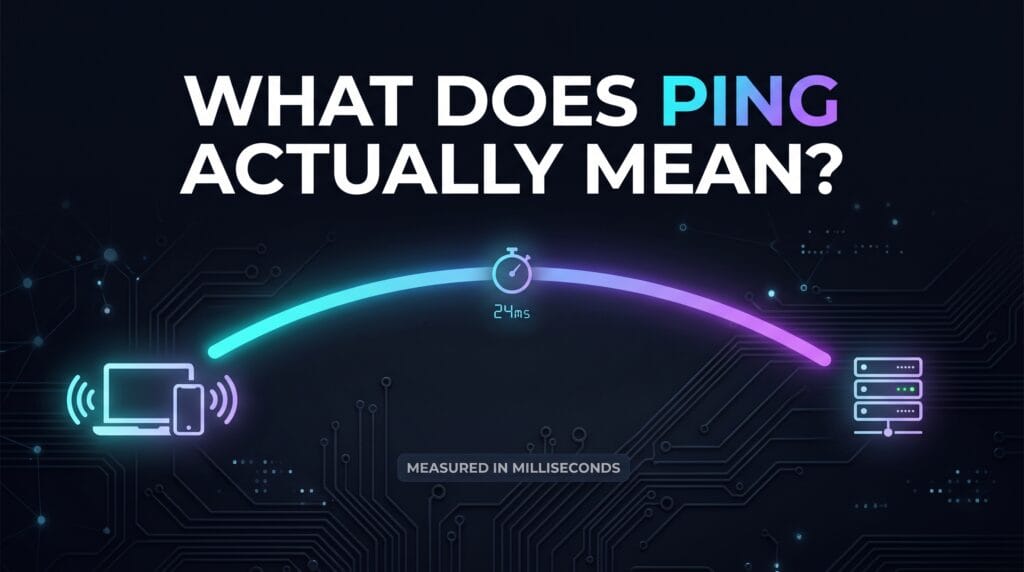
What Ping Actually Means in Plain English

Ping gets thrown around constantly in gaming and tech conversations, but the actual concept behind it is simpler than most explanations make it sound.

Why Your Neighbor’s WiFi Name Shows Up on Your Phone

Why Your Neighbors WiFi Name Shows Up on Your Phone

Seeing a neighbor’s network in your WiFi list doesn’t mean anything is broken or unsafe about your own setup — it’s just basic radio physics doing exactly what it should.

Why Two People in the Same House Can Have Completely Different Internet
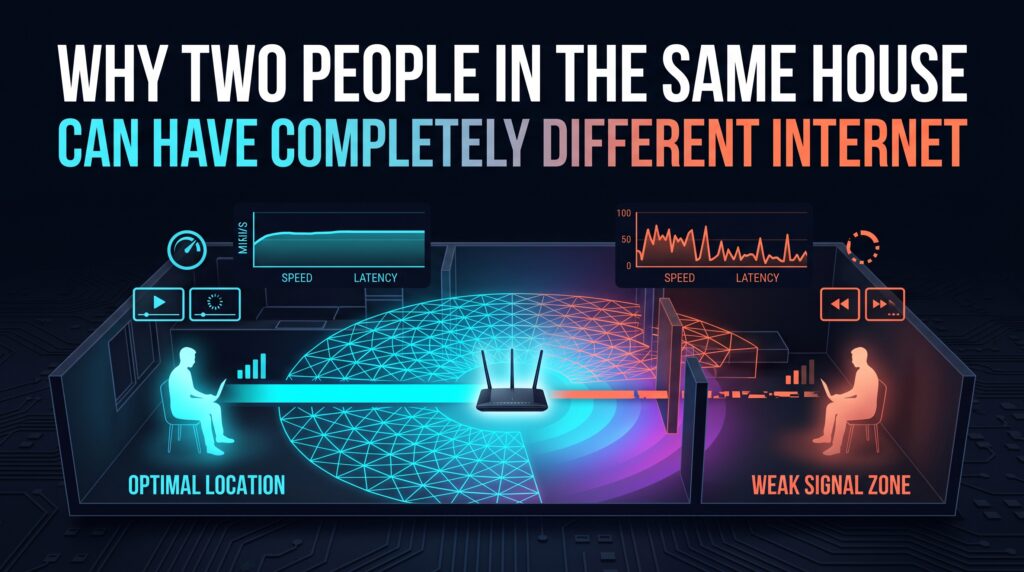
Why Two People in the Same House Can Have Completely Different Internet

Same router, same plan, same house — and yet one person’s connection is flawless while another’s constantly struggles. Here’s how that’s genuinely possible.

The Reason Two Speed Tests Give You Two Different Numbers
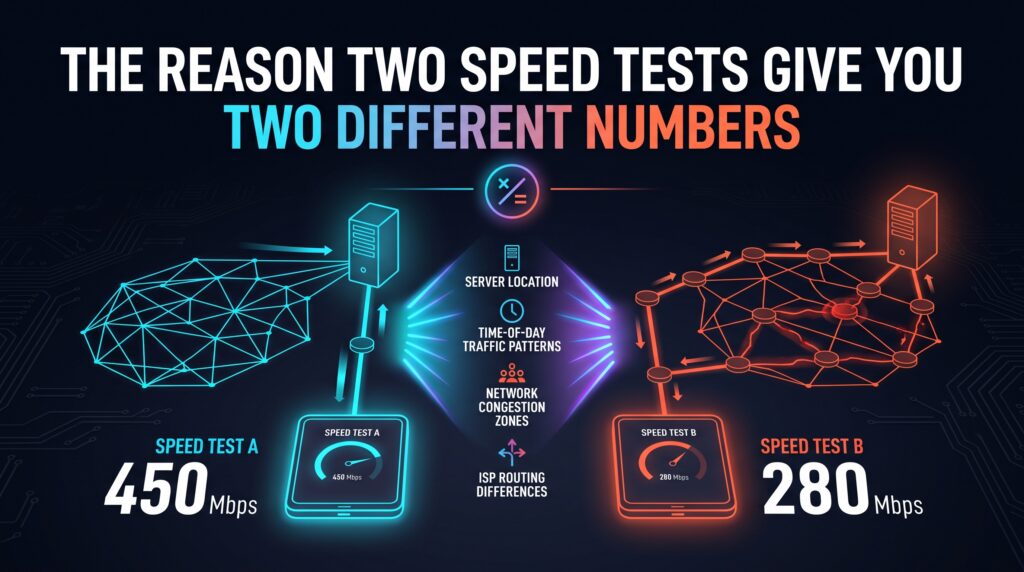
The Reason Two Speed Tests Give You Two Different Numbers

Run a speed test twice in a row and get two different results. That’s not a broken test — it’s a handful of specific, real variables changing between runs.

What Happens to Your Data the Moment You Hit Send

What Happens to Your Data the Moment You Hit Send

Sending a message or loading a page triggers a genuinely fast, multi-step journey across real physical infrastructure — here’s what actually happens in that split second.

Why Some Websites Load Instantly and Others Crawl

Why Some Websites Load Instantly and Others Crawl

Your internet connection is often not the reason a specific website loads slowly. Here’s what actually determines a site’s loading speed, separate from your own setup.

The One Setting That Fixes Half of All Home WiFi Complaints
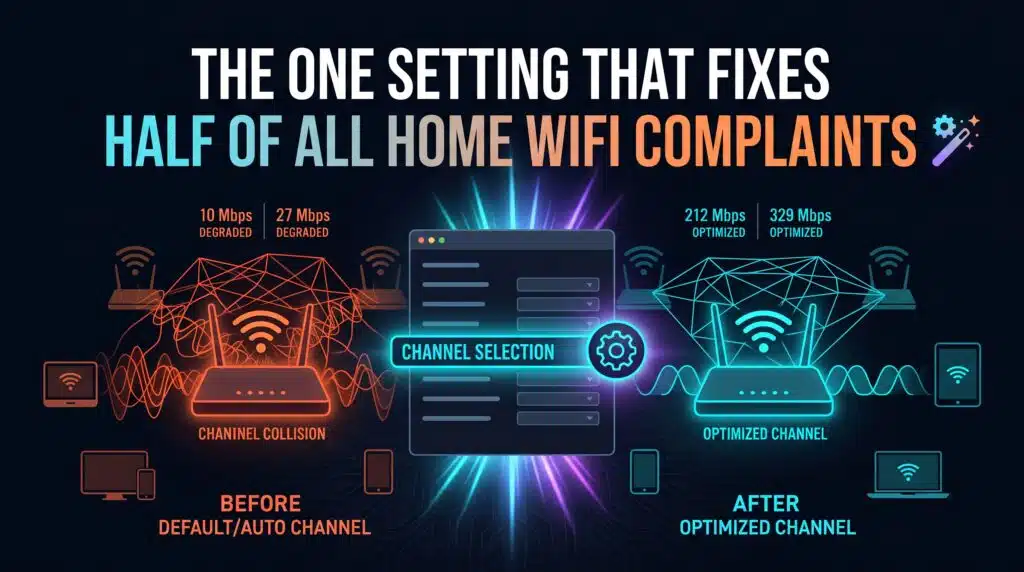
The One Setting That Fixes Half of All Home WiFi Complaints

There’s no single magic setting that fixes every WiFi problem, but one specific router feature addresses more common complaints than any other single change.

Why Your Smart Doorbell Ruins Your Video Call Quality

Why Your Smart Doorbell Ruins Your Video Call Quality

A smart doorbell sitting mostly idle can still disrupt a video call the moment it activates, using far more bandwidth in that instant than most people expect.

The Hidden Battle Between Your Devices for Bandwidth

The Hidden Battle Between Your Devices for Bandwidth

Your devices aren’t cooperating for bandwidth by default — they’re quietly competing, and without any prioritization, whichever grabs it first usually wins.

← Previous
Next →
Instant Speed Test

Practical internet diagnostics, connection tools and clear guides to help you understand your network.

How our measurements work  →

Tools

  • Internet Speed Test
  • Bufferbloat Test
  • Video Call Test
  • Wi-Fi Room Comparison
  • Household Bandwidth
  • Explore all tools →

Guides

  • Speed Basics
  • Wi-Fi Tips
  • Troubleshooting
  • Home Networks
  • Gaming Guides
  • Recent articles →

Explore

  • Gamer Hub
  • About
  • Contact
  • How We Test
  • All pages

© 2026 Instant Speed Test. Built by Ahmad Raza.

Privacy Policy Terms of Service XML sitemap