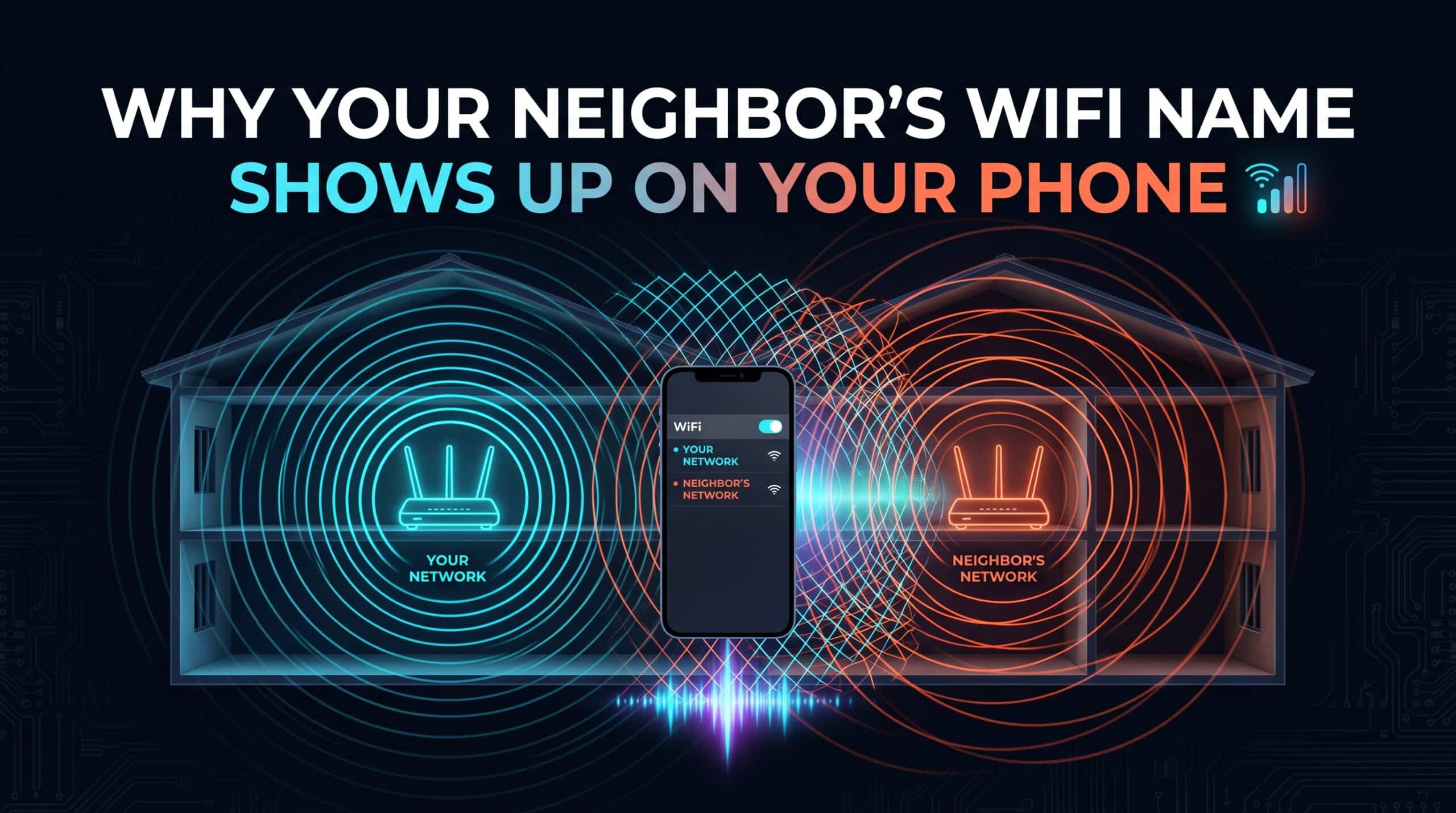
Open your phone’s WiFi settings and see a neighbor’s network name sitting right alongside your own — this can feel like something’s wrong, or like a privacy concern. In reality, it’s just ordinary radio physics working exactly as designed, and it says nothing meaningful about your own network’s security.
Radio Waves Don’t Recognize Property Lines
WiFi signals are radio waves, and radio waves don’t stop at a property boundary or an apartment wall just because that’s where the network conceptually “belongs.” A router’s signal simply radiates outward in all directions until it weakens enough to become undetectable, and depending on distance, walls, and building materials, that range frequently extends well into neighboring homes or apartments, in both directions.
Why Seeing It Doesn’t Mean Being Able to Use It
Your phone displaying a neighbor’s network name in a list of available WiFi networks means only that your phone’s radio can detect that router’s broadcast signal — nothing more. It doesn’t mean you have any ability to connect to it, and it doesn’t mean your neighbor can see or access your own network any more than you can access theirs, provided both networks are using standard password protection, which the overwhelming majority are by default in modern router setups.
What Actually Would Be Worth Checking
What’s genuinely worth confirming is that your own network has a real, non-default password set, rather than whether neighboring networks are visible in your list — visibility alone is completely normal and expected in any building with reasonably close neighbors. If you’re ever unsure whether your own network is adequately secured, checking your router’s admin panel for the current WiFi password and confirming it’s not still set to an easily-guessed factory default is the actually useful step.
Whatever networks show up around you, check your own connection’s actual performance with our free speed test.
Related Guides
- Why Your Router’s Default Password Is a Bigger Risk Than You Think
- Why WiFi Channels Work Like Traffic Lanes
Frequently Asked Questions
Is it a security problem if I can see my neighbor’s WiFi network?
No — seeing a network name just means your phone’s radio detected that router’s broadcast signal, which is normal given how radio waves travel through walls and across property lines. It doesn’t mean you can access it, or that anyone can access yours, provided standard password protection is in place.
What should I actually check regarding my own network’s security?
Confirm your router’s WiFi password has been changed from any factory default and is genuinely secure, rather than worrying about which neighboring networks happen to be visible in your device’s WiFi list.