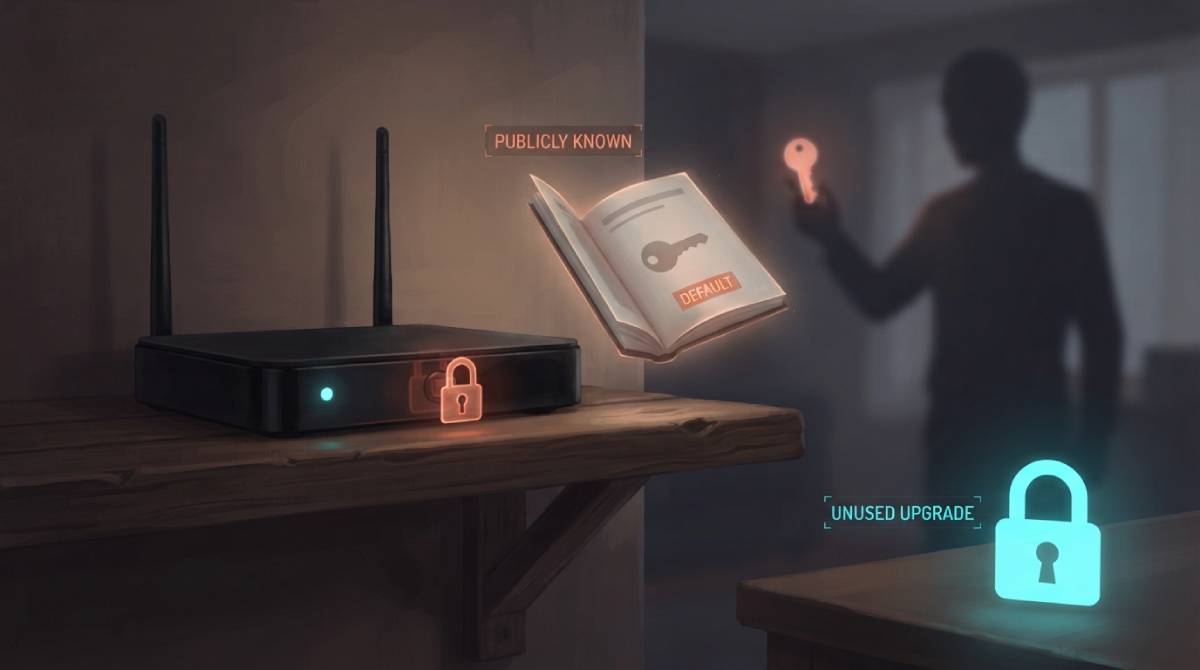
Most people worry about their WiFi password — the one you give out to guests — and never think twice about a second, more important password: the one that logs into your router’s actual admin settings. That second password is frequently left at its factory default, and factory defaults are not secret.
Why “Default” Doesn’t Mean Private
Router manufacturers reuse default admin credentials across entire product lines, and those defaults are documented in publicly available manuals, support pages, and searchable databases specifically built to look up default logins by router model and brand. Anyone who can identify your router’s make and model — sometimes visible just from the device label, sometimes guessable from your network name — can look up the factory default admin password in seconds, without needing to guess anything.
What an Attacker Can Actually Do With This
Access to your router’s admin panel isn’t a minor inconvenience — it’s control over the device that decides where all of your household’s internet traffic goes. That includes the ability to redirect traffic, change DNS settings to intercept what sites you’re actually reaching, or open ports that expose devices on your network to the wider internet. This is a meaningfully bigger risk than someone guessing your WiFi password, because WiFi access alone doesn’t hand over that level of control.
The Five-Minute Fix
Changing your router’s admin password away from the factory default is one of the highest-value, lowest-effort security steps available to a home network, and it’s typically buried in a settings menu most people never open. Log into your router’s admin panel — usually at an address like 192.168.1.1 or 192.168.0.1 — find the administrator password field, and set something unique that isn’t reused from any other account.
Once your network is secured, check your baseline speed and performance with our free speed test to confirm everything’s running as expected.
Related Guides
- How to Set Up a Guest WiFi Network
- What Is UPnP and Should I Enable It?
- Does a Router Affect Internet Speed?
Frequently Asked Questions
Is my router’s admin password the same as my WiFi password?
No, they’re separate. Your WiFi password lets devices join your network; your router’s admin password controls the actual settings of the router itself, including DNS, port forwarding, and traffic routing — a much higher-value target if left at its factory default.
How do I find and change my router’s admin password?
Log into your router’s admin panel, typically found at an address like 192.168.1.1 in a web browser, and look for an administrator or system password field in the settings menu. Change it to something unique that isn’t reused elsewhere.