Skip to content
Skip to content
Instant Speed Test
Speed Test
Tools

Connection checks

  • Bufferbloat TestCompare latency before and during a transfer.
  • Video Call TestCompare your results with calling requirements.
  • Wi-Fi Room ComparisonCompare manual tests around your home.
  • Connection StabilityWatch HTTP response times and failed requests.

Bandwidth planning

  • Household BandwidthEstimate the capacity your activities need.
  • Streaming BitratePlan upload headroom and stream data use.
  • Download TimeEstimate how long a file transfer will take.
  • Gaming Data UsageEstimate a gaming session's data use.
Explore all tools  →Understand the measurements
Gamer Hub
Guides

Understand your internet

  • Speed BasicsDownload, upload, latency and connection terms.
  • ComparisonsUnderstand network and speed differences.
  • Home NetworksRouters, devices and household connections.

Find practical help

  • Wi-Fi TipsCoverage, interference and everyday improvements.
  • TroubleshootingWork through slow or unstable connections.
  • Gaming GuidesUnderstand lag, ping and in-game network stats.
Browse all articles  →More tips and guides
How We Test
Search

Search the site's published pages and articles.

Category: WiFi Tips

Improve a wireless connection by checking coverage and the local radio link before assuming the internet plan is the limit. This section covers router placement, signal strength, channels, frequency bands and choices such as mesh systems or extenders. Compare the same device in different rooms and, where possible, against an Ethernet connection. Keep other conditions similar so you can tell which change helped. A strong signal indicator alone does not describe all aspects of wireless performance, and a newer router is not automatically the answer. Start with the placement, channel and signal guides below, then explore the wider collection.

Check router placement
Investigate Wi-Fi channels
Check wireless signal and coverage
Compare supported Wi-Fi bands
Compare an extender with a mesh system

Chromecast Missing on Guest Wi-Fi? Check Device Isolation First

A guest-network phone and a casting receiver on separate local networks illustrate device isolation.

A streaming device can be online yet invisible to your phone. Compare network membership, local permissions and guest isolation before blaming bandwidth.

Smart Camera Will Not Join a New Router? Check WPA3 Compatibility

Smart camera and replacement router with security shields beside a compatibility checklist.

A new router can change security and onboarding conditions. Separate WPA compatibility, radio band and address-assignment errors before changing settings.

The Fastest Way to Cut Ping on a Shared WiFi Network

The Fastest Way to Cut Ping on a Shared WiFi Network

Ping gets worse the moment someone else uses your WiFi. Here’s why shared airtime hits latency specifically, and the fastest way to fix it.

Why Some Rooms Never Get Good WiFi (And How to Fix It)
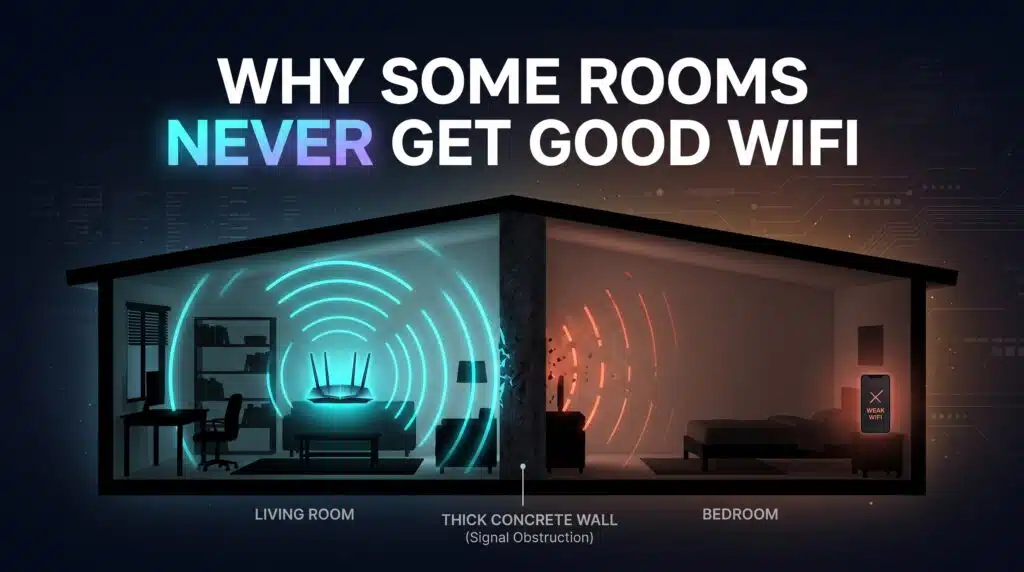
Why Some Rooms Never Get Good WiFi And How to Fix It

That one room with terrible WiFi isn’t cursed — it’s physics. Here’s what actually causes dead zones and how to fix each specific cause.

How Many Devices Can Your WiFi Actually Handle?

How Many Devices Can Your WiFi Actually Handle

There’s no magic number, but there’s a real practical ceiling — and it arrives sooner than your router’s spec sheet suggests. Here’s why.

Should You Set Up a Guest WiFi Network? Here’s How

Should You Set Up a Guest WiFi Network Heres How

Your WiFi password opens more than just internet access — it opens your whole network. Here’s why a guest network matters and how to set one up.

WiFi vs Ethernet: When the Cable Actually Wins

WiFi vs Ethernet When the Cable Actually Wins

WiFi is good enough for most things. Here’s exactly when a wired connection genuinely outperforms it, and which of your devices actually deserve a cable.

How to Actually Choose a Router (Without Getting Overwhelmed)
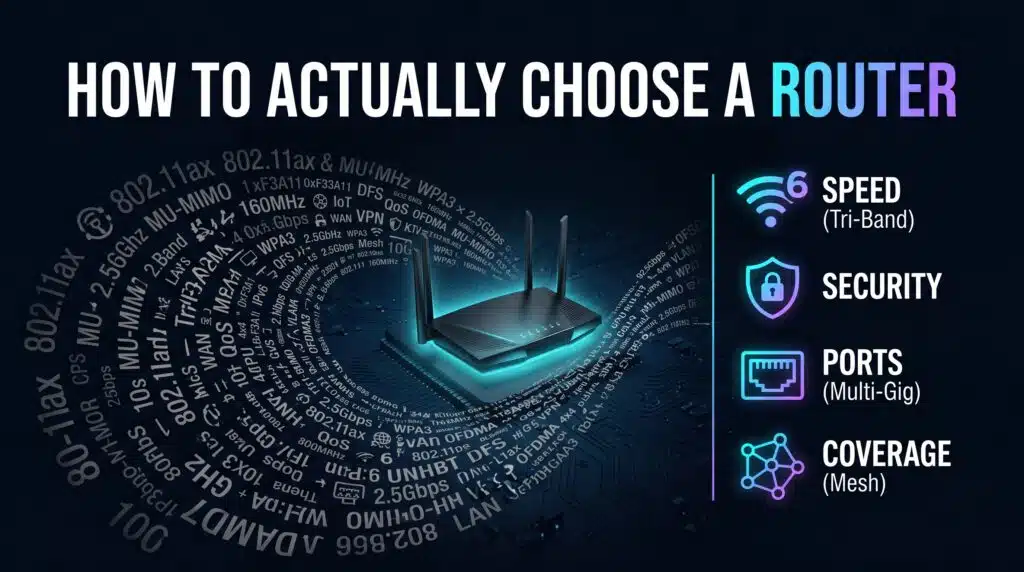
How to Actually Choose a Router Without Getting Overwhelmed

Router shopping is designed to overwhelm you with numbers. Here’s which specs actually matter and which ones are just marketing noise.

The Real Guide to Setting Up Parental Controls on Your WiFi

The Real Guide to Setting Up Parental Controls on Your WiFi

Modern parental controls go way beyond blocking everything after 9pm. Here’s how router-level and device-level controls actually work together.

Why Your WiFi Gets Slower Every Night (It’s Not Your Imagination)
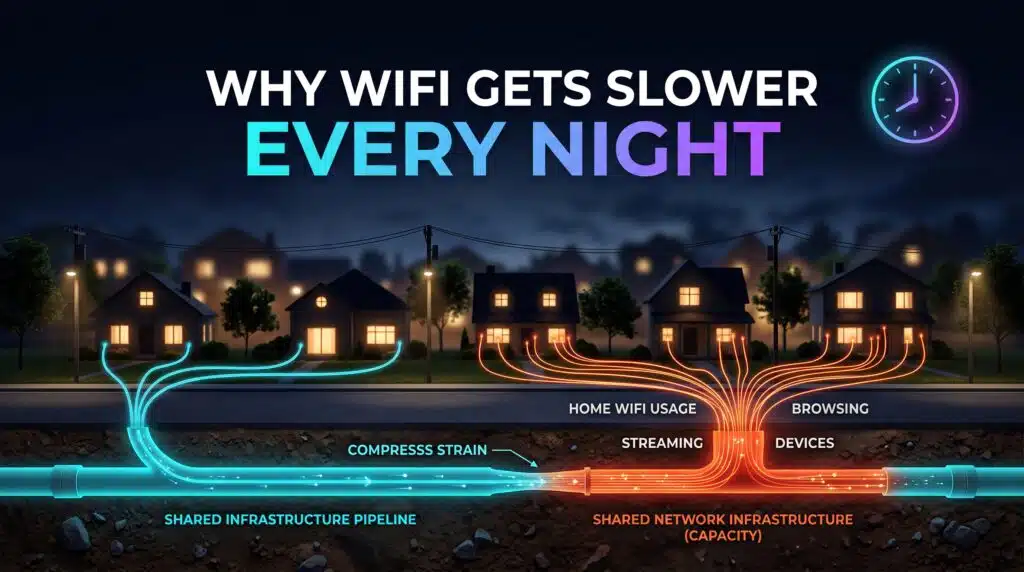
Why Your WiFi Gets Slower Every Night Its Not Your Imagination

That evening slowdown is real, predictable, and has a specific cause. Here’s why your WiFi gets worse at the exact same time every day.

Next →
Instant Speed Test

Practical internet diagnostics, connection tools and clear guides to help you understand your network.

How our measurements work  →

Tools

  • Internet Speed Test
  • Bufferbloat Test
  • Video Call Test
  • Wi-Fi Room Comparison
  • Household Bandwidth
  • Explore all tools →

Guides

  • Speed Basics
  • Wi-Fi Tips
  • Troubleshooting
  • Home Networks
  • Gaming Guides
  • Recent articles →

Explore

  • Gamer Hub
  • About
  • Contact
  • How We Test
  • All pages

© 2026 Instant Speed Test. Built by Ahmad Raza.

Privacy Policy Terms of Service XML sitemap