Skip to content
Skip to content
Instant Speed Test
Speed Test
Tools

Connection checks

  • Bufferbloat TestCompare latency before and during a transfer.
  • Video Call TestCompare your results with calling requirements.
  • Wi-Fi Room ComparisonCompare manual tests around your home.
  • Connection StabilityWatch HTTP response times and failed requests.

Bandwidth planning

  • Household BandwidthEstimate the capacity your activities need.
  • Streaming BitratePlan upload headroom and stream data use.
  • Download TimeEstimate how long a file transfer will take.
  • Gaming Data UsageEstimate a gaming session's data use.
Explore all tools  →Understand the measurements
Gamer Hub
Guides

Understand your internet

  • Speed BasicsDownload, upload, latency and connection terms.
  • ComparisonsUnderstand network and speed differences.
  • Home NetworksRouters, devices and household connections.

Find practical help

  • Wi-Fi TipsCoverage, interference and everyday improvements.
  • TroubleshootingWork through slow or unstable connections.
  • Gaming GuidesUnderstand lag, ping and in-game network stats.
Browse all articles  →More tips and guides
How We Test
Search

Search the site's published pages and articles.

Category: Home Network Guide

Understand how your home connection is shared between the router, wired devices, wireless clients and online services. This section covers everyday network behavior, equipment roles and the effect of several people using a connection together. Start by identifying which devices are affected and whether the problem follows a particular room, activity or time. That context helps you choose between a Wi-Fi check, a router investigation and a wider connection test. The selected guides explain the building blocks and common situations so you can make one change at a time and compare what happens afterward.

Understand the modem and router roles
Distinguish a restart from a factory reset
Understand shared household bandwidth
Compare connections within the same home

Dropbox LAN Sync: When a Local Copy Can Help and When It Cannot

Two computers transfer a shared file over a local network while a separate cloud-sync link remains visible.

LAN sync can use an authorized local Dropbox copy, but support, network discovery and bandwidth-limit exceptions matter. Check the route without weakening access controls.

Casting a Video or Mirroring a Screen: Why the Network Path Differs

Two playback diagrams compare controlling a receiver’s stream with presenting a laptop screen on a TV.

A Cast player and a mirrored screen can use different device roles. Name the method, compare the same content and keep receiver playback separate from a laptop speed test.

Ring Edge Local Storage: What Still Depends on Internet and Power?

Doorbell camera and local storage hub shown with separate memory-card, power and internet connections.

Ring Edge is a specific local-video arrangement. Check camera eligibility, storage, backup internet and component power separately rather than assuming every function works offline.

Mesh Ethernet Backhaul: Wire the Nodes Without Creating a Loop

Main mesh router, switch and satellite nodes connected by a branching Ethernet backhaul.

Check model support, map the router and switch path, then wire and verify one mesh node at a time. Google Nest and Deco examples stay product-specific.

How to Test Local Network Speed Between Two Computers

Two computers connected through an Ethernet switch for a local network throughput comparison.

Plan a bounded throughput test between computers you own, distinguish the LAN path from internet speed and interpret differences without guessing the faulty component.

Changing a Nest Camera’s Wi-Fi: Reconnect, Restart or Reset?

A camera, old router and new router illustrate checking the supported Wi-Fi reconnection process.

Nest camera Wi-Fi changes depend on the model and owning app. Check the supported update path and history consequences before removing or resetting a device.

Arlo Direct Wi-Fi or SmartHub? Map the Camera’s Network Path

Two camera paths show direct Wi-Fi to a router or wireless to a hub with a wired Ethernet uplink.

Map whether an Arlo camera uses direct Wi-Fi or a compatible hub before changing settings. Connection mode, storage features and upload capacity are separate checks.

Double NAT or Bridge Mode? Check Two Routers Before Changing Settings
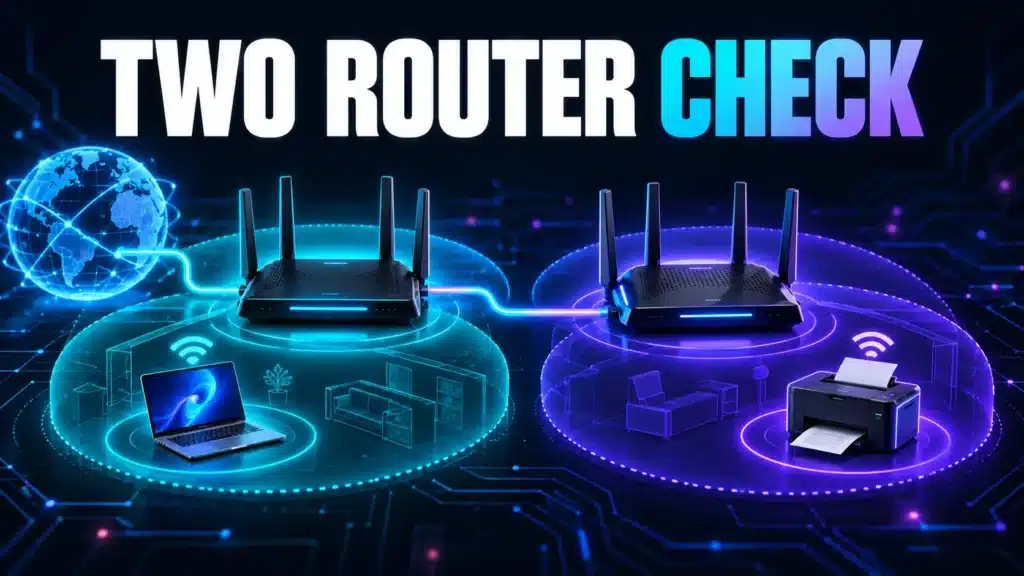
Two routers and separate local-network zones illustrate a double-NAT configuration check.

Two routers do not automatically lower internet speed. Map their roles, compare the actual symptom and check model-specific bridge-mode consequences before changing settings.

What Happens to Your Data the Moment You Hit Send

What Happens to Your Data the Moment You Hit Send

Sending a message or loading a page triggers a genuinely fast, multi-step journey across real physical infrastructure — here’s what actually happens in that split second.

Why Some Websites Load Instantly and Others Crawl

Why Some Websites Load Instantly and Others Crawl

Your internet connection is often not the reason a specific website loads slowly. Here’s what actually determines a site’s loading speed, separate from your own setup.

Next →
Instant Speed Test

Practical internet diagnostics, connection tools and clear guides to help you understand your network.

How our measurements work  →

Tools

  • Internet Speed Test
  • Bufferbloat Test
  • Video Call Test
  • Wi-Fi Room Comparison
  • Household Bandwidth
  • Explore all tools →

Guides

  • Speed Basics
  • Wi-Fi Tips
  • Troubleshooting
  • Home Networks
  • Gaming Guides
  • Recent articles →

Explore

  • Gamer Hub
  • About
  • Contact
  • How We Test
  • All pages

© 2026 Instant Speed Test. Built by Ahmad Raza.

Privacy Policy Terms of Service XML sitemap