Skip to content
Skip to content
Instant Speed Test
Speed Test
Tools

Connection checks

  • Bufferbloat TestCompare latency before and during a transfer.
  • Video Call TestCompare your results with calling requirements.
  • Wi-Fi Room ComparisonCompare manual tests around your home.
  • Connection StabilityWatch HTTP response times and failed requests.

Bandwidth planning

  • Household BandwidthEstimate the capacity your activities need.
  • Streaming BitratePlan upload headroom and stream data use.
  • Download TimeEstimate how long a file transfer will take.
  • Gaming Data UsageEstimate a gaming session's data use.
Explore all tools  →Understand the measurements
Gamer Hub
Guides

Understand your internet

  • Speed BasicsDownload, upload, latency and connection terms.
  • ComparisonsUnderstand network and speed differences.
  • Home NetworksRouters, devices and household connections.

Find practical help

  • Wi-Fi TipsCoverage, interference and everyday improvements.
  • TroubleshootingWork through slow or unstable connections.
  • Gaming GuidesUnderstand lag, ping and in-game network stats.
Browse all articles  →More tips and guides
How We Test
Search

Search the site's published pages and articles.

Category: Gamer’s Guide

Start with the network statistics inside your game, then use these guides to interpret what they show. Ping, timing variation, connection quality and frame rate describe different parts of the playing experience. Our game pages provide browser-based checks to regional endpoints; they are not a direct measurement of every match server. Compare those checks with the game's own statistics and note the region, connection type and time of the problem. The selected EA FC, CS2 and Roblox resources below pair each game's tool page with a guide to reading its connection or performance information.

EA FC ping tool · EA Connection Quality Report guide
CS2 ping tool · FACEIT and CS2 Premier comparison guide
Roblox ping tool · Roblox performance statistics guide

Rocket League’s Physics Run at Double the Speed You See

Rocket Leagues Physics Run at Double the Speed You See

Psyonix confirmed Rocket League’s physics simulate at 120Hz internally, while network updates only go out at 60Hz. Here’s why that split matters more than you’d think.

The Video Game With the Worst Launch Servers Ever

The Video Game With the Worst Launch Servers Ever

Overwatch launched with one of the most criticized tick rates in shooter history. Here’s the full story of how bad it actually was, and how Blizzard fixed it.

Why Destiny 2 Doesn’t Use Real Servers for Movement
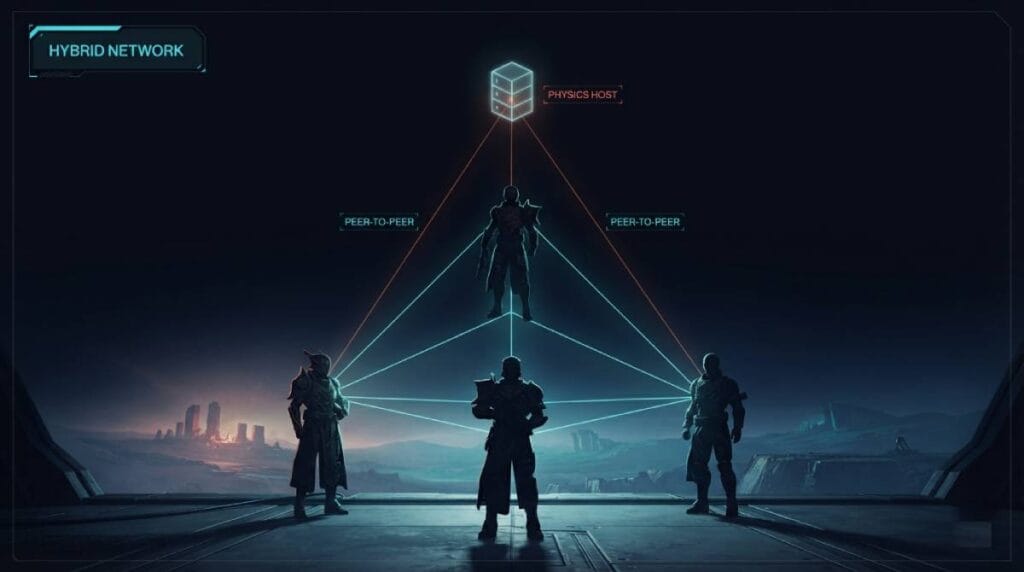
Why Destiny 2 Doesnt Use Real Servers for Movement

Destiny 2’s network model isn’t client-server at all — it’s a hybrid Bungie built on purpose, and it changes what a ping test can actually tell you.

GTA Online Isn’t Using Rockstar’s Servers At All

GTA Online Isnt Using Rockstars Servers At All

GTA Online doesn’t run on dedicated Rockstar servers during gameplay — it’s a full peer-to-peer mesh network, and that changes everything about troubleshooting it.

Minecraft Lag Has Nothing to Do With Your Internet (Usually)

Minecraft Lag Has Nothing to Do With Your Internet Usually

The most common cause of Minecraft lag isn’t your connection at all — it’s a strict 50-millisecond budget the server has to hit every single tick.

The Ping Number Pro Gamers Actually Play On
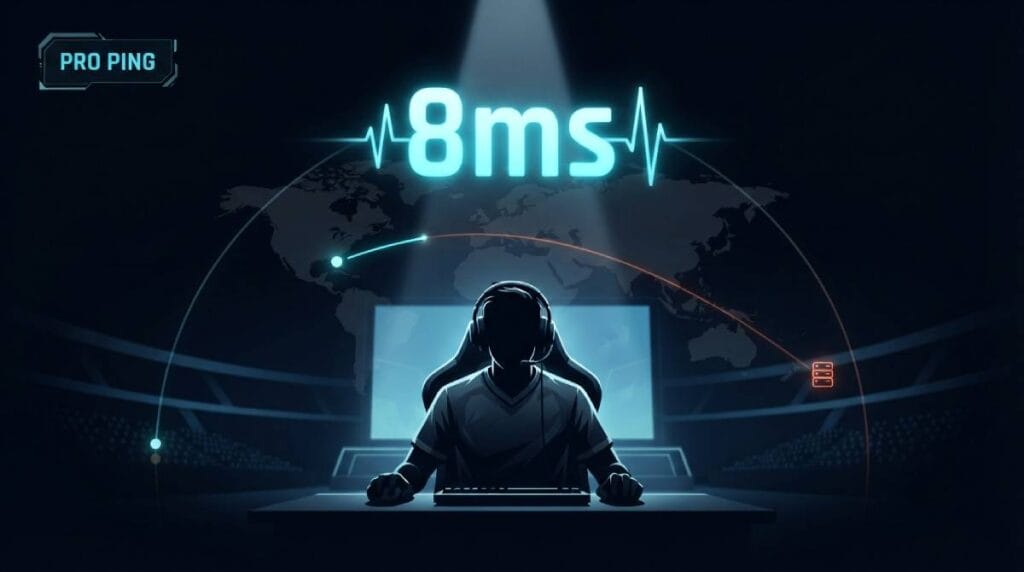
The Ping Number Pro Gamers Actually Play On

What ping do professional esports players actually compete on? The real numbers across Valorant, CS2, and other competitive titles, and why geography still wins.

Why Your PS5 Defaults to WiFi — And It’s Costing You

Why Your PS5 Defaults to WiFi — And Its Costing You

Most consoles ship set up for WiFi out of the box, and most players never change it. Here’s what that default is actually costing your ping and jitter.

The Physics Bug Hiding Inside Every Online Shooter
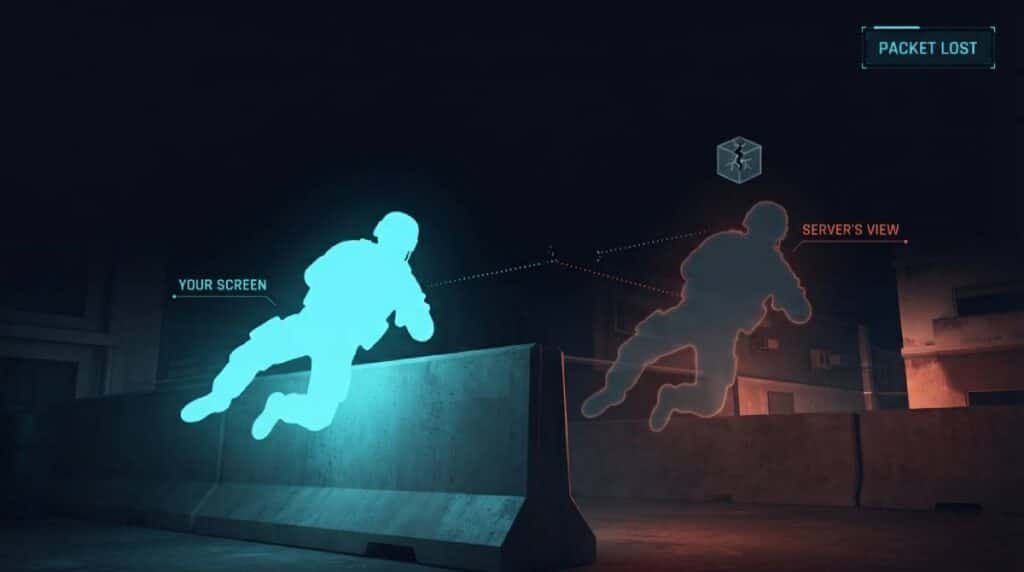
The Physics Bug Hiding Inside Every Online Shooter

Almost every ‘shot behind cover’ moment in online gaming traces back to the same protocol decision — one that trades reliability for speed on purpose.

Why Valve Never Gave CS2 128-Tick Servers
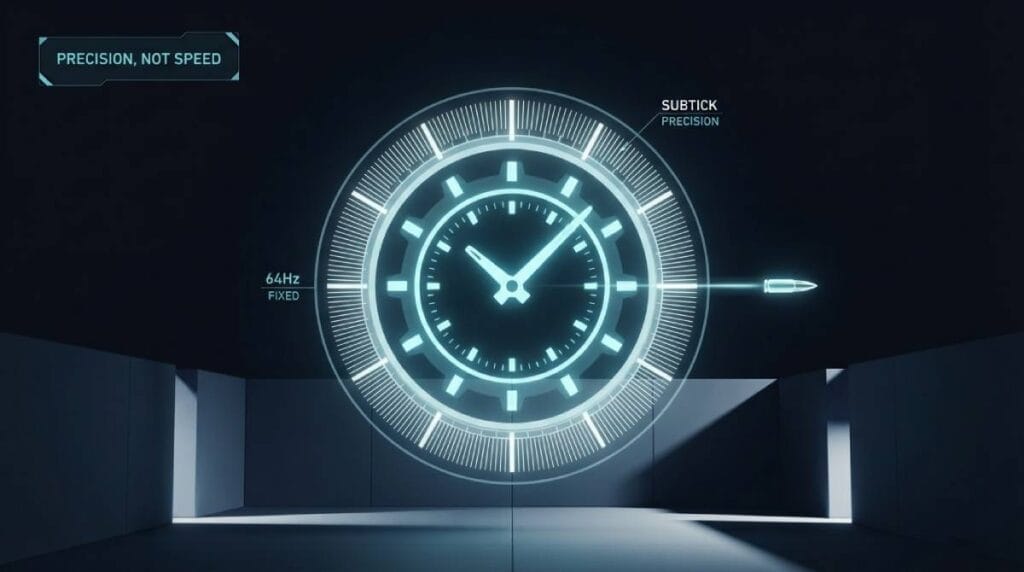
Why Valve Never Gave CS2 128 Tick Servers

Valve had years of community pressure to raise CS2’s tick rate to 128. Instead they built something different entirely — here’s what subtick actually does.

The Secret Math Behind Why Cloud Gaming Feels Different
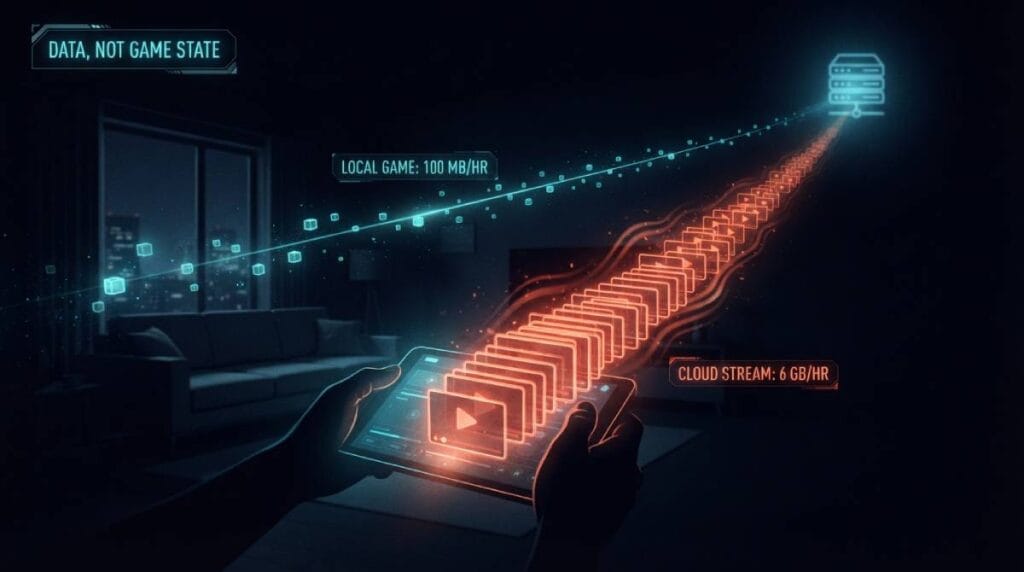
The Secret Math Behind Why Cloud Gaming Feels Different

Cloud gaming isn’t just ‘streaming a game’ — it’s solving a completely different latency problem than local play, and the numbers explain why it feels the way it does.

← Previous
Next →
Instant Speed Test

Practical internet diagnostics, connection tools and clear guides to help you understand your network.

How our measurements work  →

Tools

  • Internet Speed Test
  • Bufferbloat Test
  • Video Call Test
  • Wi-Fi Room Comparison
  • Household Bandwidth
  • Explore all tools →

Guides

  • Speed Basics
  • Wi-Fi Tips
  • Troubleshooting
  • Home Networks
  • Gaming Guides
  • Recent articles →

Explore

  • Gamer Hub
  • About
  • Contact
  • How We Test
  • All pages

© 2026 Instant Speed Test. Built by Ahmad Raza.

Privacy Policy Terms of Service XML sitemap