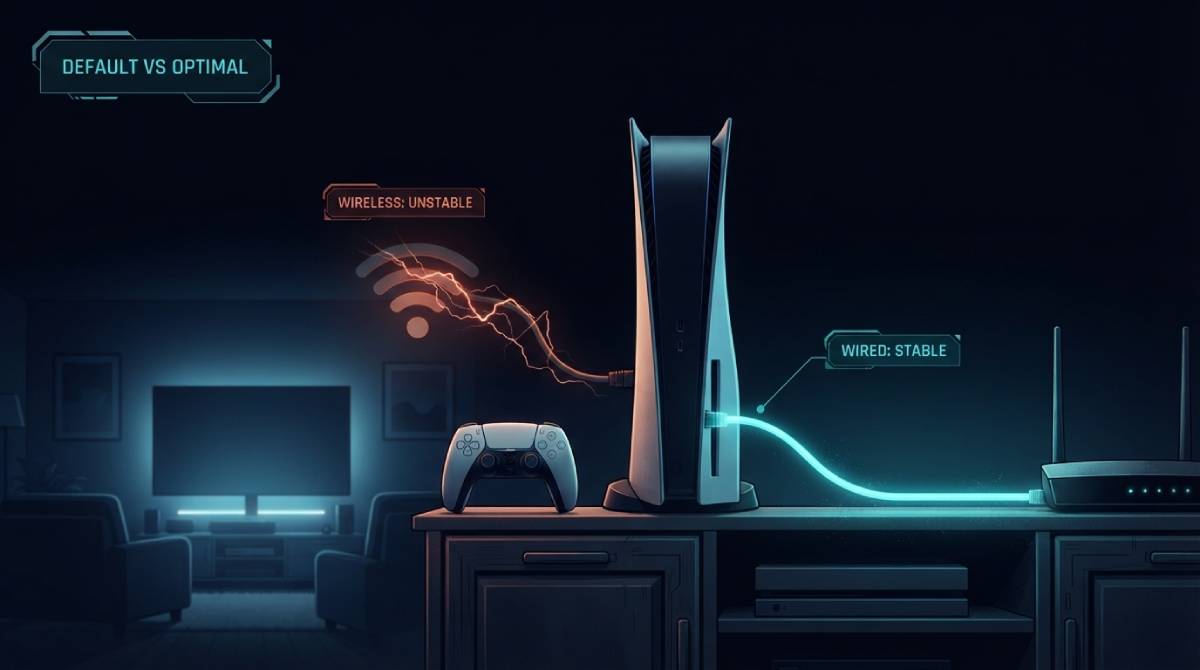
Set up a PS5 or Xbox Series X fresh out of the box, and the setup wizard will happily walk you through connecting to WiFi, hand you a functioning internet connection within minutes, and never once suggest there’s a better option sitting right there on the back of the console. For a huge share of players, that WiFi connection is the only one they’ll ever use — not because it’s better, but because nothing in the setup process suggested checking.
What WiFi Actually Costs You That Raw Speed Numbers Hide
WiFi and Ethernet can show remarkably similar download speeds on a fast router, which is exactly why WiFi’s real cost for gaming often goes unnoticed until someone compares ping and jitter specifically, not just Mbps. Ethernet gives a direct physical connection with minimal interference. WiFi has to compete with other devices on the same frequency, contend with walls and distance weakening signal, and share bandwidth with neighboring networks on crowded channels. In practice, this typically shows up as WiFi carrying both a higher baseline ping and noticeably more jitter than the identical connection over a wired cable — often the difference between a stable 20 milliseconds and a jumpy 20-to-60 millisecond range on the same internet plan.
Consoles Make This Especially Easy to Miss
This gap matters more on console specifically because the friction to fix it is so low, and yet the default so rarely gets questioned. Both PS5 and Xbox Series X/S support Gigabit Ethernet through their built-in ports — no adapter, no extra purchase, just a cable most people already own from an old router. Yet because WiFi 6 comes built in and works “well enough” for casual play, ranked multiplayer sessions on both platforms routinely run over a connection type that’s quietly working against them in every close gunfight, without the player ever realizing there was a simpler option available the entire time.
How to Tell If This Is Actually Affecting You
The test is straightforward: run a ping and jitter check on WiFi, then plug in an Ethernet cable and run the exact same test again. If your Game Readiness Score or your raw ping and jitter numbers improve meaningfully, that gap represents real performance you were leaving on the table by default, not by choice.
Our Gamer Speed Test is built specifically to run this comparison — test on WiFi, switch to Ethernet, and see the actual difference in ping, jitter, and your composite Game Readiness Score side by side.
Related Guides
- Gamer Hub — All Game Ping Tests
- Gamer Speed Test
- Warzone Ping Test
- Halo Infinite Ping Test
- Jitter vs Ping for Gaming
Frequently Asked Questions
Do PS5 and Xbox Series X support Ethernet without an adapter?
Yes, both consoles have a built-in Gigabit Ethernet port. No additional hardware is required beyond a standard Ethernet cable connected to your router.
How much difference does switching from WiFi to Ethernet actually make?
It varies by setup, but WiFi commonly adds both a higher baseline ping and noticeably more jitter than the same connection over Ethernet — often the difference between a stable 20ms and a jumpy 20-60ms range, even on an identical internet plan.