Skip to content
Skip to content
Instant Speed Test
Speed Test
Tools

Connection checks

  • Bufferbloat TestCompare latency before and during a transfer.
  • Video Call TestCompare your results with calling requirements.
  • Wi-Fi Room ComparisonCompare manual tests around your home.
  • Connection StabilityWatch HTTP response times and failed requests.

Bandwidth planning

  • Household BandwidthEstimate the capacity your activities need.
  • Streaming BitratePlan upload headroom and stream data use.
  • Download TimeEstimate how long a file transfer will take.
  • Gaming Data UsageEstimate a gaming session's data use.
Explore all tools  →Understand the measurements
Gamer Hub
Guides

Understand your internet

  • Speed BasicsDownload, upload, latency and connection terms.
  • ComparisonsUnderstand network and speed differences.
  • Home NetworksRouters, devices and household connections.

Find practical help

  • Wi-Fi TipsCoverage, interference and everyday improvements.
  • TroubleshootingWork through slow or unstable connections.
  • Gaming GuidesUnderstand lag, ping and in-game network stats.
Browse all articles  →More tips and guides
How We Test
Search

Search the site's published pages and articles.

Category: Gamer’s Guide

Start with the network statistics inside your game, then use these guides to interpret what they show. Ping, timing variation, connection quality and frame rate describe different parts of the playing experience. Our game pages provide browser-based checks to regional endpoints; they are not a direct measurement of every match server. Compare those checks with the game's own statistics and note the region, connection type and time of the problem. The selected EA FC, CS2 and Roblox resources below pair each game's tool page with a guide to reading its connection or performance information.

EA FC ping tool · EA Connection Quality Report guide
CS2 ping tool · FACEIT and CS2 Premier comparison guide
Roblox ping tool · Roblox performance statistics guide

Why Rocket League Punishes High Ping More Than Other Games

Why Rocket League Punishes High Ping More Than Other Games

Rocket League’s physics run at 120Hz while network updates run at 60Hz. Here’s why that gap makes ping matter more than in most other games.

Fortnite Ping Explained: What Actually Moves the Number
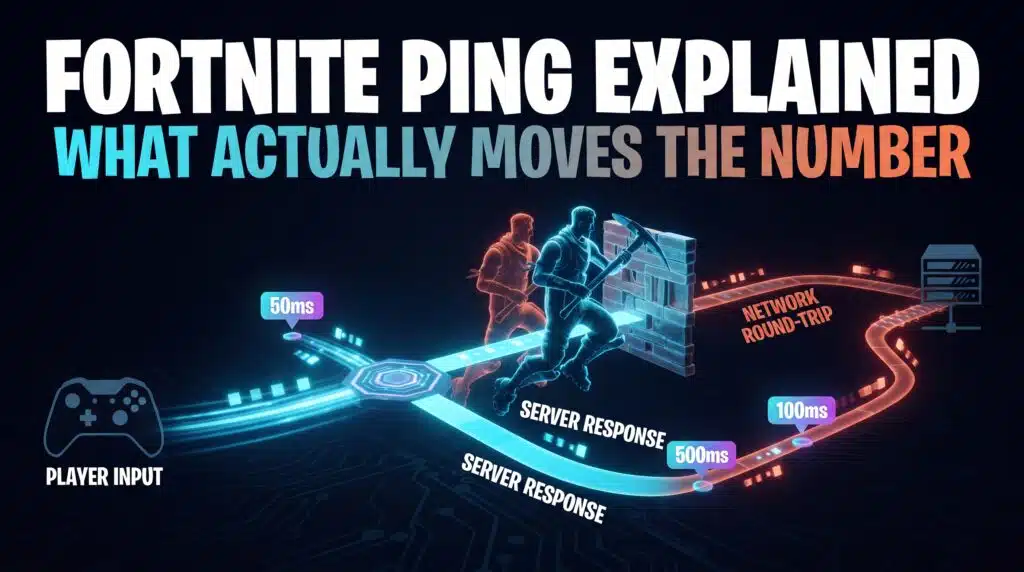
Fortnite Ping Explained What Actually Moves the Number

Read Fortnite ping and packet loss in a real match, check Auto and Subregion Preference, and compare Wi-Fi, traffic and browser test results correctly.

Valorant’s 128-Tick Servers and What They Really Mean for Your Ping
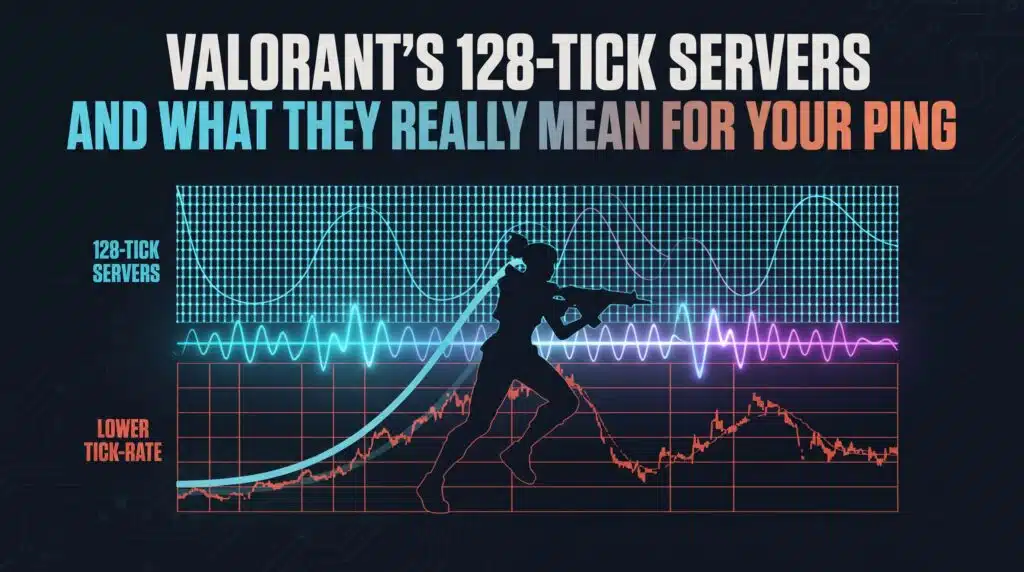
Valorants 128 Tick Servers and What They Really Mean for Your Ping

128-tick gets credit for Valorant’s precision, but it depends entirely on your own connection to actually deliver it. Here’s how the two interact.

Why Warzone Players See Higher Ping Than Everyone Else in the Lobby
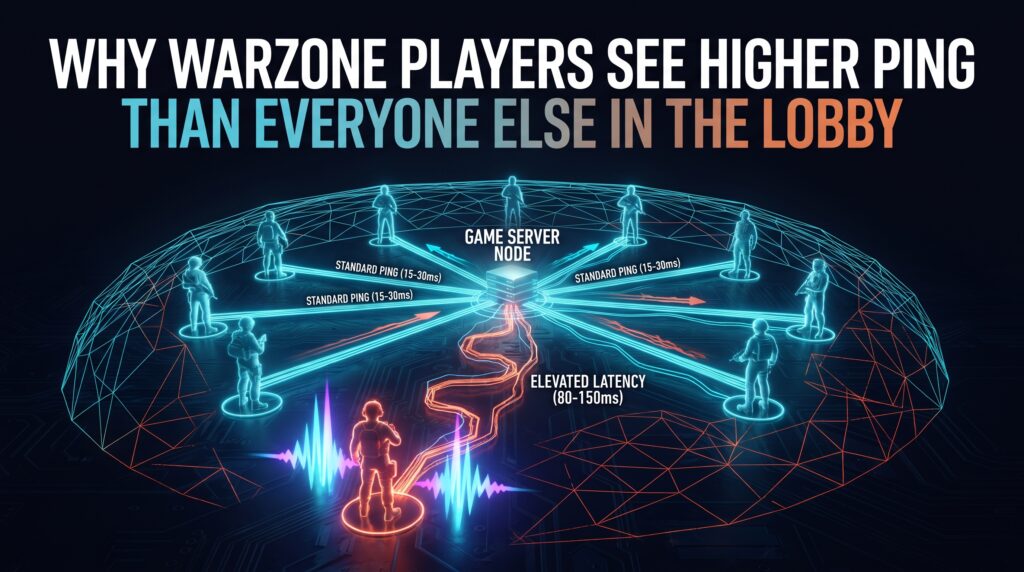
Why Warzone Players See Higher Ping Than Everyone Else in the Lobby

Same lobby, wildly different ping numbers. Here’s why Warzone’s matchmaking makes this normal, and what you can actually control instead.

Reducing Ping in Apex Legends Without Buying New Hardware
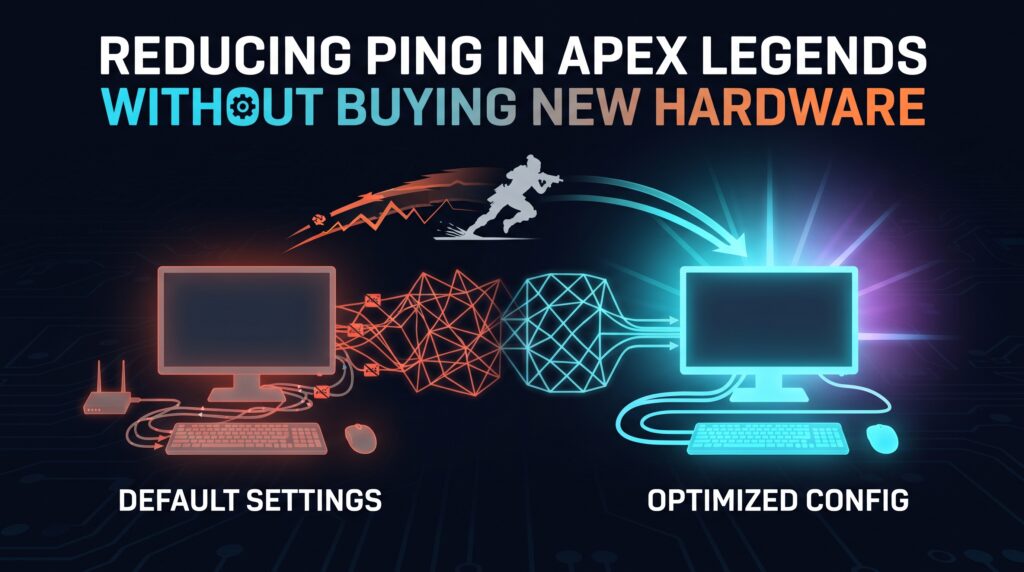
Reducing Ping in Apex Legends Without Buying New Hardware

Apex’s confirmed 20Hz tick rate sets a real ceiling. Here’s what genuinely helps within it, without spending a cent on new hardware.

League of Legends Ping: Why the Client’s Number Lies to You
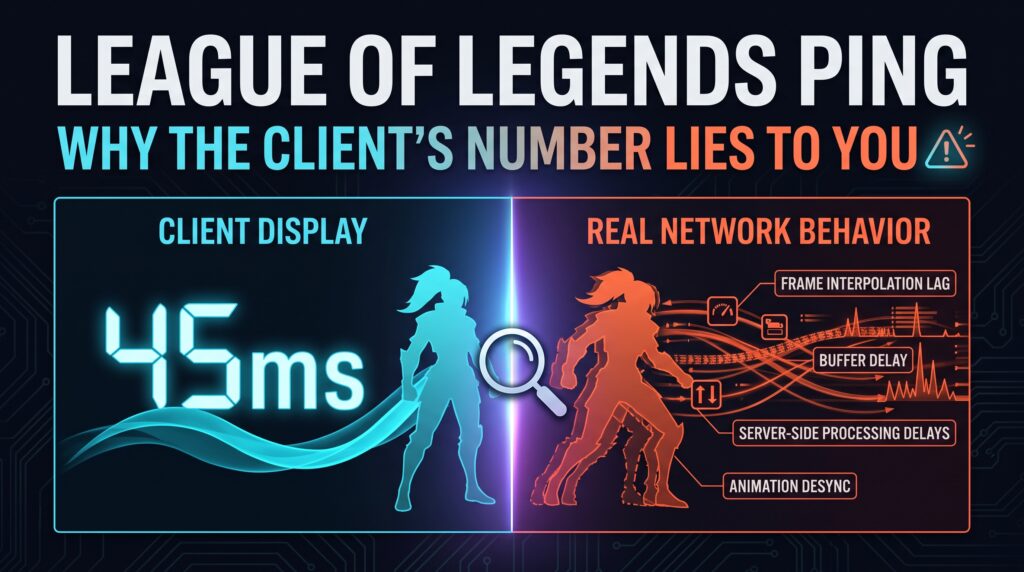
League of Legends Ping Why the Clients Number Lies to You

League’s ping display doesn’t capture the server’s own tick rate. Here’s the gap, and when it actually matters during a match.

How to Reduce Ping in COD Mobile: Network and Phone Checks
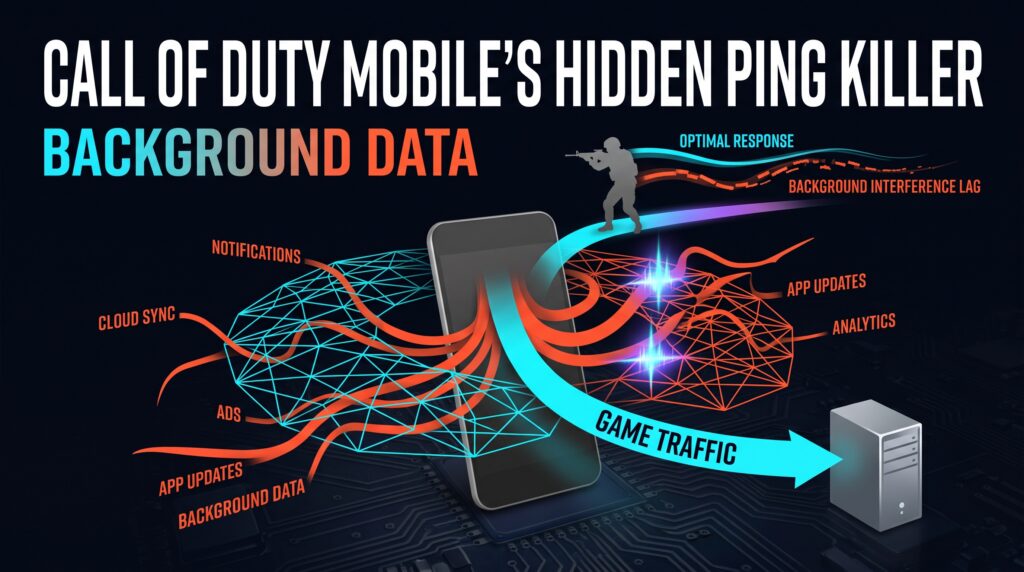
Call of Duty Mobiles Hidden Ping Killer Background Data

Troubleshoot COD Mobile ping by testing background transfers, comparing networks, and separating connection problems from phone stutter. Do Not Disturb controls interruptions.

How to Reduce Ping in Free Fire: Connection and Server Checks

Free Fires Server Selection Trick Most Players Never Use

Compare Free Fire’s in-game ping on Wi-Fi and mobile data, separate connection delay from phone stutter, and check current regional support before changing account settings.

Reducing Ping in CS2: What Subtick Actually Changed
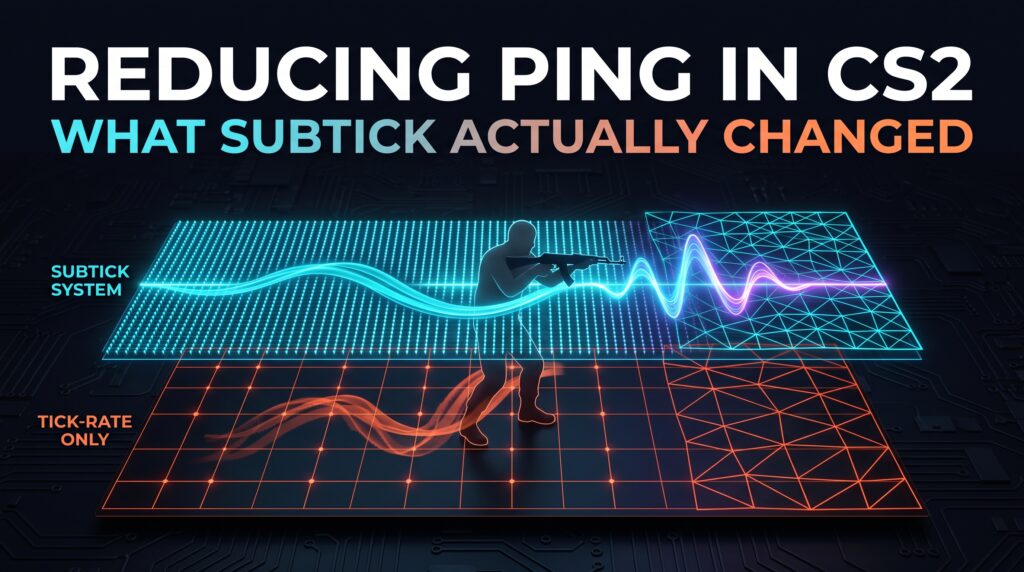
Reducing Ping in CS2 What Subtick Actually Changed

CS2’s subtick system changed what reducing ping actually means. Here’s what genuinely moves the needle now, and why your connection matters more than ever.

How to Reduce Ping in PUBG Mobile: Signal and Network Checks
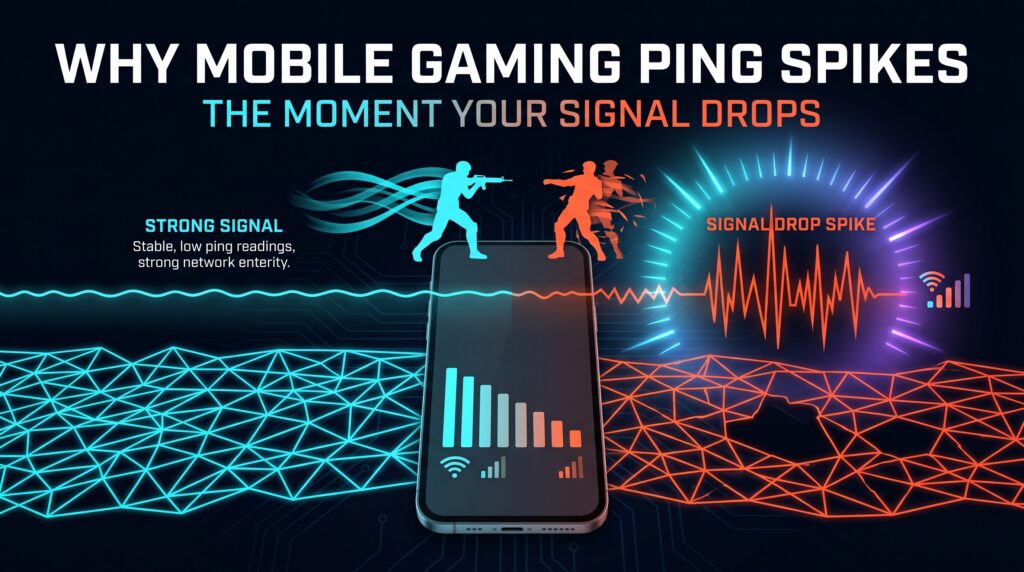
Why PUBG Mobiles Ping Spikes the Moment Your Signal Drops

Troubleshoot PUBG Mobile ping spikes with repeatable Wi-Fi and cellular comparisons, supported network settings, and checks for coverage, congestion, and device performance.

← Previous
Next →
Instant Speed Test

Practical internet diagnostics, connection tools and clear guides to help you understand your network.

How our measurements work  →

Tools

  • Internet Speed Test
  • Bufferbloat Test
  • Video Call Test
  • Wi-Fi Room Comparison
  • Household Bandwidth
  • Explore all tools →

Guides

  • Speed Basics
  • Wi-Fi Tips
  • Troubleshooting
  • Home Networks
  • Gaming Guides
  • Recent articles →

Explore

  • Gamer Hub
  • About
  • Contact
  • How We Test
  • All pages

© 2026 Instant Speed Test. Built by Ahmad Raza.

Privacy Policy Terms of Service XML sitemap