Skip to content
Skip to content
Instant Speed Test
Speed Test
Tools

Connection checks

  • Bufferbloat TestCompare latency before and during a transfer.
  • Video Call TestCompare your results with calling requirements.
  • Wi-Fi Room ComparisonCompare manual tests around your home.
  • Connection StabilityWatch HTTP response times and failed requests.

Bandwidth planning

  • Household BandwidthEstimate the capacity your activities need.
  • Streaming BitratePlan upload headroom and stream data use.
  • Download TimeEstimate how long a file transfer will take.
  • Gaming Data UsageEstimate a gaming session's data use.
Explore all tools  →Understand the measurements
Gamer Hub
Guides

Understand your internet

  • Speed BasicsDownload, upload, latency and connection terms.
  • ComparisonsUnderstand network and speed differences.
  • Home NetworksRouters, devices and household connections.

Find practical help

  • Wi-Fi TipsCoverage, interference and everyday improvements.
  • TroubleshootingWork through slow or unstable connections.
  • Gaming GuidesUnderstand lag, ping and in-game network stats.
Browse all articles  →More tips and guides
How We Test
Search

Search the site's published pages and articles.

Category: Gamer’s Guide

Start with the network statistics inside your game, then use these guides to interpret what they show. Ping, timing variation, connection quality and frame rate describe different parts of the playing experience. Our game pages provide browser-based checks to regional endpoints; they are not a direct measurement of every match server. Compare those checks with the game's own statistics and note the region, connection type and time of the problem. The selected EA FC, CS2 and Roblox resources below pair each game's tool page with a guide to reading its connection or performance information.

EA FC ping tool · EA Connection Quality Report guide
CS2 ping tool · FACEIT and CS2 Premier comparison guide
Roblox ping tool · Roblox performance statistics guide

Xbox Remote Play vs Cloud Gaming: Which Connection Should You Test?
Two game-streaming paths originate from a home console and a cloud service.

Xbox Remote Play and Cloud Gaming use different hosts. Identify the stream first, then test the connection that actually carries it.

Steam Download at 0 B/s? Check Patching and Disk Activity First
Illustration separating game download traffic from local disk activity and patching.

A Steam download at 0 B/s may still be patching files locally. Read the queue, network and disk activity together before choosing the next check.

How to Read Roblox Performance Stats: Ping, FPS and Data Ping
Block-style gaming avatar beside a monitor and illustrated ping, FPS and data ping panels.

Learn what Roblox’s FPS, CPU, GPU, network ping and data ping readings mean, then use a repeatable comparison to investigate choppy or delayed gameplay.

FACEIT Ping vs CS2 Premier: Why They Differ and How to Compare
Two gaming PCs connect to distant servers through different orange and cyan network routes.

Compare FACEIT and Premier ping using real match telemetry, server locations and a repeatable log. Find whether the gap follows a server, a route or changing connection conditions.

How to Read Your EA FC Connection Quality Report
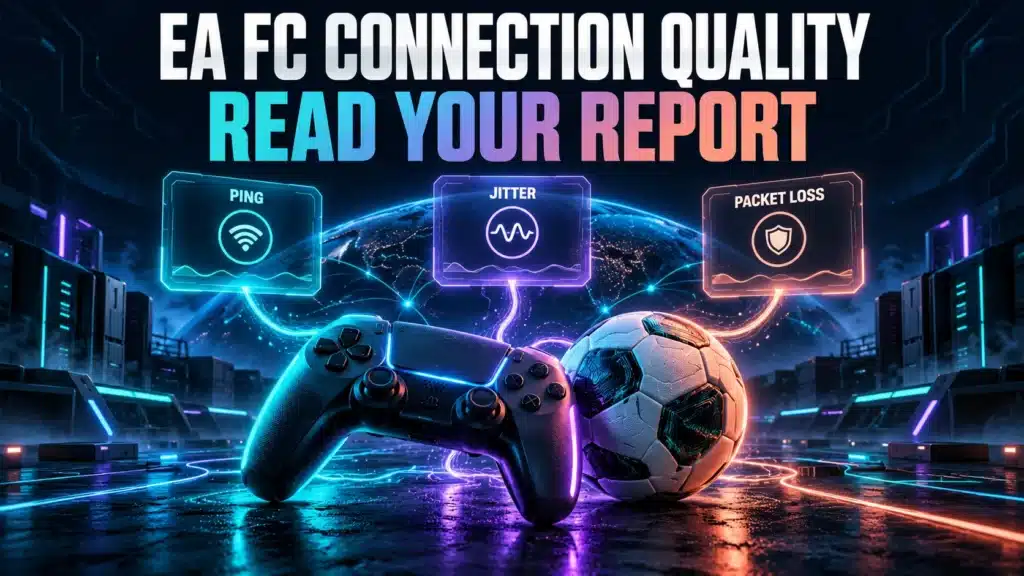
Soccer ball and game controller connected to illustrated ping, jitter and packet loss panels.

Understand your EA FC Connection Score, compare individual match readings, and use a repeatable home-network check to investigate delayed or inconsistent gameplay.

GTA Online’s Peer-to-Peer Problem and What It Means for Your Ping
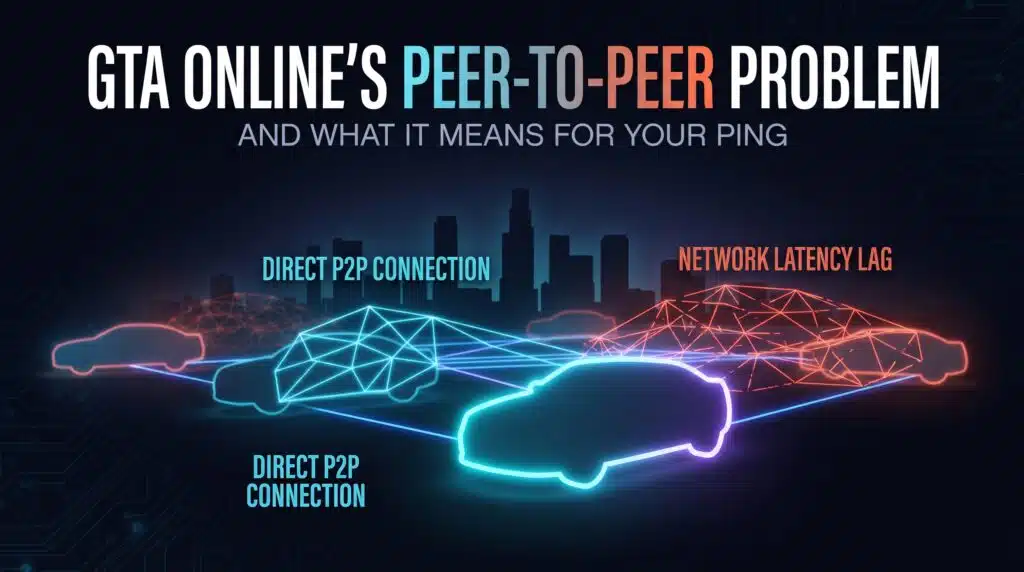
GTA Onlines Peer to Peer Problem and What It Means for Your Ping

GTA Online doesn’t use dedicated servers for gameplay. Here’s why that makes ping genuinely unpredictable, and what you can actually control.

Overwatch 2’s Netcode Overhaul: Did It Actually Fix Ping?
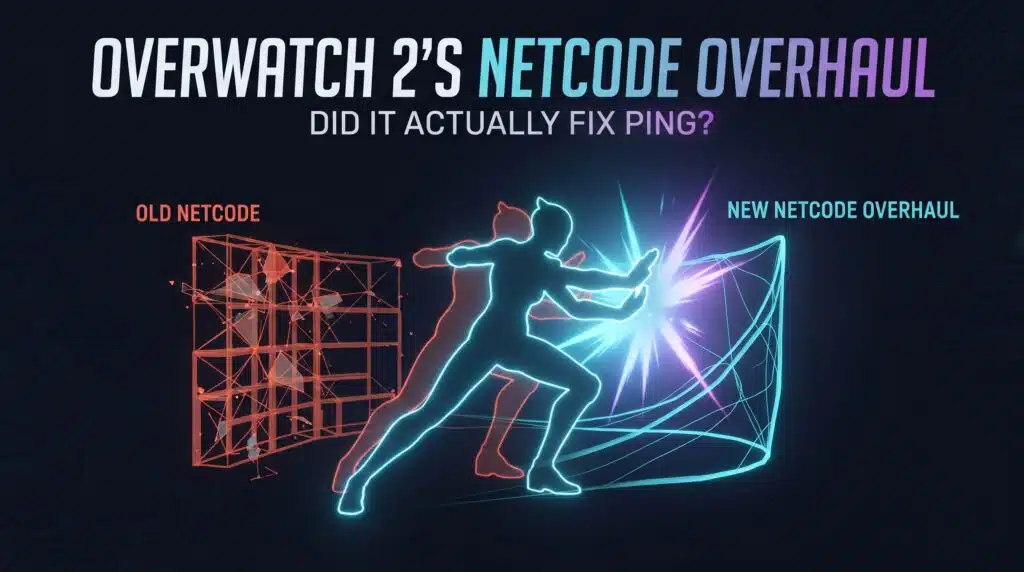
Overwatch 2s Netcode Overhaul Did It Actually Fix Ping

Original Overwatch ran at 20.8Hz. Here’s what the tick rate upgrade to 64Hz actually changed, and why your connection matters more now, not less.

Console Ping: Why Xbox and PS5 Handle It Differently Than PC
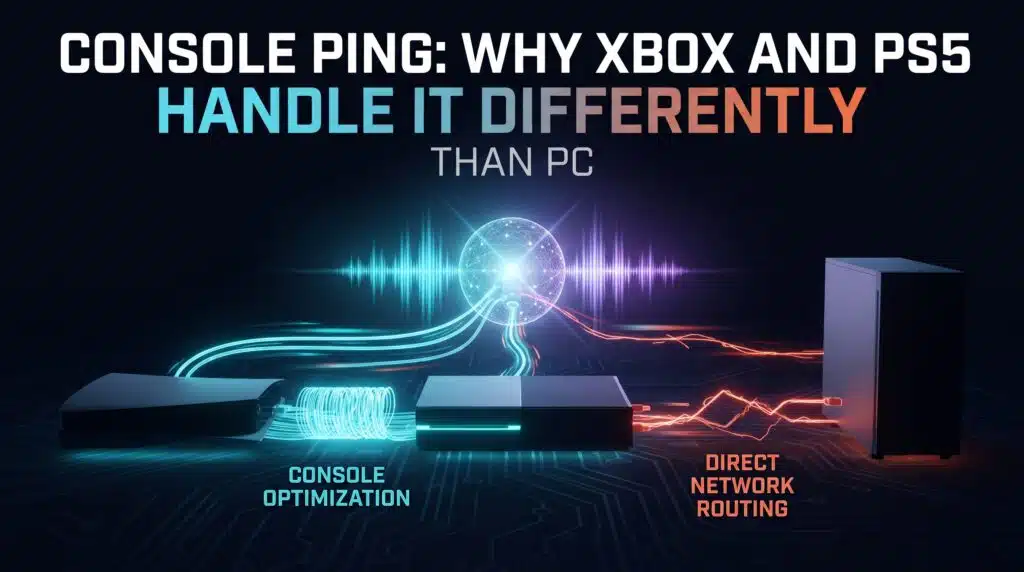
Console Ping Why Xbox and PS5 Handle It Differently Than PC

Console ping troubleshooting has real, console-specific factors PC guides never cover. Here’s what actually differs on Xbox and PS5.

The Nintendo Switch’s WiFi Weakness Nobody Talks About
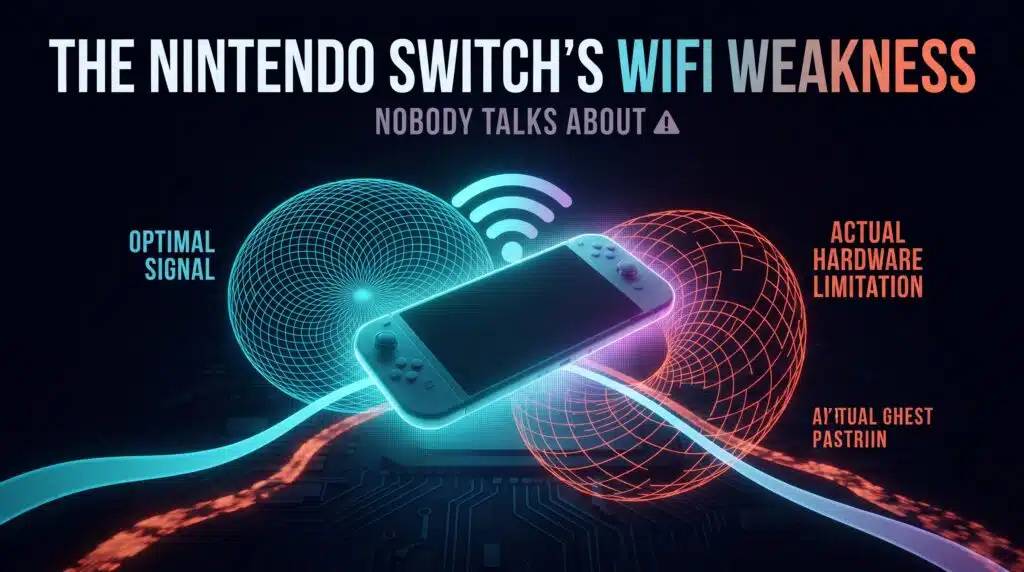
The Nintendo Switchs WiFi Weakness Nobody Talks About

The original Switch has no built-in Ethernet port at all. Here’s the real hardware constraint behind Switch ping problems, and the actual workaround.

Can You Actually Stream and Game Without Your Ping Suffering?
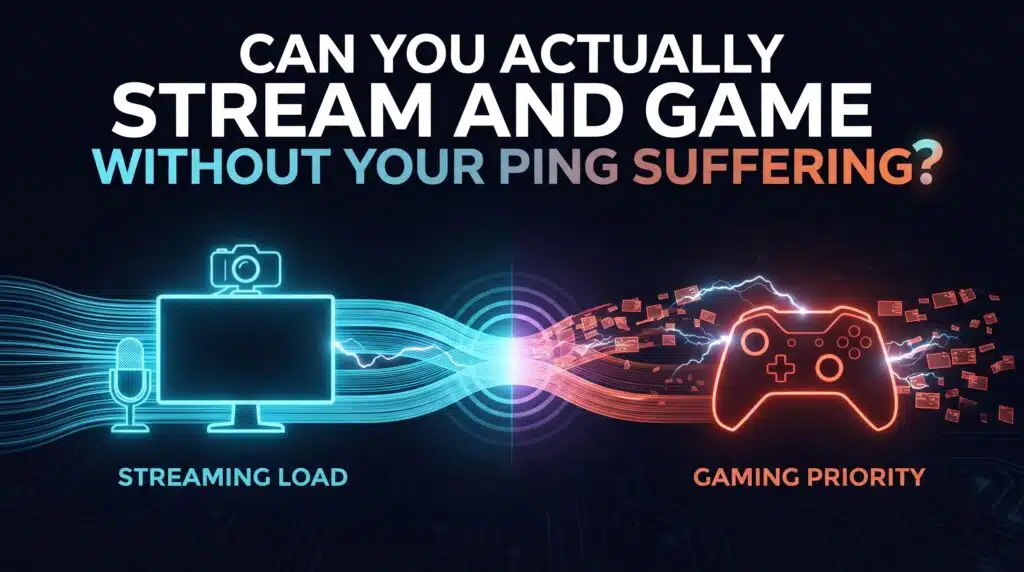
Can You Actually Stream and Game Without Your Ping Suffering

Streaming and competitive gaming put genuinely conflicting demands on the same connection. Here’s the honest answer, and what actually helps.

← Previous
Next →
Instant Speed Test

Practical internet diagnostics, connection tools and clear guides to help you understand your network.

How our measurements work  →

Tools

  • Internet Speed Test
  • Bufferbloat Test
  • Video Call Test
  • Wi-Fi Room Comparison
  • Household Bandwidth
  • Explore all tools →

Guides

  • Speed Basics
  • Wi-Fi Tips
  • Troubleshooting
  • Home Networks
  • Gaming Guides
  • Recent articles →

Explore

  • Gamer Hub
  • About
  • Contact
  • How We Test
  • All pages

© 2026 Instant Speed Test. Built by Ahmad Raza.

Privacy Policy Terms of Service XML sitemap