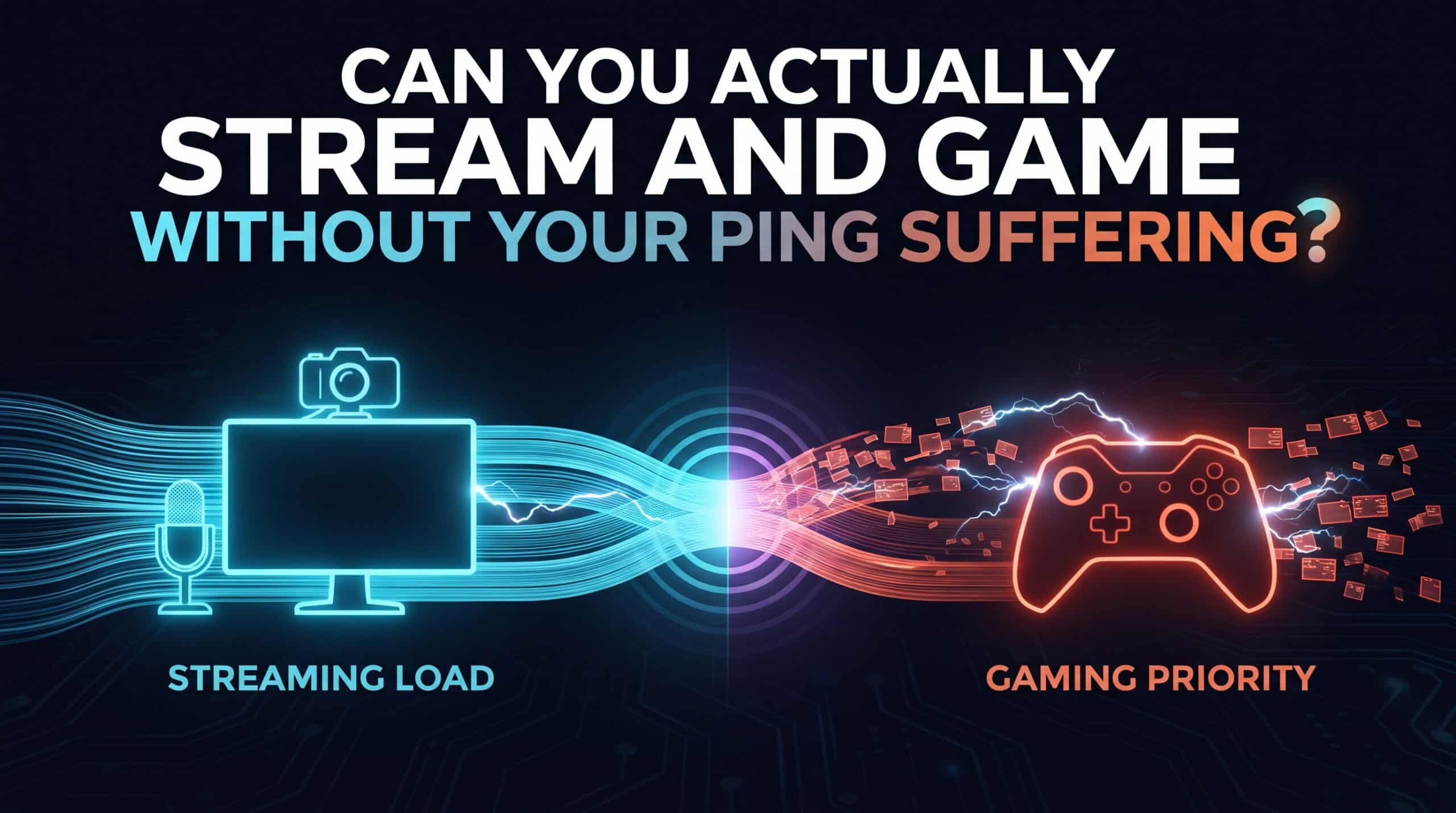
Trying to stream your gameplay while actually competing in it puts two genuinely conflicting demands on the same connection at once, and the honest answer to whether you can do both without your ping suffering is: it depends heavily on what you have available, not just how well you configure things.
Why This Is a Genuinely Harder Problem Than Just “More Bandwidth“
Streaming uploads a continuous, substantial video feed at the same time your game is sending and receiving the small, frequent packets that actually determine your ping. These two types of traffic have fundamentally different priorities — streaming wants sustained throughput, gaming wants minimal delay for tiny packets — and without explicit prioritization, a router treats both as equally important, which in practice means neither gets what it actually needs during moments of peak demand.
Upload Speed Is the Real Bottleneck
Most home internet plans are asymmetric, with upload speed a fraction of download speed, and streaming is fundamentally an upload-heavy activity competing directly with your game’s own need for quick, consistent upload of input data. A connection with plenty of download speed but modest upload can look perfectly capable on paper while genuinely struggling the moment streaming and competitive gaming try to share that limited upload capacity simultaneously.
What Quality of Service Actually Buys You Here
Setting up QoS to explicitly prioritize your gaming traffic over your streaming upload addresses the core conflict directly, ensuring your game’s small, latency-sensitive packets get through promptly even while a large, continuous stream is also trying to use the same connection. This doesn’t eliminate the fundamental bandwidth competition, but it does make sure your ping specifically doesn’t pay the price for a viewer’s stream quality.
A Second Connection Solves This More Completely
For anyone streaming seriously and competitively at the same time, a genuinely separate connection for streaming — a second internet line, or routing stream upload through cellular data while gaming stays on the primary wired connection — sidesteps the shared-bandwidth conflict entirely rather than just managing it better. This is a real cost and complexity increase, worth it specifically for streamers where both stream quality and competitive performance matter simultaneously, rather than a general recommendation for casual streaming.
Encoding Method Matters More Than Most Streamers Realize
Hardware encoding, offloading video compression to a dedicated chip rather than your CPU, frees up processing resources that would otherwise compete with your game for the same system resources — a genuinely separate issue from network bandwidth, but one that compounds the same underlying problem of trying to do two demanding things simultaneously on shared, finite resources.
Test your upload speed and ping together, both with and without an active stream running, using our free speed test to see exactly how much streaming is actually costing your in-game responsiveness.
Related Guides
Frequently Asked Questions
Can I stream and game competitively at the same time without hurting my ping?
It depends heavily on your upload speed and setup. QoS prioritization helps significantly, but for anyone where both stream quality and competitive performance genuinely matter, a separate connection for streaming solves the underlying bandwidth conflict more completely.
Why does streaming specifically hurt ping more than other background activity?
Streaming is a sustained, upload-heavy activity competing directly with your game’s need for quick, consistent upload of its own small data packets — a more direct conflict than a typical background download, which mostly competes for download bandwidth instead.