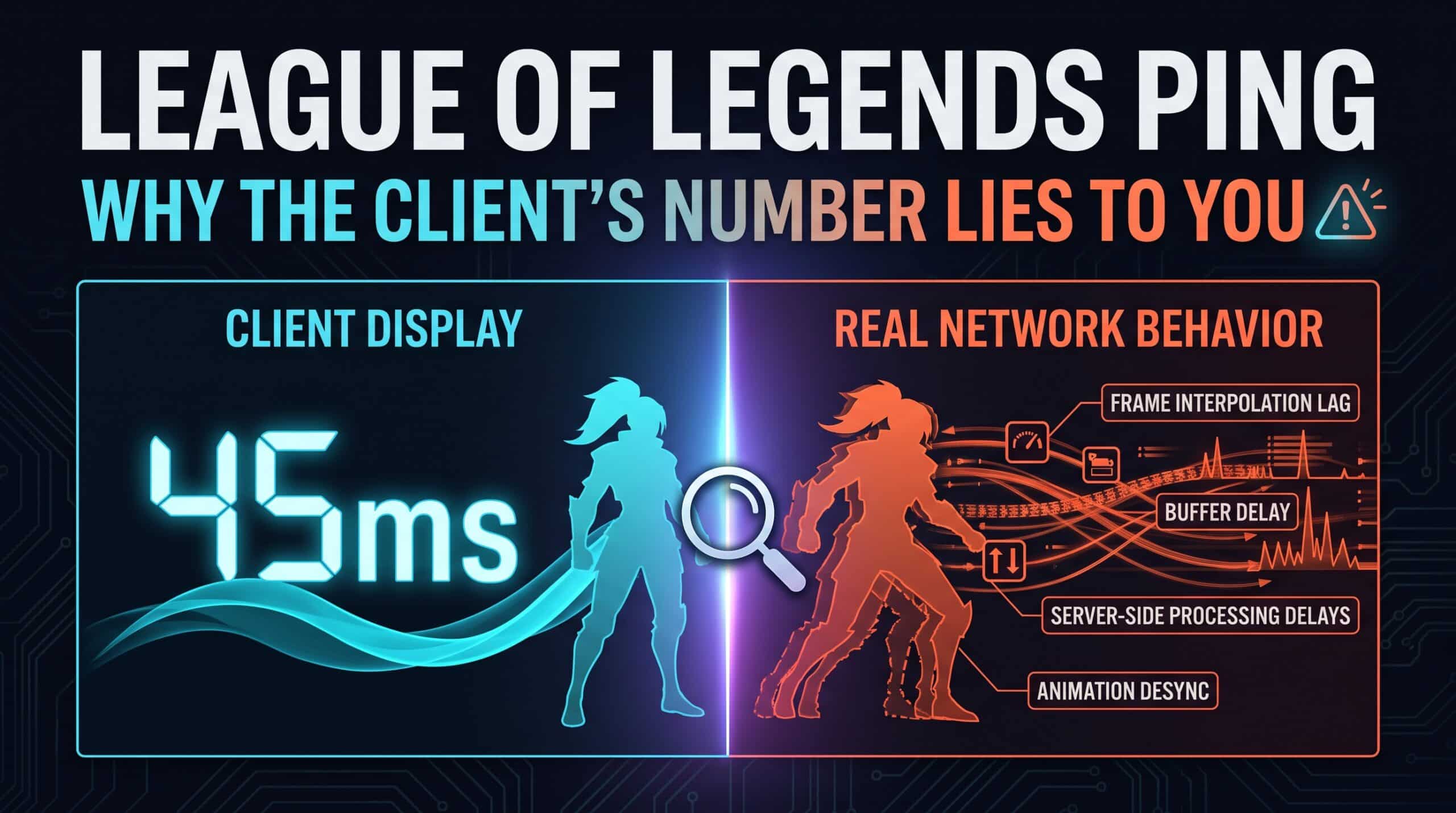
The ping number sitting in League’s client isn’t lying exactly, but it isn’t telling the whole story either — and the gap between what that number shows and what’s actually happening on the server explains a lot of “my ping looked fine but the game felt off” confusion.
What the Client Number Actually Measures
League’s displayed ping reflects the round-trip time between your client and the server — a genuine, accurate measurement of that specific leg of the journey. What it doesn’t capture is server tick rate, which for League has been documented at approximately 30.3Hz, meaning the server itself only processes and broadcasts updates around 30 times per second regardless of how fast your own connection is. A low client ping to a server operating at that pace still caps your effective responsiveness at what the server can actually process.
Why This Gap Matters More in Some Situations Than Others
For most of League’s pacing — moving around the map, farming, positioning — this gap between client ping and server tick rate rarely matters in any noticeable way. It becomes more relevant during fast, precise sequences: point-and-click ability combos executed in rapid succession, or split-second reaction plays where the difference between the server processing your input on this cycle versus the next genuinely affects the outcome.
Region Selection Still Deserves Attention
League locks players to specific regional servers rather than allowing free selection the way some other competitive games do, which makes getting your account on the correct region from the start genuinely important rather than something to fix later. For players near a regional boundary, testing actual ping to neighboring regions before committing to server transfers or new accounts is worth the research given how disruptive switching later can be.
What Genuinely Helps Beyond Understanding the Numbers
A wired connection remains the most reliable fix for anyone on WiFi, given how directly ability-combo timing depends on consistent input delivery. Closing background applications matters less in League than in more graphically demanding games, but any application actively using bandwidth — cloud sync, streaming on a second monitor — still competes for the same connection your client ping is measuring.
Check your League of Legends connection with our free speed test, and compare results across different times of day to spot any patterns worth addressing.
Related Guides
- How to Reduce Ping: A Complete Guide
- Why Competitive Games Don’t Trust Your Ping Number
- Low Ping vs Stable Ping
Frequently Asked Questions
Why does League feel inconsistent even when my ping looks fine?
The client’s ping number measures your round trip to the server but doesn’t reflect server tick rate — approximately 30.3Hz for League — which sets a real ceiling on effective responsiveness that a low ping number alone doesn’t capture.
Can I freely switch League regions to find lower ping?
Not as freely as in some other games — League locks accounts to specific regions, which makes getting the initial choice right, especially for players near a regional boundary, genuinely worth researching upfront.