Skip to content
Skip to content
Instant Speed Test
Speed Test
Tools

Connection checks

  • Bufferbloat TestCompare latency before and during a transfer.
  • Video Call TestCompare your results with calling requirements.
  • Wi-Fi Room ComparisonCompare manual tests around your home.
  • Connection StabilityWatch HTTP response times and failed requests.

Bandwidth planning

  • Household BandwidthEstimate the capacity your activities need.
  • Streaming BitratePlan upload headroom and stream data use.
  • Download TimeEstimate how long a file transfer will take.
  • Gaming Data UsageEstimate a gaming session's data use.
Explore all tools  →Understand the measurements
Gamer Hub
Guides

Understand your internet

  • Speed BasicsDownload, upload, latency and connection terms.
  • ComparisonsUnderstand network and speed differences.
  • Home NetworksRouters, devices and household connections.

Find practical help

  • Wi-Fi TipsCoverage, interference and everyday improvements.
  • TroubleshootingWork through slow or unstable connections.
  • Gaming GuidesUnderstand lag, ping and in-game network stats.
Browse all articles  →More tips and guides
How We Test
Search

Search the site's published pages and articles.

Category: Blog

Use this collection to understand your speed-test results and choose the next check for your connection. Start with the difference between download, upload and response time, then follow the section that matches your activity or symptom. A low result on one device calls for a different investigation from a slowdown across the whole home. The guides cover testing conditions, Wi-Fi, wired connections, streaming, remote work and gaming. Keep the device, connection and test destination consistent when comparing results. The starting points below connect the main browser test with practical explanations and the wider guide library.

Run the internet speed test
Set up a useful speed-test comparison
Understand download speed
Investigate different speeds on a laptop and phone
Explore game-specific tools and guides

Console Ping: Why Xbox and PS5 Handle It Differently Than PC
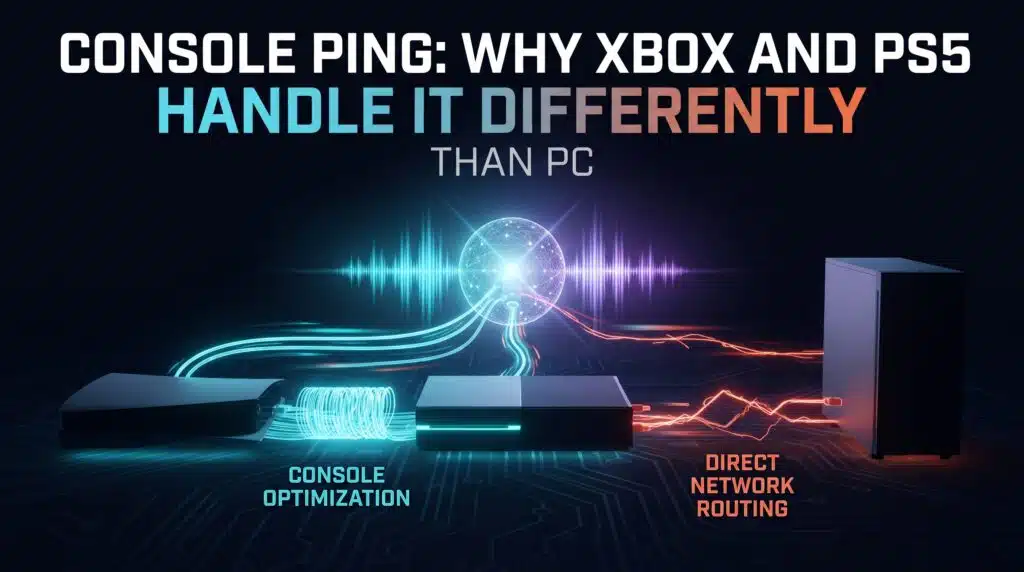
Console Ping Why Xbox and PS5 Handle It Differently Than PC

Console ping troubleshooting has real, console-specific factors PC guides never cover. Here’s what actually differs on Xbox and PS5.

The Nintendo Switch’s WiFi Weakness Nobody Talks About
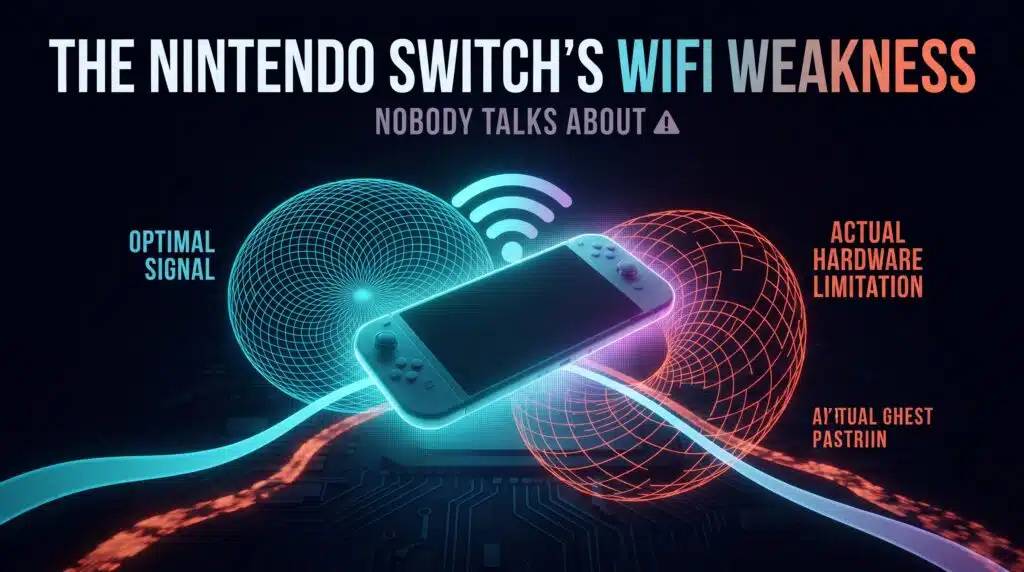
The Nintendo Switchs WiFi Weakness Nobody Talks About

The original Switch has no built-in Ethernet port at all. Here’s the real hardware constraint behind Switch ping problems, and the actual workaround.

Can You Actually Stream and Game Without Your Ping Suffering?
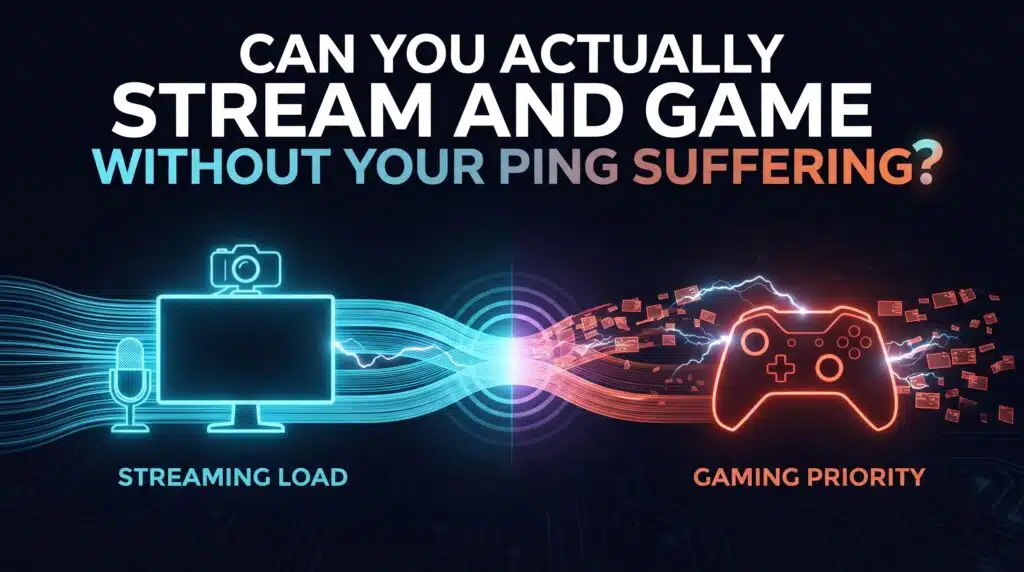
Can You Actually Stream and Game Without Your Ping Suffering

Streaming and competitive gaming put genuinely conflicting demands on the same connection. Here’s the honest answer, and what actually helps.

Does a VPN Really Lower Ping? The Honest Answer
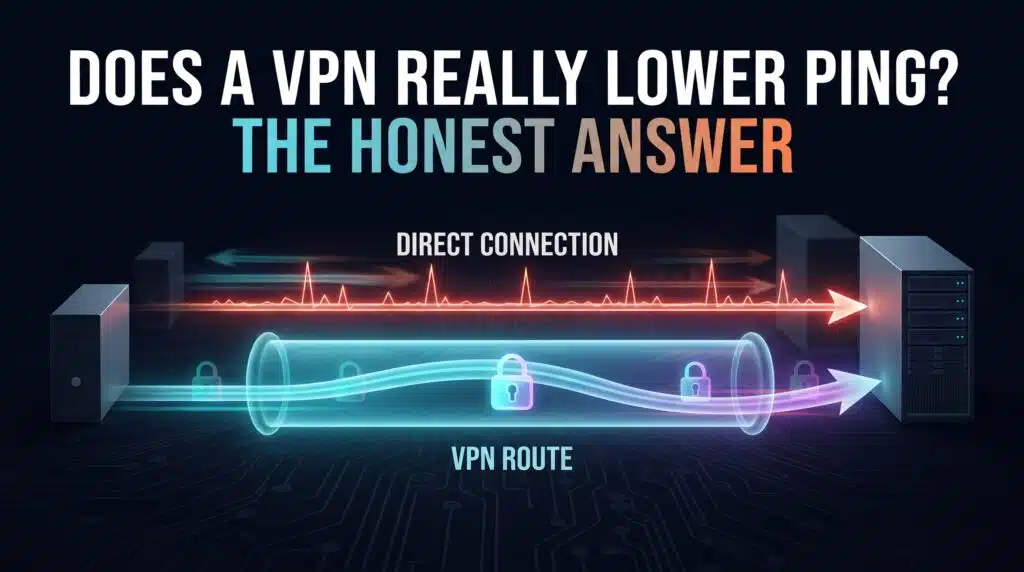
Does a VPN Really Lower Ping The Honest Answer

Most VPNs add latency, not remove it. Here’s the honest breakdown, including the two genuine exceptions where a VPN can actually help.

Why Rocket League Punishes High Ping More Than Other Games

Why Rocket League Punishes High Ping More Than Other Games

Rocket League’s physics run at 120Hz while network updates run at 60Hz. Here’s why that gap makes ping matter more than in most other games.

GTA Online’s Peer-to-Peer Problem and What It Means for Your Ping

GTA Onlines Peer to Peer Problem and What It Means for Your Ping

GTA Online doesn’t use dedicated servers for gameplay. Here’s why that makes ping genuinely unpredictable, and what you can actually control.

Overwatch 2’s Netcode Overhaul: Did It Actually Fix Ping?
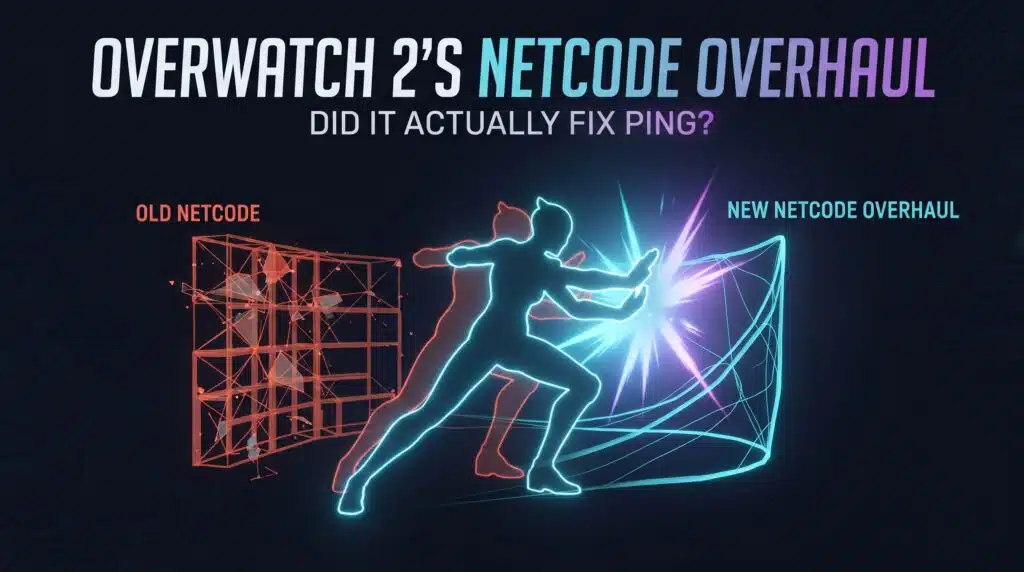
Overwatch 2s Netcode Overhaul Did It Actually Fix Ping

Original Overwatch ran at 20.8Hz. Here’s what the tick rate upgrade to 64Hz actually changed, and why your connection matters more now, not less.

The Fastest Way to Cut Ping on a Shared WiFi Network
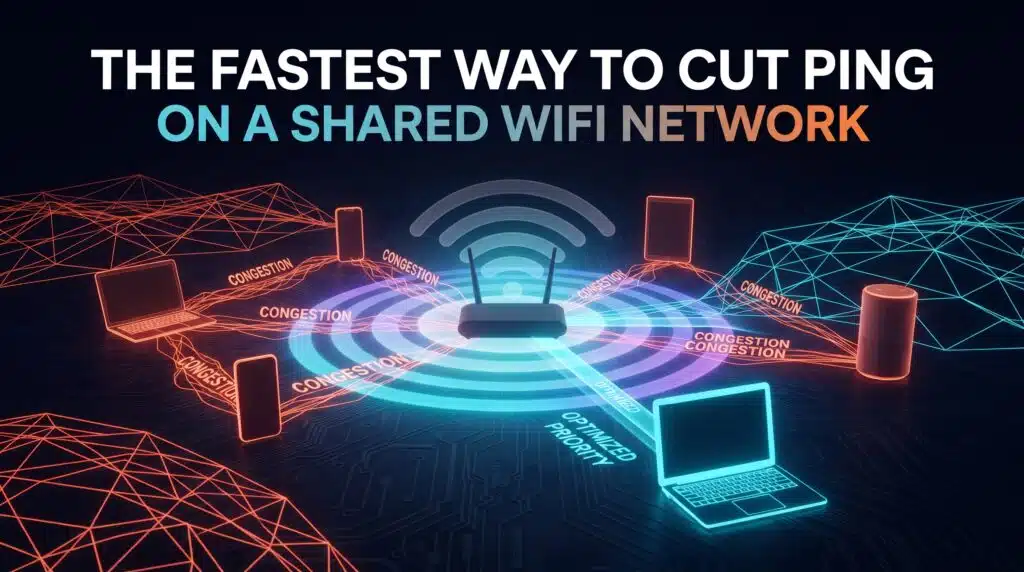
The Fastest Way to Cut Ping on a Shared WiFi Network

Ping gets worse the moment someone else uses your WiFi. Here’s why shared airtime hits latency specifically, and the fastest way to fix it.

Fortnite Ping Explained: What Actually Moves the Number
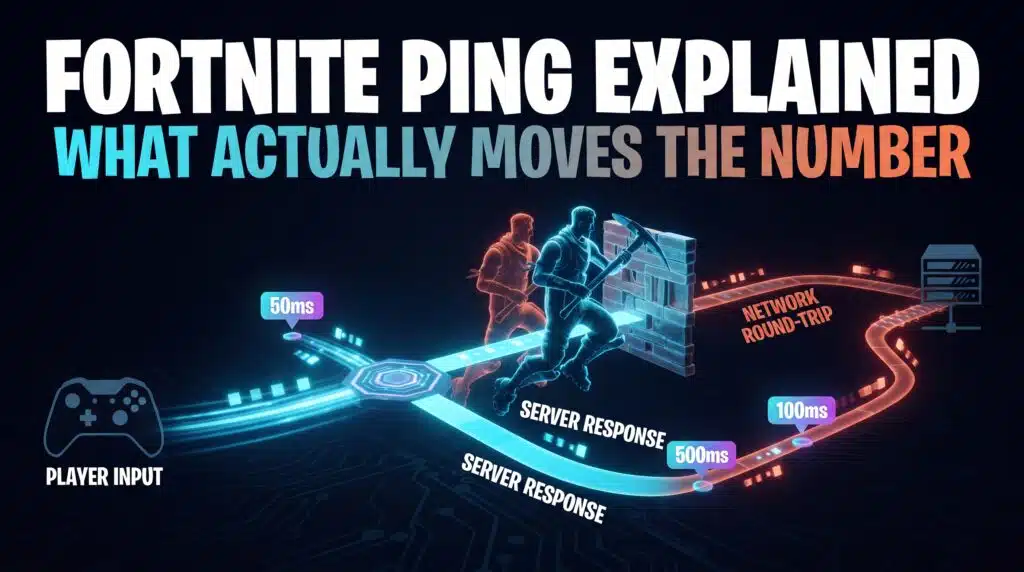
Fortnite Ping Explained What Actually Moves the Number

Read Fortnite ping and packet loss in a real match, check Auto and Subregion Preference, and compare Wi-Fi, traffic and browser test results correctly.

Valorant’s 128-Tick Servers and What They Really Mean for Your Ping

Valorants 128 Tick Servers and What They Really Mean for Your Ping

128-tick gets credit for Valorant’s precision, but it depends entirely on your own connection to actually deliver it. Here’s how the two interact.

← Previous
Next →
Instant Speed Test

Practical internet diagnostics, connection tools and clear guides to help you understand your network.

How our measurements work  →

Tools

  • Internet Speed Test
  • Bufferbloat Test
  • Video Call Test
  • Wi-Fi Room Comparison
  • Household Bandwidth
  • Explore all tools →

Guides

  • Speed Basics
  • Wi-Fi Tips
  • Troubleshooting
  • Home Networks
  • Gaming Guides
  • Recent articles →

Explore

  • Gamer Hub
  • About
  • Contact
  • How We Test
  • All pages

© 2026 Instant Speed Test. Built by Ahmad Raza.

Privacy Policy Terms of Service XML sitemap