Skip to content
Skip to content
Instant Speed Test
Speed Test
Tools

Connection checks

  • Bufferbloat TestCompare latency before and during a transfer.
  • Video Call TestCompare your results with calling requirements.
  • Wi-Fi Room ComparisonCompare manual tests around your home.
  • Connection StabilityWatch HTTP response times and failed requests.

Bandwidth planning

  • Household BandwidthEstimate the capacity your activities need.
  • Streaming BitratePlan upload headroom and stream data use.
  • Download TimeEstimate how long a file transfer will take.
  • Gaming Data UsageEstimate a gaming session's data use.
Explore all tools  →Understand the measurements
Gamer Hub
Guides

Understand your internet

  • Speed BasicsDownload, upload, latency and connection terms.
  • ComparisonsUnderstand network and speed differences.
  • Home NetworksRouters, devices and household connections.

Find practical help

  • Wi-Fi TipsCoverage, interference and everyday improvements.
  • TroubleshootingWork through slow or unstable connections.
  • Gaming GuidesUnderstand lag, ping and in-game network stats.
Browse all articles  →More tips and guides
How We Test
Search

Search the site's published pages and articles.

Category: Blog

Use this collection to understand your speed-test results and choose the next check for your connection. Start with the difference between download, upload and response time, then follow the section that matches your activity or symptom. A low result on one device calls for a different investigation from a slowdown across the whole home. The guides cover testing conditions, Wi-Fi, wired connections, streaming, remote work and gaming. Keep the device, connection and test destination consistent when comparing results. The starting points below connect the main browser test with practical explanations and the wider guide library.

Run the internet speed test
Set up a useful speed-test comparison
Understand download speed
Investigate different speeds on a laptop and phone
Explore game-specific tools and guides

Zoom Screen Sharing: Choose Clear Text or Smooth Video Deliberately

A clear document and moving video tile illustrate choosing screen sharing for text or motion.

Video optimization and readable documents serve different sharing tasks. Compare Zoom’s supported modes with representative content and the recipient’s actual view.

Discord Stuck on RTC Connecting or No Route? Separate Voice from Internet Access

Text chat and a pending voice connection illustrate why working websites do not prove voice access.

Websites can work while Discord voice stays on RTC Connecting or No Route. Compare the error, client and network before changing unrelated settings.

Ring Edge Local Storage: What Still Depends on Internet and Power?

Doorbell camera and local storage hub shown with separate memory-card, power and internet connections.

Ring Edge is a specific local-video arrangement. Check camera eligibility, storage, backup internet and component power separately rather than assuming every function works offline.

PS5 Downloads Stop in Rest Mode: Check Download, Install and Network Settings
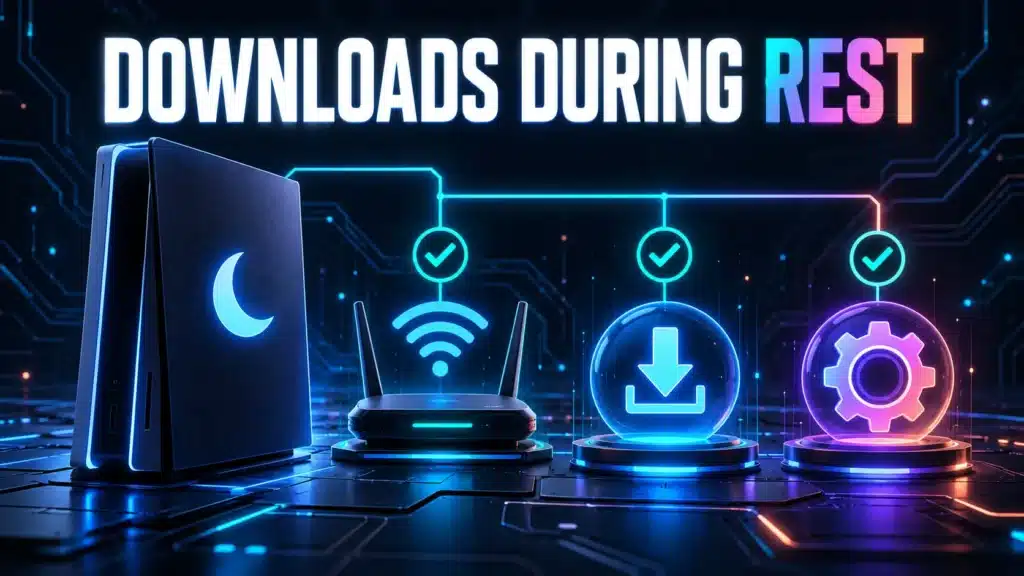
A resting console, network link and separate download and installation symbols show distinct controls.

PS5 rest-mode downloads depend on separate network and update controls. Check which stage stopped and whether a suspended game affects installation.

Mac Wireless Diagnostics: Collect a Report Without Resetting Wi-Fi

Laptop, Wi-Fi router and archive document representing collection of a wireless diagnostic report.

Use Apple’s built-in Wireless Diagnostics workflow, review its summary and share an appropriately scoped report without treating a log entry as a complete diagnosis.

How to Read Microsoft Teams Call Health During a Bad Meeting

A meeting laptop and separate audio, video and sharing tiles illustrate checking call health.

Teams Call health describes the current meeting, not your ISP plan rate. Read direction and units, capture the symptom and make one controlled comparison.

PS Remote Play Lag at Home or Away: Test the Right Part of the Path

A home console streams to a nearby laptop and a remote phone through different connection paths.

Compare a PS Remote Play session near your console with one away from home. Record which part changes before treating Mbps as the entire explanation.

Read the Steam Remote Play Performance Overlay Before Changing Your Network

A host PC, network connection and client screen form the Remote Play streaming path.

Read Steam Remote Play session evidence before changing your network. Compare the host, connection and client while keeping game conditions consistent.

Windows Network Adapter Errors and Discards: Read the Counters
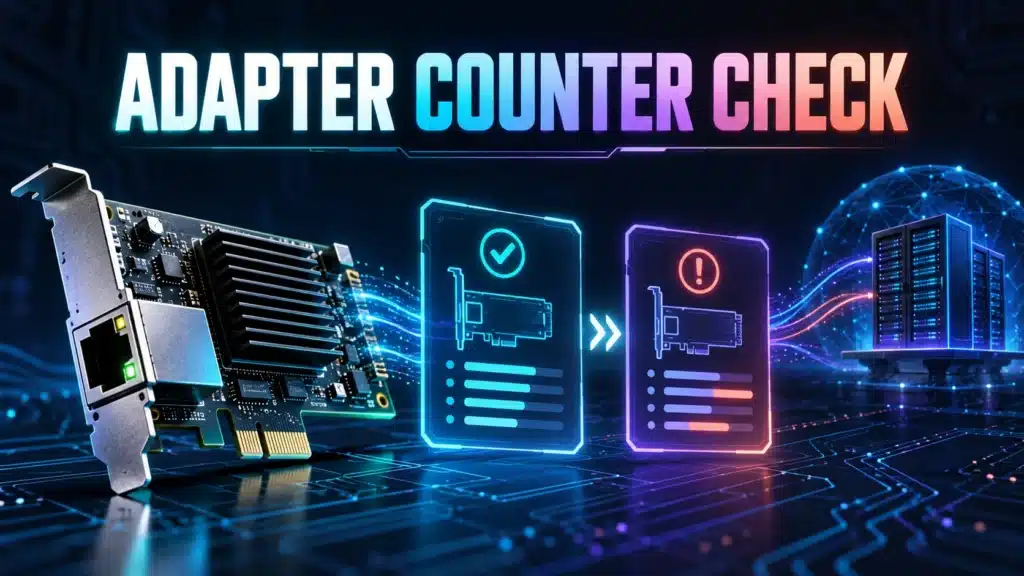
Network adapter beside two snapshot cards representing a comparison of local error and discard counters.

Identify the relevant Windows network adapter, compare read-only counter snapshots and keep local errors separate from application or internet packet loss.

Smart Camera Will Not Join a New Router? Check WPA3 Compatibility

Smart camera and replacement router with security shields beside a compatibility checklist.

A new router can change security and onboarding conditions. Separate WPA compatibility, radio band and address-assignment errors before changing settings.

← Previous
Next →
Instant Speed Test

Practical internet diagnostics, connection tools and clear guides to help you understand your network.

How our measurements work  →

Tools

  • Internet Speed Test
  • Bufferbloat Test
  • Video Call Test
  • Wi-Fi Room Comparison
  • Household Bandwidth
  • Explore all tools →

Guides

  • Speed Basics
  • Wi-Fi Tips
  • Troubleshooting
  • Home Networks
  • Gaming Guides
  • Recent articles →

Explore

  • Gamer Hub
  • About
  • Contact
  • How We Test
  • All pages

© 2026 Instant Speed Test. Built by Ahmad Raza.

Privacy Policy Terms of Service XML sitemap