Google Meet Troubleshooting: Read Connection and Performance Clues

Read Google Meet’s connection graph and tailored suggestions during an incident, then compare one condition and keep the actual call evidence separate from a speed test.
Zoom Statistics: Read Latency, Jitter and Packet Loss in the Actual Call

Use Zoom Statistics to connect a real audio, video or sharing symptom with labeled session readings. Keep packet direction, timing and comparison conditions visible.
Windows Wi-Fi Report: Find Disconnect Times and Reasons

Use the Windows WLAN report to match a real disconnection with recorded sessions, then organise a focused comparison and a privacy-conscious support report.
Windows Network Adapter Errors and Discards: Read the Counters

Identify the relevant Windows network adapter, compare read-only counter snapshots and keep local errors separate from application or internet packet loss.
What Windows Network Reset Removes—and What to Save First

A practical decision and recovery guide for Windows Network reset, including adapter defaults, VPN setup, network profiles and a careful before-and-after check.
How to Test Internet Speed Properly? (And Why Most People Get It Wrong)
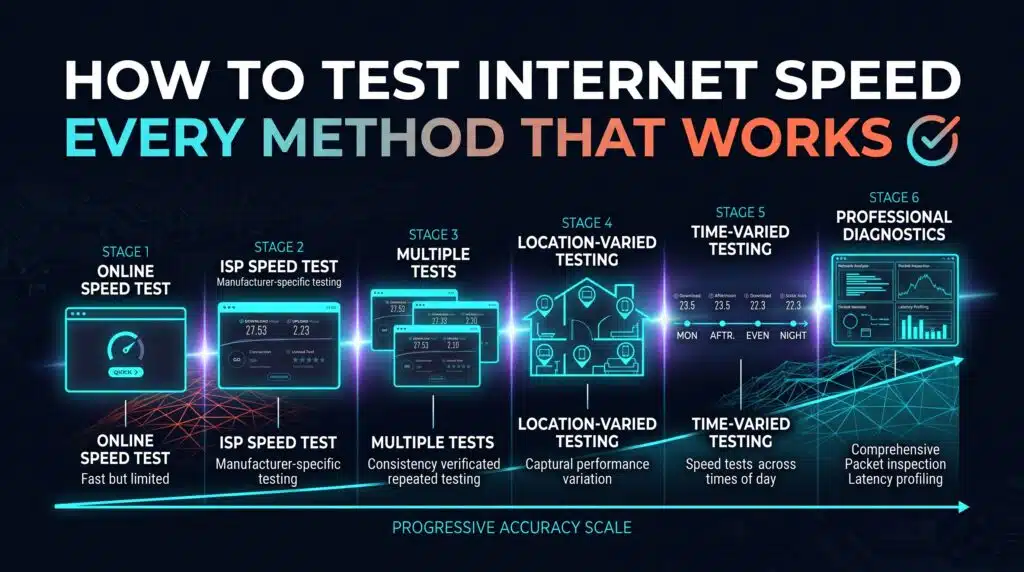
Testing your internet speed sounds like it should be a solved problem — open a website, click a button, get a number. In practice, most people testing their connection make at least one mistake that skews the result, and most people also don’t know which of the many available speed testing tools actually fits their […]
Does a VPN Really Lower Ping? The Honest Answer

Most VPNs add latency, not remove it. Here’s the honest breakdown, including the two genuine exceptions where a VPN can actually help.
How to Reduce Ping: A Complete Guide

Most ping guides only cover gaming. This one covers everything — what ping actually measures, what genuinely moves the number, and fixes that work for any use case.
Why Your Ping Spikes at the Exact Same Moment Every Match

A recurring, consistent ping spike almost always has a specific, findable cause. Here’s how to actually track it down instead of assuming it’s random.
How to Fix WiFi Connected But No Internet Access
Fix WiFi connected but no internet: systematic diagnosis from ISP outage to device-specific TCP/IP issues — with the fastest fixes for each cause.