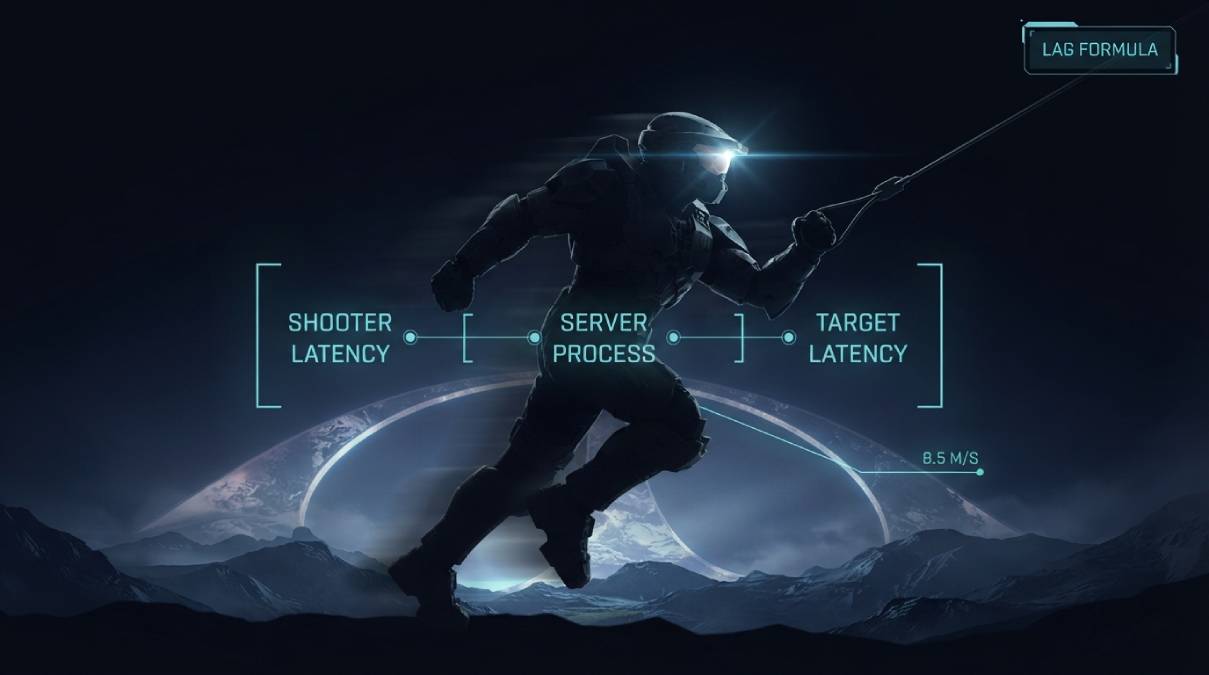
Most studios treat the exact math behind their hit registration like a trade secret, if they’ve even calculated it in a form that’s presentable at all. 343 Industries did the opposite. In a public breakdown, they laid out the literal formula determining how long it takes a shot to register in Halo Infinite: Shooter’s Latency to Server, plus Shooter’s Command Buffer, plus Server Processing Time, plus the Target’s Latency from the Server. It reads like something out of an engineering whitepaper, because that’s essentially what it is.
A Tick Rate That Isn’t a Single Number
Buried in that same breakdown is a detail most players have never clocked: Halo Infinite doesn’t run at one tick rate. 343 confirmed 60Hz for 4v4 matches, and a deliberately lower 30Hz for Big Team Battle and campaign co-op. That’s not an oversight — it’s a direct tradeoff. Big Team Battle has to track far more players, vehicles, and simultaneous objects than a 4v4 arena match, and processing all of that at 60Hz would cost more server resources than 343 judged worthwhile for those modes. If Big Team Battle has ever felt a shade less responsive to you than a ranked 4v4 match, that’s not perception — it’s a real, documented difference in how often the server updates.
Why Spartan Speed Makes the Math Matter
343 didn’t stop at the formula — they explained why it matters more in Halo specifically than in some other shooters. A Spartan at full sprint covers roughly 8.5 meters per second. Grapple hook movement can spike that closer to 24 meters per second. Server Processing Time in that formula runs somewhere between 16 and 33 milliseconds depending on which tick rate is active. At those movement speeds, even a small slice of processing delay translates into real, meaningful distance covered before the server catches up to where a player actually is — which is precisely the mechanism behind the “I was shot behind cover” moments players report in nearly every fast-paced shooter, explained here with actual numbers instead of vague hand-waving.
What You Actually Control in This Equation
Look at that formula again: two of its four terms are your latency, one is the server’s fixed processing cost, and one is your opponent’s latency, which you have no influence over. Server Processing Time is baked in regardless of your connection — it’s not something you can improve by switching ISPs. What you can control is your own latency to the server, which shows up twice in the equation, once as the shooter and once as a potential target. Lowering and stabilizing your own ping is the one lever in 343’s own published math that’s actually yours to pull.
Check your live ping to Halo Infinite’s regional servers at our Halo Infinite ping test, and if you want the full picture including jitter and packet loss, run the Gamer Speed Test for a complete readout.
Related Guides
- Gamer Hub — All Game Ping Tests
- Halo Infinite Ping Test
- CS2 Ping Test
- Overwatch 2 Ping Test
- What Is a Good Ping for Gaming?
Frequently Asked Questions
Does Halo Infinite really use different tick rates for different modes?
Yes, officially confirmed by 343 Industries. 4v4 matches run at 60Hz, while Big Team Battle and campaign co-op run at 30Hz, due to the higher number of players and objects those modes need to track simultaneously.
Why do I get shot behind cover sometimes in Halo Infinite?
343 has explained this through their published latency formula — the server has to reconcile the shooter’s latency, a processing delay, and the target’s latency, and Halo’s fast Spartan movement speeds mean even small delays translate into real distance covered before the server catches up.