Skip to content
Skip to content
Instant Speed Test
Speed Test
Tools

Connection checks

  • Bufferbloat TestCompare latency before and during a transfer.
  • Video Call TestCompare your results with calling requirements.
  • Wi-Fi Room ComparisonCompare manual tests around your home.
  • Connection StabilityWatch HTTP response times and failed requests.

Bandwidth planning

  • Household BandwidthEstimate the capacity your activities need.
  • Streaming BitratePlan upload headroom and stream data use.
  • Download TimeEstimate how long a file transfer will take.
  • Gaming Data UsageEstimate a gaming session's data use.
Explore all tools  →Understand the measurements
Gamer Hub
Guides

Understand your internet

  • Speed BasicsDownload, upload, latency and connection terms.
  • ComparisonsUnderstand network and speed differences.
  • Home NetworksRouters, devices and household connections.

Find practical help

  • Wi-Fi TipsCoverage, interference and everyday improvements.
  • TroubleshootingWork through slow or unstable connections.
  • Gaming GuidesUnderstand lag, ping and in-game network stats.
Browse all articles  →More tips and guides
How We Test
Search

Search the site's published pages and articles.

Category: Tips & Guides

Find practical steps for testing your connection and planning everyday online tasks. These guides cover uploads, video calls, working from home, device settings and the time needed to transfer files. Begin with a repeatable test, then focus on the activity that needs improvement. Change one variable at a time and keep a record of the device, connection and conditions so the comparison remains useful. Capacity requirements depend on the app and simultaneous household use, rather than a single speed that fits everyone. The starting points below help turn a speed result into a specific next action.

Prepare a repeatable speed test
Investigate upload performance
Plan capacity for working from home
Estimate cloud-storage upload time
Calculate file-transfer time

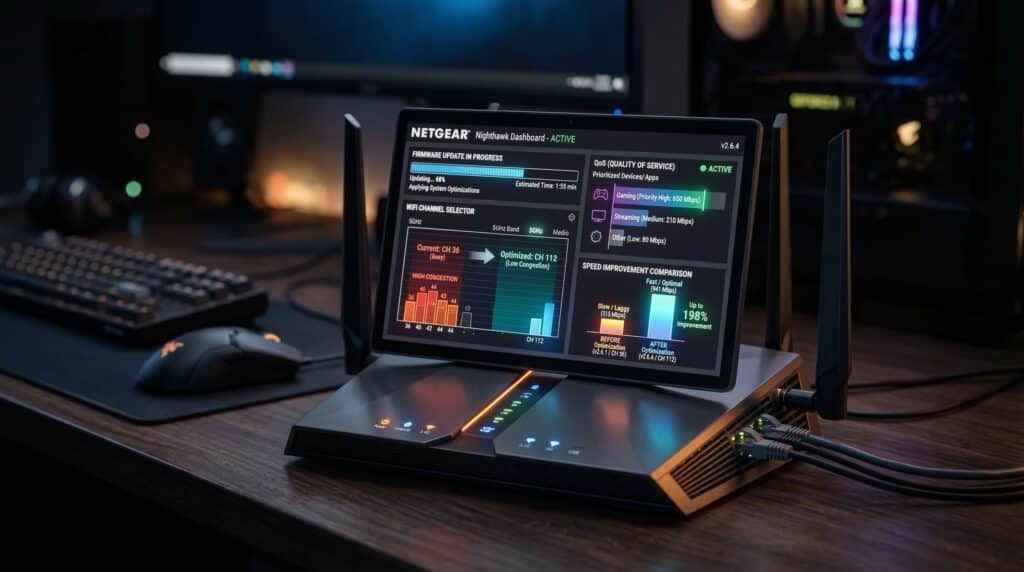
How to Speed Up a Slow Router: 8 Fixes Before You Replace It
0069 Photorealistic 8K digital illu s1 s1 2K

How to speed up a slow router: 8 fixes before replacement — firmware updates, channel selection, QoS, repositioning, and when replacement is actually necessary.

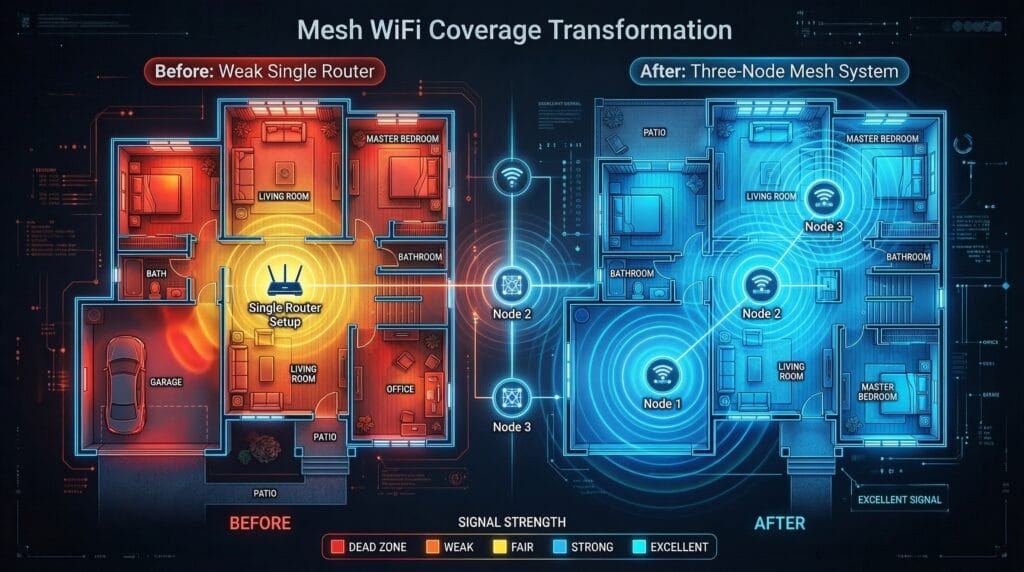
How to Improve WiFi in a Large House: Every Option Compared
0070 Photorealistic 8K digital illu s1 s1 2K

How to improve WiFi in a large house: every coverage solution compared — extenders, mesh, powerline, MoCA, and wired access points with cost and performance data.

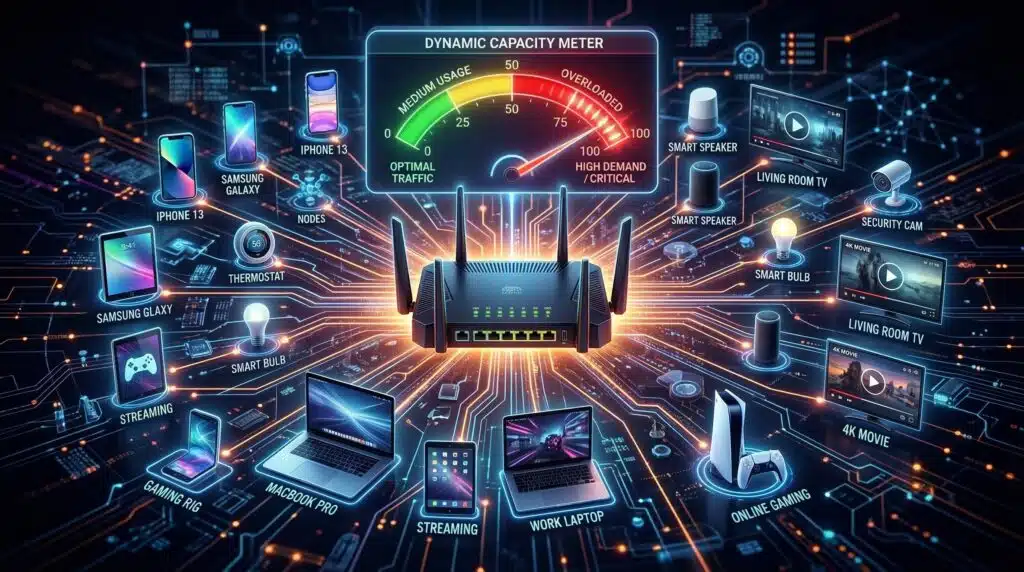
How Many Devices Can Connect to WiFi at Once?
0071 Photorealistic 8K digital illu s1 s1 2K

How many devices can connect to WiFi? Capacity by router type, why more devices cause slowdowns, and whether you need WiFi 6 for a dense smart home.

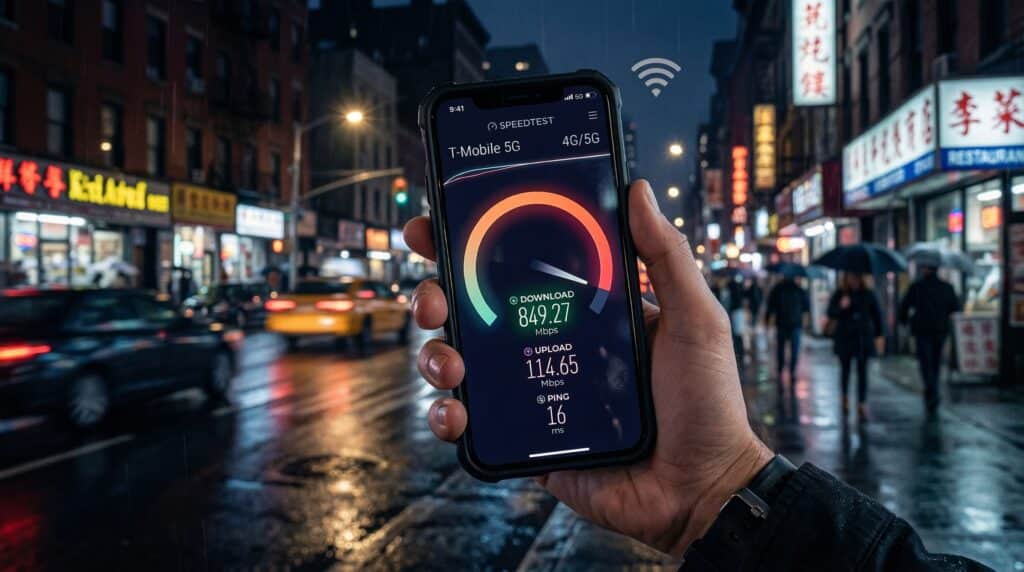
How to Test Mobile Data Speed: 4G LTE and 5G Speed Testing
0072 Photorealistic 8K digital illu s1 s1 2K

How to test mobile data speed: step-by-step guide for 4G LTE and 5G testing, expected speeds by network type, and what to do with results.

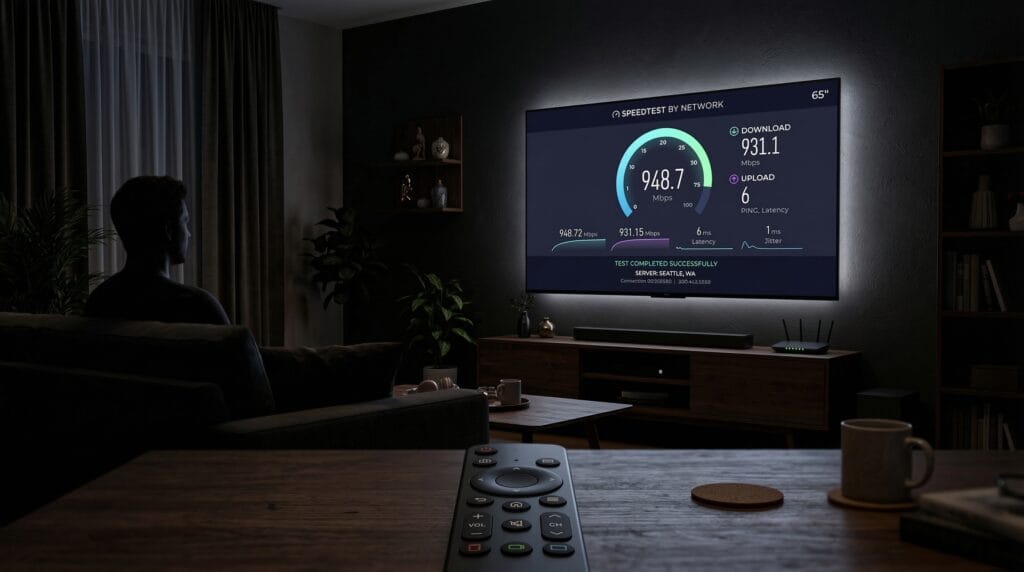
How to Test Internet Speed on Your Smart TV
0073 Photorealistic 8K digital illu s1 s1 2K

How to test internet speed on a smart TV: step-by-step for Samsung, LG, Sony, Roku, Fire TV, and Apple TV — and what speed your TV actually needs.

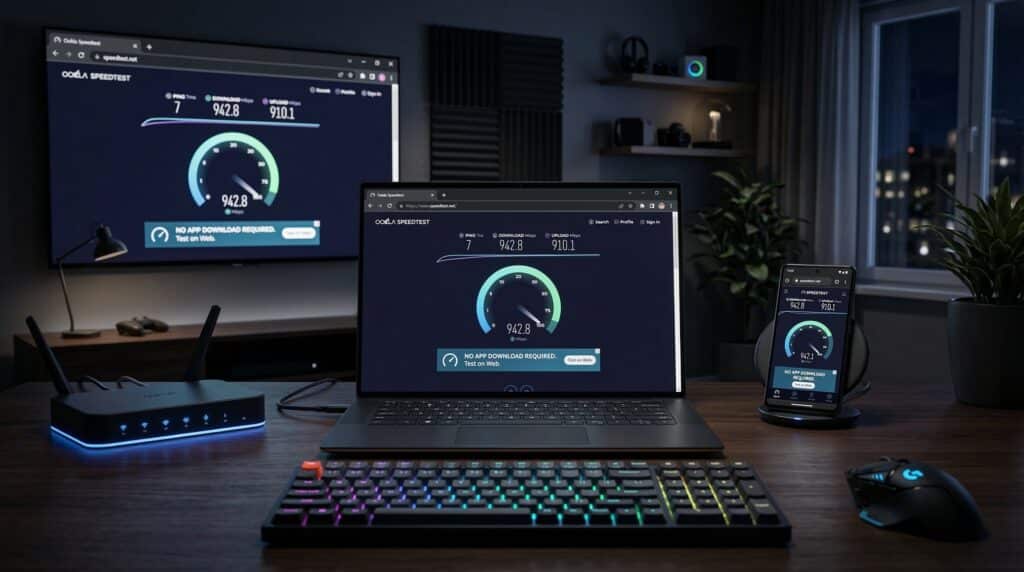
How to Test Internet Speed Without an App (Browser-Based Methods)
0074 Photorealistic 8K digital illu s1 s1 2K

How to test internet speed without an app: browser-based methods compared, command line testing, and tips for the most accurate results.

How to Reduce Ping in Gaming: Every Method That Works

0075 Photorealistic 8K digital illu s1 s1 2K

How to reduce ping in gaming: every method ranked by impact — from Ethernet switch and server selection to QoS, DNS, and router upgrades.

How to Fix Gaming Lag Without a VPN: 8 Real Solutions

0076 Photorealistic 8K digital illu s1 s1 2K

Fix gaming lag without a VPN: 8 real solutions including Ethernet, server selection, QoS, DNS, and router upgrades — and why gaming VPNs rarely work.

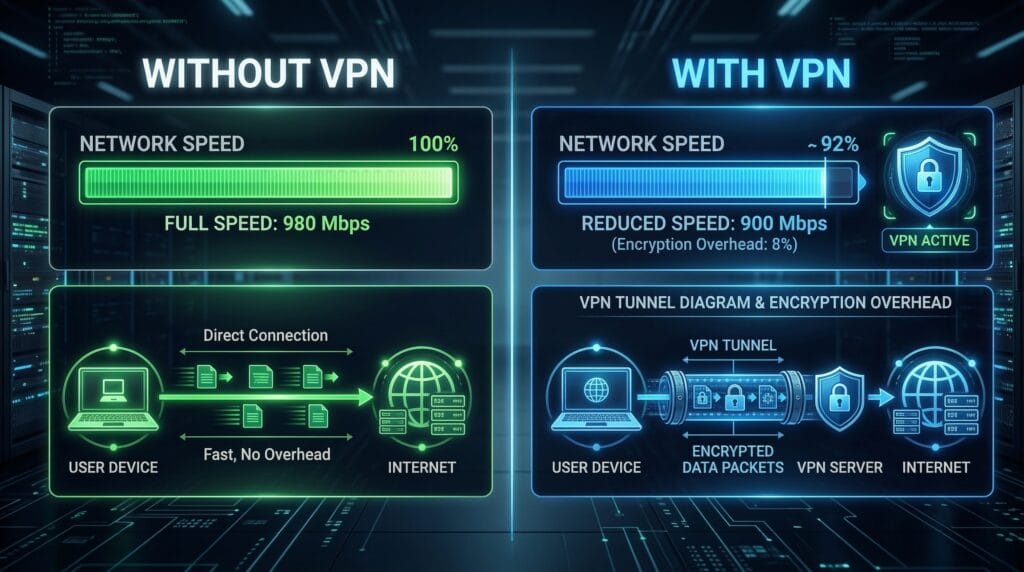
Does a VPN Slow Down Your Internet Speed? Honest Answer
0077 Photorealistic 8K digital illu s1 s1 2K

Does a VPN slow down internet speed? Honest breakdown of VPN speed reduction by protocol, why VPNs add latency, and how to minimize the impact.

Internet Speed for Video Calls: Zoom, Teams, Meet Requirements

0085 Photorealistic 8K digital illu s1 s1 2K

Internet speed for video calls: Zoom, Teams, Meet, and FaceTime requirements compared — and why upload speed is the real constraint for WFH households.

← Previous
Next →
Instant Speed Test

Practical internet diagnostics, connection tools and clear guides to help you understand your network.

How our measurements work  →

Tools

  • Internet Speed Test
  • Bufferbloat Test
  • Video Call Test
  • Wi-Fi Room Comparison
  • Household Bandwidth
  • Explore all tools →

Guides

  • Speed Basics
  • Wi-Fi Tips
  • Troubleshooting
  • Home Networks
  • Gaming Guides
  • Recent articles →

Explore

  • Gamer Hub
  • About
  • Contact
  • How We Test
  • All pages

© 2026 Instant Speed Test. Built by Ahmad Raza.

Privacy Policy Terms of Service XML sitemap