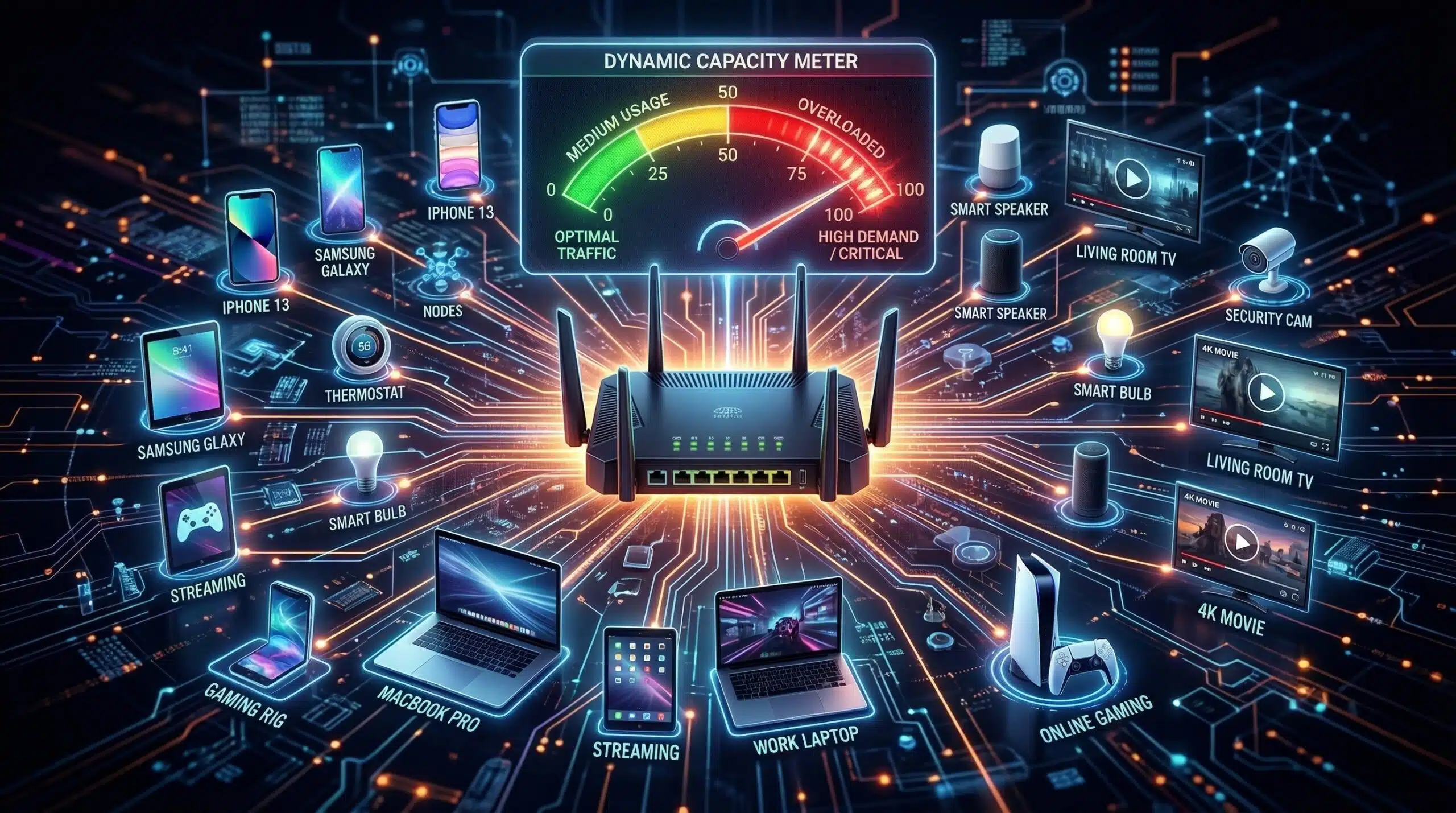
How Many Devices Can Connect to WiFi at Once?
Technically, modern routers support 32–250 simultaneous WiFi connections. In practice, performance degrades before you hit that limit. The real question isn’t how many can connect — it’s how many can actively use bandwidth simultaneously without degrading each other’s performance. Test your network’s current speed under load at instantspeedtest.net/.
Device Capacity by Router Generation — Real-World
| Router Type | Max Connections | Comfortable Active Devices |
|---|---|---|
| Old single-band (WiFi 4) | ~30 | 5–10 |
| Dual-band WiFi 5 | ~50 | 15–25 |
| Dual-band WiFi 6 | ~75 | 30–50 |
| Tri-band WiFi 6/6E | ~100+ | 50–75 |
| Enterprise access point | 200–500 | 50–200 |
Why More Devices Cause Slowdowns — The CSMA/CA Problem
WiFi is a shared medium — only one device transmits at a time on each channel. As more devices compete for transmission time, each device waits longer before it can send data. WiFi 4 (802.11n) handles this poorly; WiFi 6 introduced OFDMA (Orthogonal Frequency Division Multiple Access) which serves multiple devices simultaneously on the same channel — dramatically improving dense device environments. A WiFi 6 router with 40 connected devices outperforms a WiFi 5 router with 15 devices in a dense smart home scenario. See our WiFi 6 vs WiFi 5 comparison.
Related Guides
- WiFi 6 vs WiFi 5
- Internet Speed for Smart Home Devices
- What Is a Mesh WiFi System?
- Does a Router Affect Internet Speed?
- Good Internet Speed for a Family of 4
- How Much Internet Speed Do You Need?
Frequently Asked Questions
Does having too many devices slow my WiFi?
Yes, but the threshold is higher than most people think. 30 smart home devices that mostly idle (thermostats, sensors, switches) use collectively less bandwidth than one 4K stream. The devices that cause slowdown are those actively transferring large amounts of data — streaming devices, computers, gaming consoles. Count your actively-streaming devices, not your total connected device count, to assess WiFi load.
Should I have a separate network for IoT devices?
Yes — creating a guest or IoT-specific network (most routers support this) keeps smart home devices isolated from your main devices (security benefit) and can reduce interference on your primary network. Many mesh systems automatically optimize which devices go on which band. IoT devices on 2.4 GHz, computers and streaming devices on 5 GHz is the recommended split.