Skip to content
Skip to content
Instant Speed Test
Speed Test
Tools

Connection checks

  • Bufferbloat TestCompare latency before and during a transfer.
  • Video Call TestCompare your results with calling requirements.
  • Wi-Fi Room ComparisonCompare manual tests around your home.
  • Connection StabilityWatch HTTP response times and failed requests.

Bandwidth planning

  • Household BandwidthEstimate the capacity your activities need.
  • Streaming BitratePlan upload headroom and stream data use.
  • Download TimeEstimate how long a file transfer will take.
  • Gaming Data UsageEstimate a gaming session's data use.
Explore all tools  →Understand the measurements
Gamer Hub
Guides

Understand your internet

  • Speed BasicsDownload, upload, latency and connection terms.
  • ComparisonsUnderstand network and speed differences.
  • Home NetworksRouters, devices and household connections.

Find practical help

  • Wi-Fi TipsCoverage, interference and everyday improvements.
  • TroubleshootingWork through slow or unstable connections.
  • Gaming GuidesUnderstand lag, ping and in-game network stats.
Browse all articles  →More tips and guides
How We Test
Search

Search the site's published pages and articles.

Category: Blog

Use this collection to understand your speed-test results and choose the next check for your connection. Start with the difference between download, upload and response time, then follow the section that matches your activity or symptom. A low result on one device calls for a different investigation from a slowdown across the whole home. The guides cover testing conditions, Wi-Fi, wired connections, streaming, remote work and gaming. Keep the device, connection and test destination consistent when comparing results. The starting points below connect the main browser test with practical explanations and the wider guide library.

Run the internet speed test
Set up a useful speed-test comparison
Understand download speed
Investigate different speeds on a laptop and phone
Explore game-specific tools and guides

Is Your WiFi Actually Secure? The Real Checklist

Is Your WiFi Actually Secure The Real Checklist

A password alone doesn’t mean secure. The real checklist covering WPA3, admin passwords, WPS, and guest networks that actually protects your home network.

2.4GHz vs 5GHz vs 6GHz: Which One Should You Actually Use
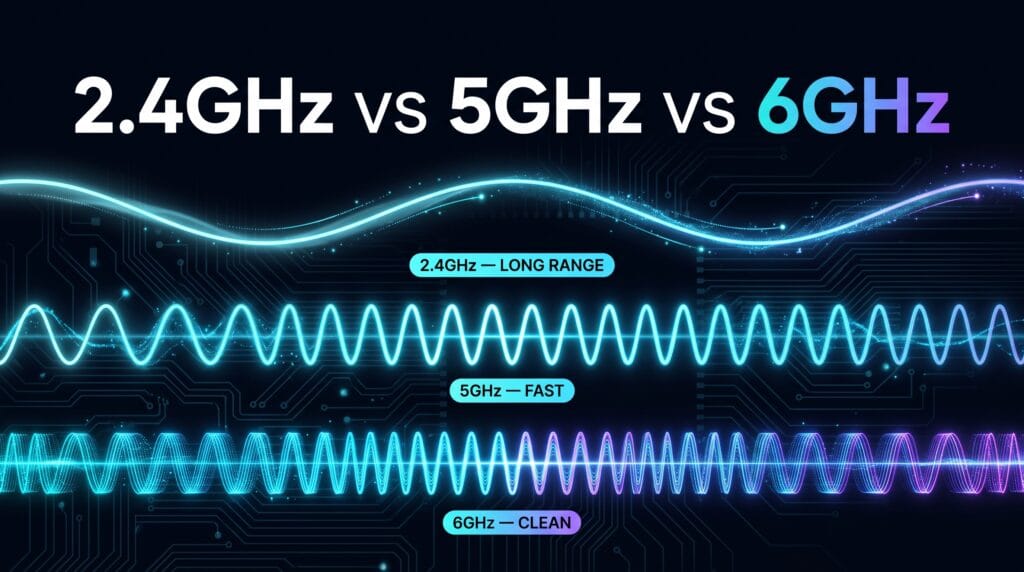
2.4GHz vs 5GHz vs 6GHz Which One Should You Actually Use

Your router runs three separate bands at once. Here’s what actually differs between them, and which devices should be using which one.

Wi-Fi 6 vs 6E vs 7: Which Router Upgrade Fits Your Home?
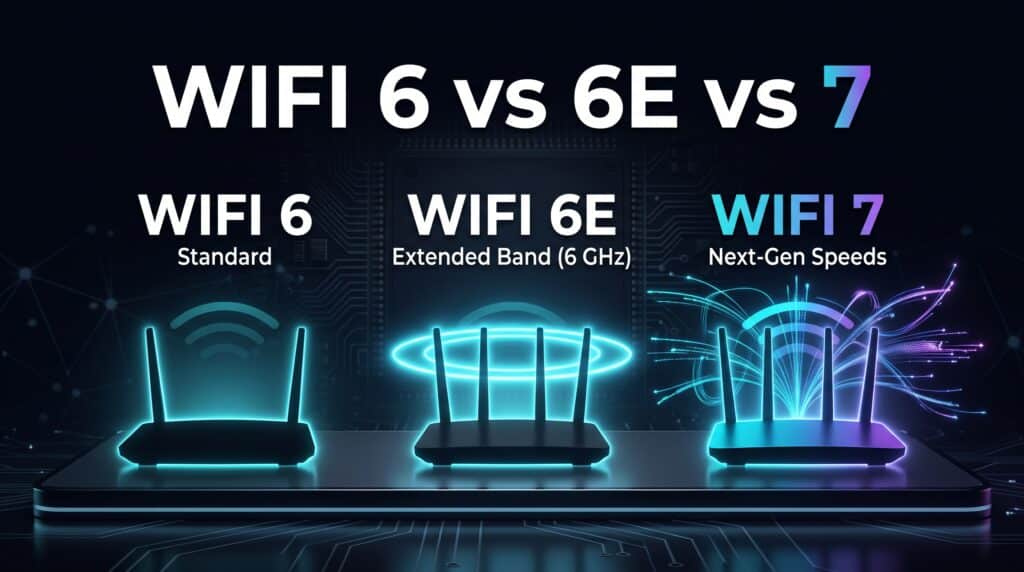
WiFi 6 vs 6E vs 7 Is the Upgrade Actually Worth It

Choose a router generation by auditing devices, room coverage, wired ports and simultaneous workloads. Includes four household examples and a purchase checklist.

Why Is My WiFi So Bad? The Complete Troubleshooting Guide
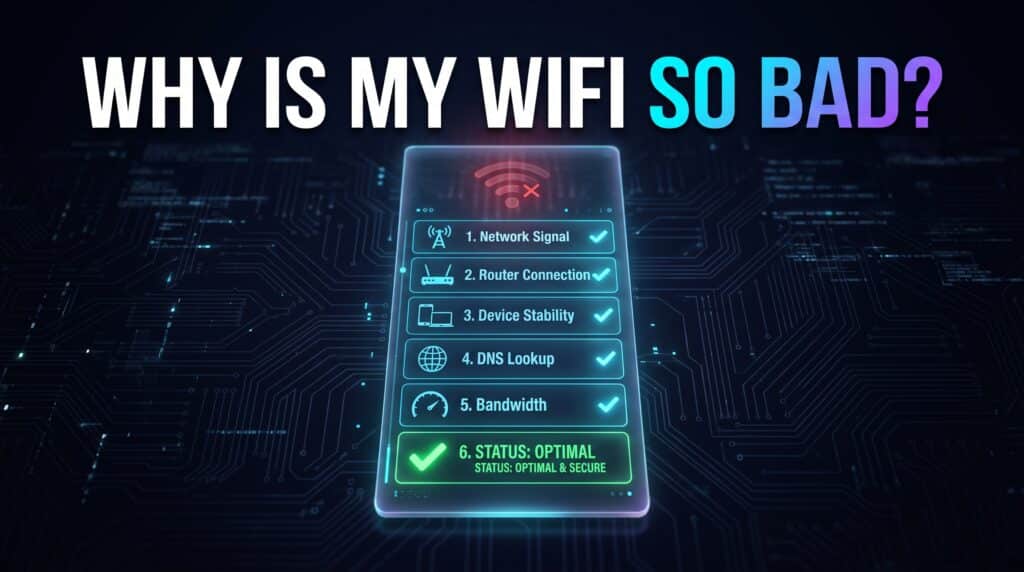
Why Is My WiFi So Bad The Complete Troubleshooting Guide

A real, step-by-step way to actually diagnose bad WiFi instead of guessing. Seven questions that narrow down the cause fast.

How to Improve Wi-Fi Signal Strength: Measure and Fix It
How to Improve WiFi Signal Strength The Complete Guide

Measure the radio connection separately from internet speed, then improve router placement, channels and coverage one change at a time. Includes device-specific checks.

Wi-Fi 7 vs Wi-Fi 6: Differences, Speed and Upgrade Checks
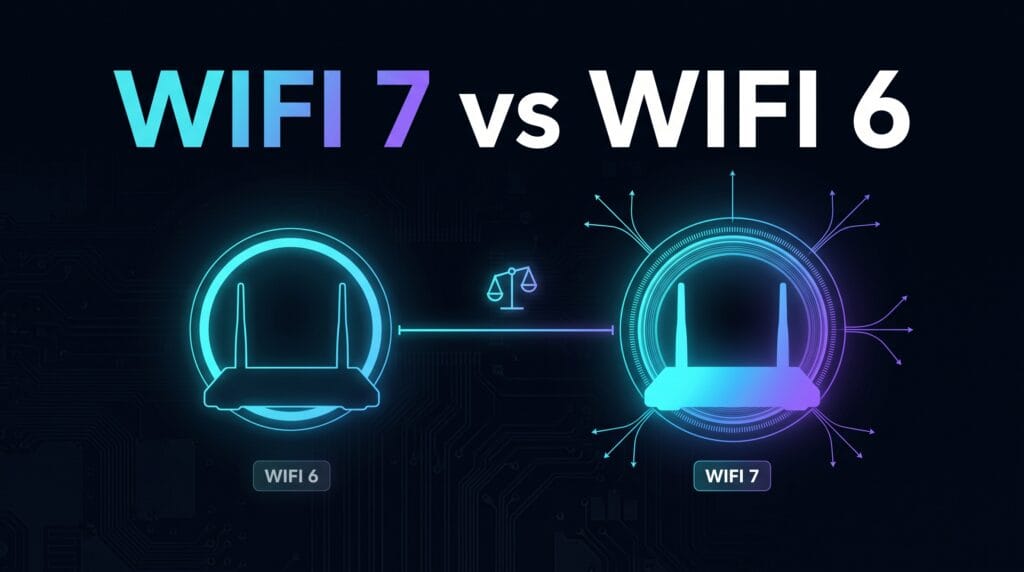
WiFi 7 vs WiFi 6 Is the Upgrade Actually Worth It

Compare Wi-Fi 7 and Wi-Fi 6 directly, then check client support, router ports and room performance before deciding whether an upgrade solves your bottleneck.

How to Test Mobile Internet Speed the Right Way
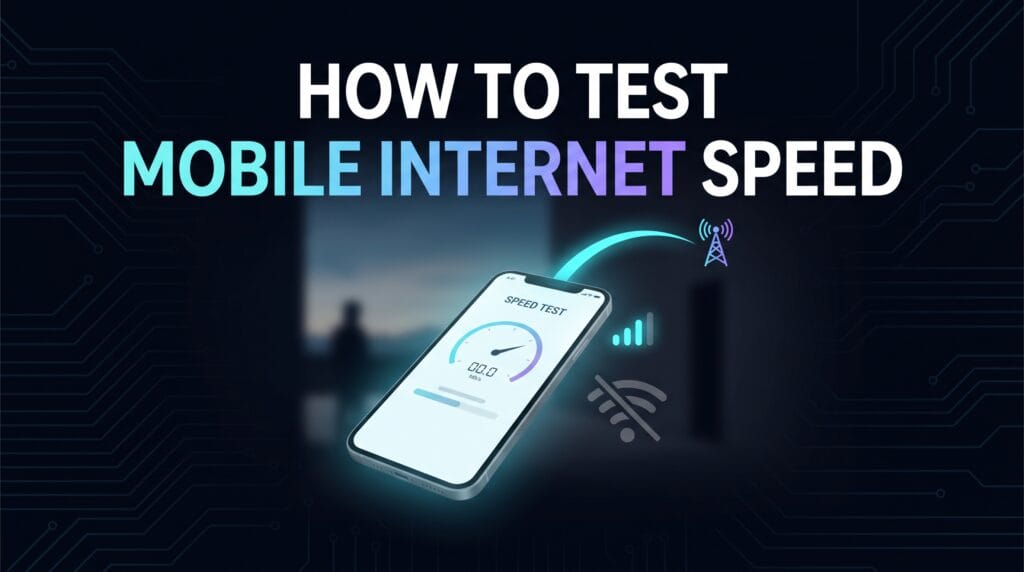
How to Test Mobile Internet Speed the Right Way

Mobile speed tests need a slightly different approach than home WiFi tests. Here’s how to get an accurate reading on cellular data specifically.

Internet Is Fast But Pages Load Slowly? Here’s Why

Internet Is Fast But Pages Load Slowly Heres Why

A great speed test result and slow-loading websites can genuinely coexist. Here’s what’s actually happening when this mismatch shows up.

Internet Speed for 4K Streaming on Multiple TVs at Once

Internet Speed for 4K Streaming on Multiple TVs at Once

Streaming 4K on one TV is easy. Here’s the real math for what happens when two, three, or more TVs are all streaming 4K in the same household simultaneously.

Internet Speed for Apple TV 4K: What You Actually Need
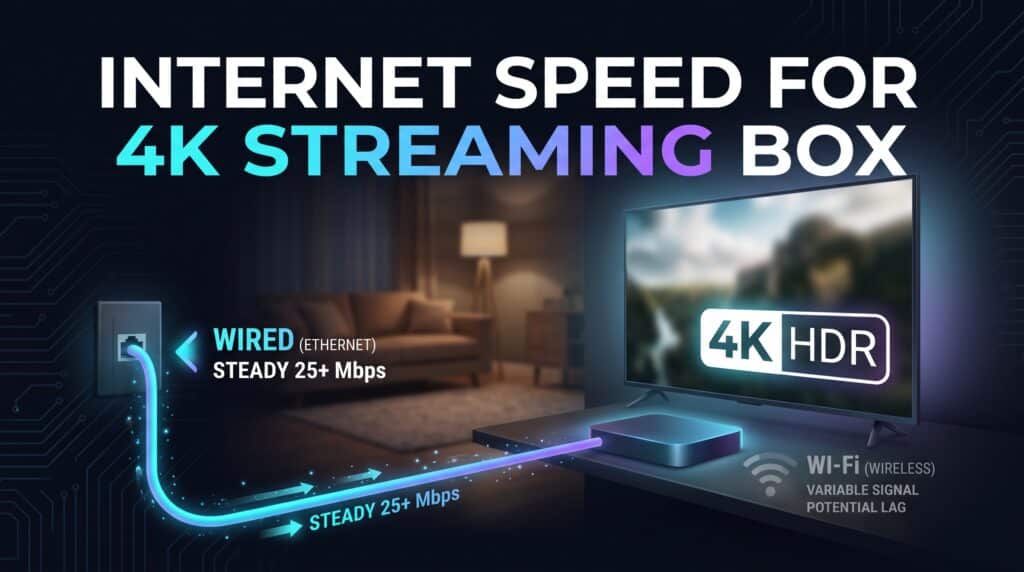
Internet Speed for Apple TV 4K What You Actually Need

Apple TV 4K has specific bandwidth requirements for smooth 4K HDR playback. Here’s the real number, plus what affects it beyond raw speed.

← Previous
Next →
Instant Speed Test

Practical internet diagnostics, connection tools and clear guides to help you understand your network.

How our measurements work  →

Tools

  • Internet Speed Test
  • Bufferbloat Test
  • Video Call Test
  • Wi-Fi Room Comparison
  • Household Bandwidth
  • Explore all tools →

Guides

  • Speed Basics
  • Wi-Fi Tips
  • Troubleshooting
  • Home Networks
  • Gaming Guides
  • Recent articles →

Explore

  • Gamer Hub
  • About
  • Contact
  • How We Test
  • All pages

© 2026 Instant Speed Test. Built by Ahmad Raza.

Privacy Policy Terms of Service XML sitemap