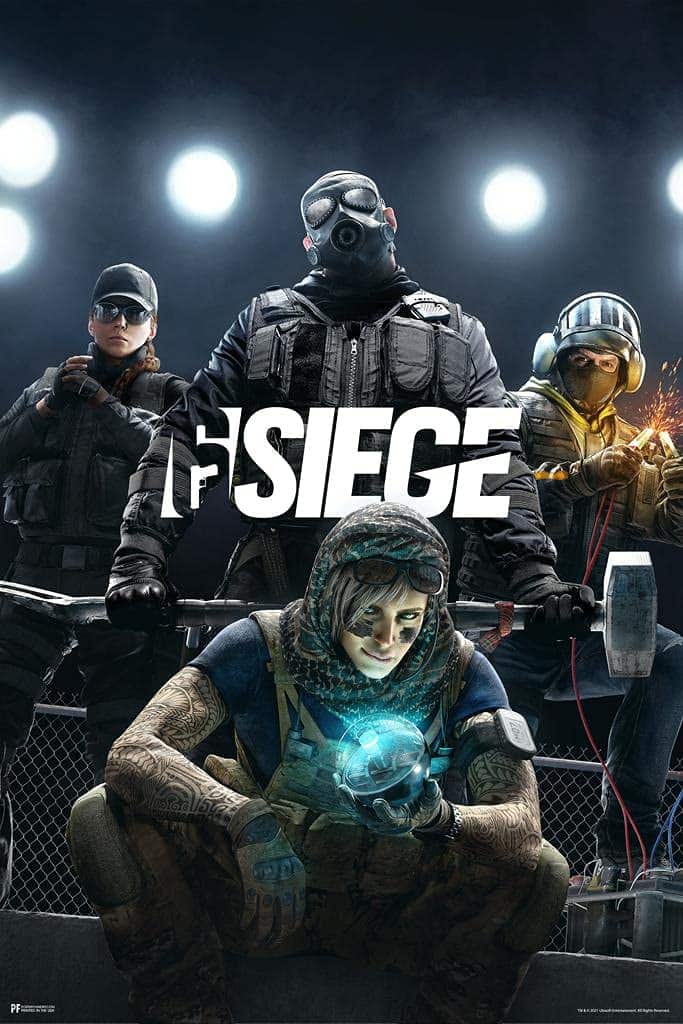
Internet Speed for Rainbow Six Siege — The Ping Guide for Champion
Rainbow Six Siege runs on Ubisoft's own regional server infrastructure, and after years of community pressure and public promises, Ubisoft officially confirmed a move to 60Hz servers across all platforms back in patch 4.1 — a figure that's held as the standard ever since. Siege's close-quarters gunfights and destructible environments make it especially sensitive to sync issues, so your ping to the nearest region matters more here than in most tactical shooters. Test your baseline above, or run a full check at instantspeedtest.net.
Rainbow Six Siege Network Requirements — By Rank Tier
The gameplay thresholds below are informal troubleshooting examples, not official requirements or measurements of the game’s network.
| Rank Tier | Usable Ping | Competitive Ping | Jitter Max | Packet Loss |
|---|---|---|---|---|
| Copper – Bronze | Under 100ms | Under 70ms | Under 35ms | Under 2% |
| Silver – Gold | Under 70ms | Under 45ms | Under 20ms | Under 1% |
| Platinum – Diamond | Under 45ms | Under 25ms | Under 10ms | Under 1% |
| Champion | Under 30ms | Under 18ms | Under 5ms | 0% |
Why Destruction and Gadgets Make Siege More Ping-Sensitive Than Most Shooters
Siege's core identity — breachable walls, destructible floors and ceilings, deployable gadgets like Kapkan traps and Mute jammers — means the server has to synchronize a lot more environmental state than a typical shooter, on top of the usual player positions and hit registration. Even at a confirmed 60Hz tick rate, that added complexity means desync issues (like a wall appearing solid on your screen after it's already been breached elsewhere) can surface more easily under high or unstable ping than they would in a simpler map layout. Combined with Siege's emphasis on close-range peeking through narrow angles, where fights are frequently decided by fractions of a second, low and stable ping has a more outsized impact here than tick rate alone would suggest. See our full ping guide for how this compares across other titles.
Related Guides
- Gamer Hub — All Game Ping Tests
- Internet Speed for CS2
- Internet Speed for Valorant
- Internet Speed for Overwatch 2
- Internet Speed for Apex Legends
- General Server Ping Test
Frequently Asked Questions
What is Rainbow Six Siege's server tick rate?
Ubisoft officially confirmed a move to 60Hz servers across all platforms in patch 4.1, following an earlier increase to 50Hz — a promise the studio had been working toward for roughly two years at that point. This 60Hz figure has remained the standard since, putting Siege in line with most modern competitive shooters.
Why do walls or gadgets sometimes desync in Siege even with good ping?
Siege has to synchronize destructible environments and deployed gadgets across every player in the match, not just positions and hit registration — which is more network state to keep consistent than most shooters require. Even with strong ping, brief desync moments can occasionally happen, though lower and more stable ping meaningfully reduces how often you'll encounter them.