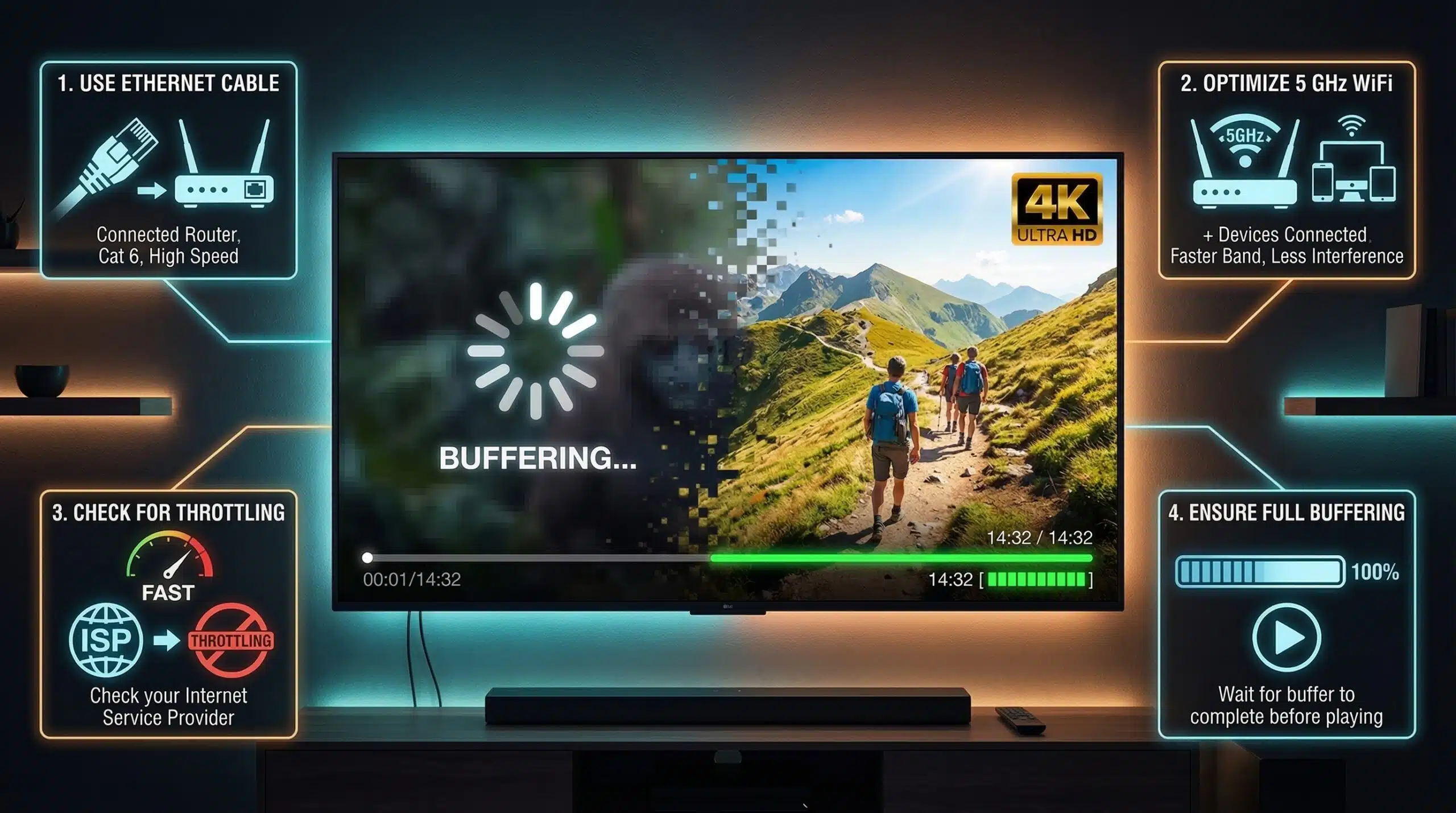
How to Fix Buffering — Every Cause and Fix for Streaming Buffering
Buffering happens when your device can’t receive streaming data as fast as it’s playing it. The fix depends on where the bottleneck is — your home network, ISP, or the streaming service itself. Test your connection speed at instantspeedtest.net/ first.
Buffering Causes and Fixes — Ordered by Frequency
| Cause | When It Happens | Fix |
|---|---|---|
| Weak WiFi signal | Always, on specific devices | Move closer to router; use Ethernet |
| ISP peak-hour congestion | 7–10pm on cable | Test at other times; upgrade to fiber |
| ISP throttling streaming | Only certain services buffer | Fast.com vs Ookla test; VPN test |
| Router overload | Multiple devices streaming simultaneously | Router reboot; upgrade router; QoS |
| Streaming service CDN issue | One service buffers, others fine | Wait; check service status page |
| Device limitation | Old device buffers; new device fine | Clear app cache; restart device |
| WiFi band mismatch | Streaming device on 2.4 GHz | Connect streaming device to 5 GHz |
The Fast.com Test — Detecting Netflix-Specific Throttling
If Netflix buffers but YouTube doesn’t (or vice versa), the issue is service-specific throttling or CDN routing. Run our speed test (Cloudflare CDN) and then run Fast.com (Netflix CDN). If Fast.com shows 20 Mbps while our test shows 150 Mbps, your ISP is throttling Netflix traffic specifically. This is a strong indicator for a throttling complaint to your ISP. See our full ISP throttling detection guide.
Related Guides
- How to Check If ISP Is Throttling
- Internet Speed for Netflix 4K
- Good Internet Speed for Streaming
- Why Is Internet Slow at Night?
- Ookla vs Fast.com vs Google Speed Test
- Wired vs Wireless Internet Speed
Frequently Asked Questions
Why does my TV buffer but not my phone on the same WiFi?
Smart TVs often have less capable WiFi adapters than modern phones, and may be connected to the slower 2.4 GHz band. The TV may also be farther from the router or have more signal obstacles between them. Connect your TV via Ethernet if possible — this is the definitive fix for TV-specific buffering that doesn’t affect other devices. If Ethernet isn’t available, a WiFi extender placed closer to the TV provides better WiFi signal to the TV specifically.
Does clearing cache fix buffering?
Sometimes — corrupted streaming app cache can cause buffering even on adequate connections. Clear the Netflix, YouTube, or platform app cache (Settings → Apps → app → Storage → Clear Cache) and restart the app. This fixes app-level issues. For persistent buffering that returns after cache clearing, the issue is the network or service, not the app cache.