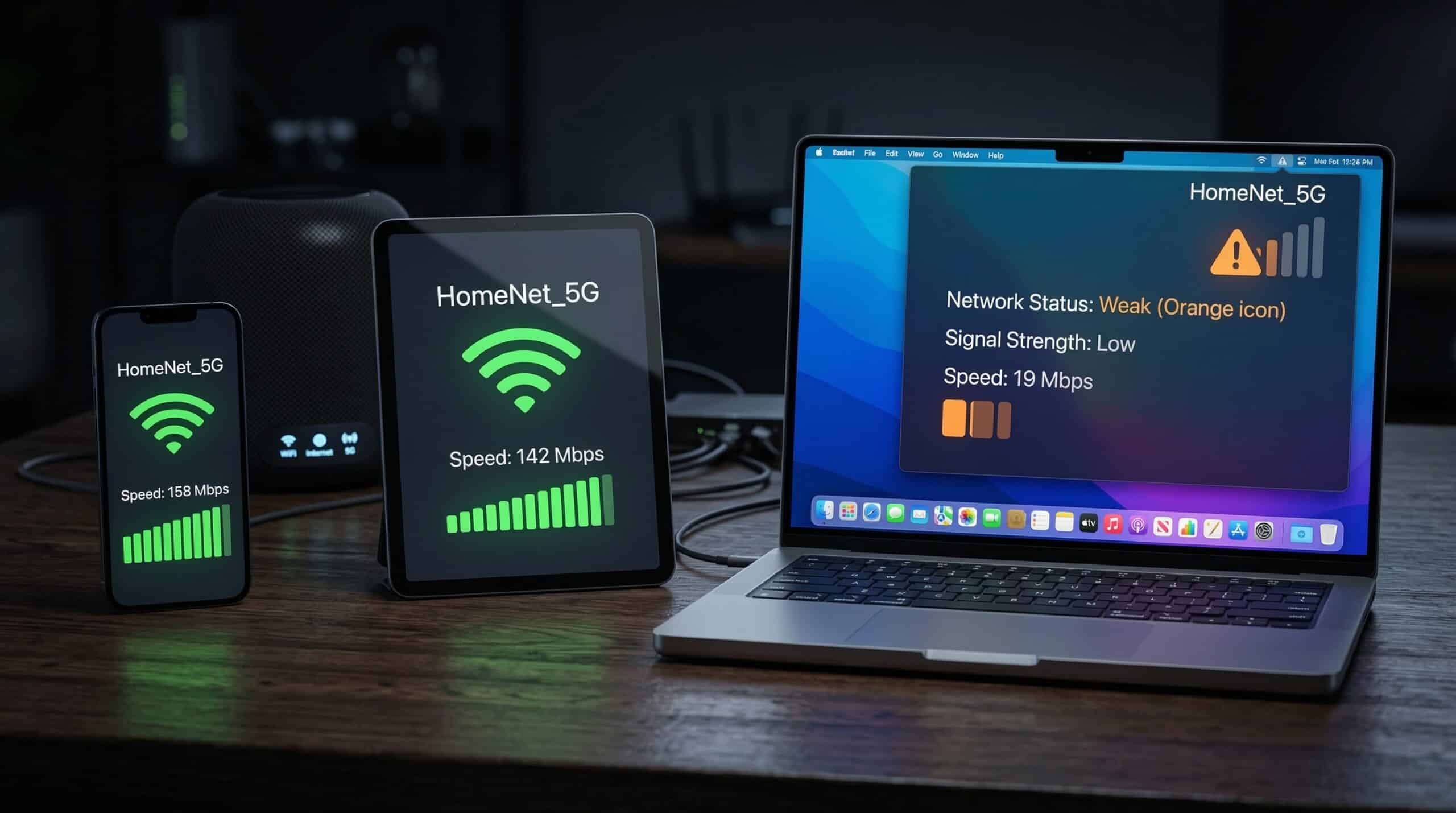
Internet Slow Only on One Device — How to Fix It
If your phone is fast but your laptop is slow, the problem isn’t your internet connection — it’s the device. This is one of the most diagnostic clues in home network troubleshooting. When other devices work fine, you can rule out the router, modem, and ISP entirely. Test the slow device at instantspeedtest.net/ and compare to another device on the same network.
Diagnostic Checklist — One Slow Device
| Check | How to Test | Fix If Found |
|---|---|---|
| Wrong WiFi band | Check if device is on 2.4 GHz vs 5 GHz | Connect to 5 GHz band |
| Weak WiFi signal | Check signal bars / dBm reading | Move closer to router or use Ethernet |
| Outdated network driver | Device Manager → Network adapter | Update driver or reinstall |
| Background app consuming bandwidth | Task Manager → Network column | Close bandwidth-hogging apps |
| Antivirus scanning traffic | Disable AV temporarily and retest | Exclude browser from AV scanning |
| Malware/adware | Run malware scan | Remove malware |
| DNS misconfiguration | Check DNS settings | Switch to 1.1.1.1 |
| Metered connection setting (Windows) | Settings → WiFi → Properties | Disable metered connection |
Laptop Slow, Phone Fast — The Most Common Cause
The most common cause of one device being slow while others are fast: the device is connected to the 2.4 GHz band while other devices use 5 GHz. Laptops often prefer 2.4 GHz because they prioritize range over speed. Manually connecting to the 5 GHz network (which may have a different name, like “NetworkName_5G”) often instantly fixes the speed difference. The second most common cause: outdated WiFi driver on Windows laptops. Updating the network adapter driver in Device Manager, or downloading the latest driver from the manufacturer’s website, frequently resolves mysterious laptop WiFi slowdowns. See our guide on WiFi slow on laptop but fast on phone.
Related Guides
- WiFi Slow on Laptop But Fast on Phone
- How to Fix Slow Internet on Windows 11
- How to Fix Slow Internet on Mac
- 2.4 GHz vs 5 GHz WiFi
- Why Speed Test Differs on Different Devices
- What Causes Slow Internet?
Frequently Asked Questions
Why is my laptop WiFi slower than my phone on the same network?
Most common reasons: phone is on 5 GHz while laptop is on 2.4 GHz; laptop has an older WiFi adapter (WiFi 5 vs phone’s WiFi 6); laptop’s network driver is outdated; or a background Windows process (updates, antivirus, OneDrive sync) is consuming bandwidth. Test Ethernet on the laptop — if wired speed is normal, confirm it’s a WiFi issue and work through the checklist above.
Can a VPN slow down only one device?
Yes — if only one device has a VPN active, that device routes all traffic through the VPN server, adding encryption overhead and distance latency. VPNs typically reduce speeds 10–30%. If you installed a VPN app and then noticed one device being slow, check whether the VPN is always-on and consider switching to a faster server or disabling it when not needed.
Does factory resetting a phone or laptop fix slow internet?
It can — if corrupted network settings, a problematic app, or accumulated system issues are causing the slowdown, a reset removes all of that. However, it’s a drastic step. Try the simpler fixes first: forget and reconnect to the WiFi network, update network drivers, restart the device, and check Task Manager for bandwidth-hogging processes before considering a factory reset.