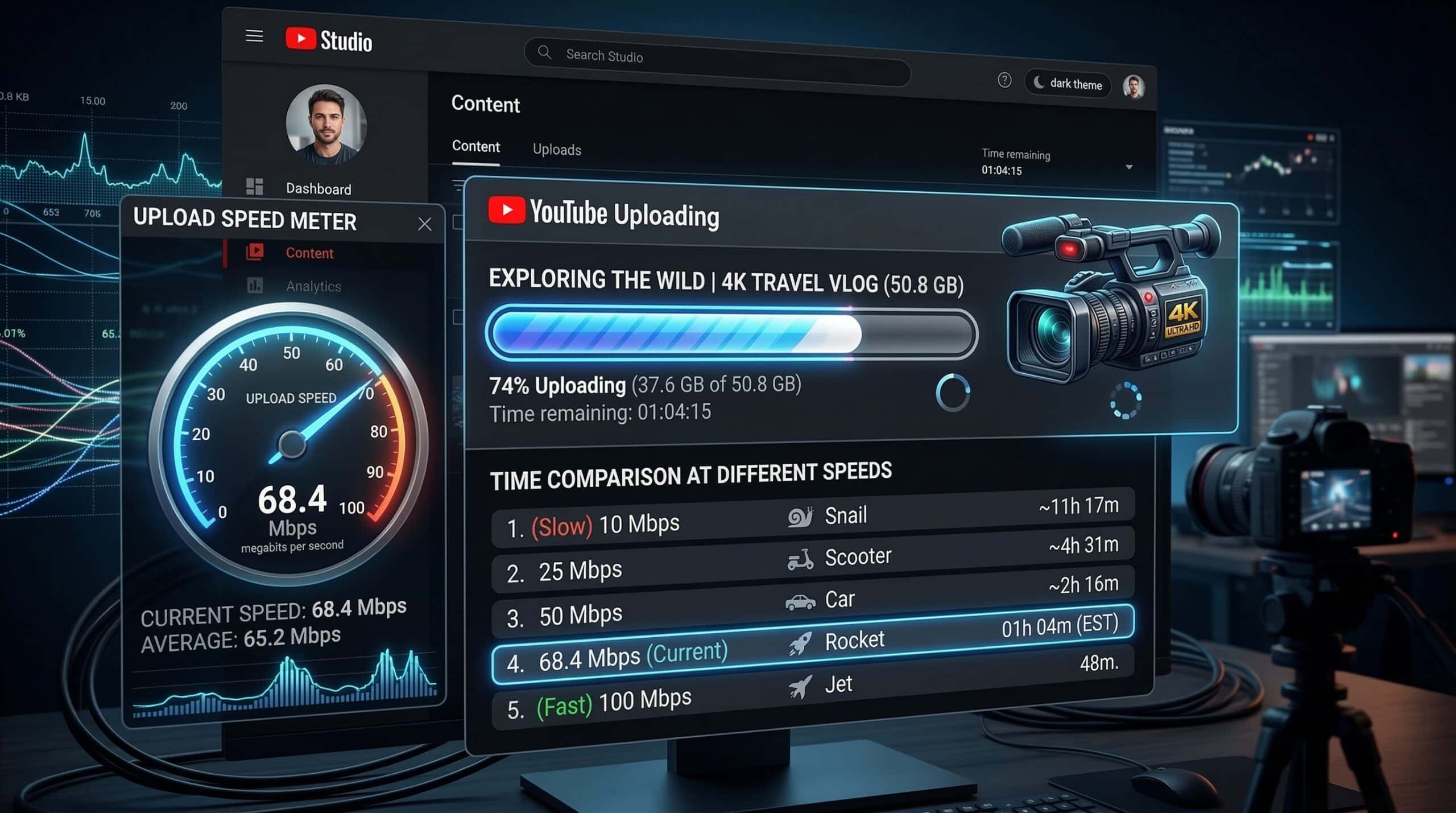
Good Upload Speed for YouTube — What Creators Actually Need
YouTube doesn’t require a minimum upload speed — it accepts files at any speed — but your upload speed determines how long you wait for a video to process and go live. At 5 Mbps upload, a 10GB 4K video takes about 4 hours. At 100 Mbps upload, it takes 13 minutes. For creators publishing daily, upload speed directly impacts workflow productivity. Check yours at instantspeedtest.net/.
YouTube Upload Time by Connection Speed and File Size
| Upload Speed | 1 GB File | 5 GB File | 20 GB (Raw 4K footage) |
|---|---|---|---|
| 5 Mbps | 27 min | 2.2 hours | 8.9 hours |
| 10 Mbps | 13 min | 67 min | 4.4 hours |
| 20 Mbps | 7 min | 33 min | 2.2 hours |
| 50 Mbps | 2.7 min | 13 min | 53 min |
| 100 Mbps | 80 sec | 7 min | 27 min |
| 500 Mbps | 16 sec | 80 sec | 5 min |
Why YouTube Creators Need Fiber — The Upload Case
A daily-uploading YouTube creator on cable internet with 20 Mbps upload spends 2+ hours waiting for each 4K video to upload — time during which they can’t use their internet connection for anything else without slowing the upload further. Switching to fiber at 100–500 Mbps symmetric upload reduces 4K video uploads from hours to minutes, transforming the production schedule. The upload case for fiber is stronger for creators than any other use case. Our fiber vs cable comparison shows the full picture.
Related Guides
- What Is a Good Upload Speed?
- Internet Speed for Twitch Streaming
- Fiber vs Cable Internet
- Is 1 Gbps Worth It?
- Why Is Upload Slower Than Download?
- What Is Upload Speed?
Frequently Asked Questions
Does upload speed affect YouTube video quality?
No — upload speed only determines how fast the file transfers to YouTube. YouTube re-encodes your video after upload regardless of your upload speed. Video quality (resolution, bitrate) is determined by how you exported the video before uploading, not your upload speed. A faster upload gets your video processed sooner; a slower upload just makes you wait longer.
Can I upload to YouTube while streaming on Twitch?
Yes if you have sufficient upload bandwidth. Twitch streaming requires 6–10 Mbps upload; a YouTube upload uses remaining upload capacity. On cable with 20 Mbps upload: 10 Mbps for Twitch + 10 Mbps for YouTube upload = fully saturated. The YouTube upload will be throttled to avoid competing with streaming. On fiber with 100 Mbps upload, both run simultaneously without conflict.
What upload speed does a YouTube Live stream need?
YouTube recommends 51 Mbps for 4K live streaming, 7.4 Mbps for 1080p60, and 4.5 Mbps for 1080p30. These are similar to Twitch’s requirements but with higher recommendations for 4K. Most creators stream 1080p60, requiring 7.4–10 Mbps upload — feasible on cable for dedicated streaming, tight when combined with other upload uses.