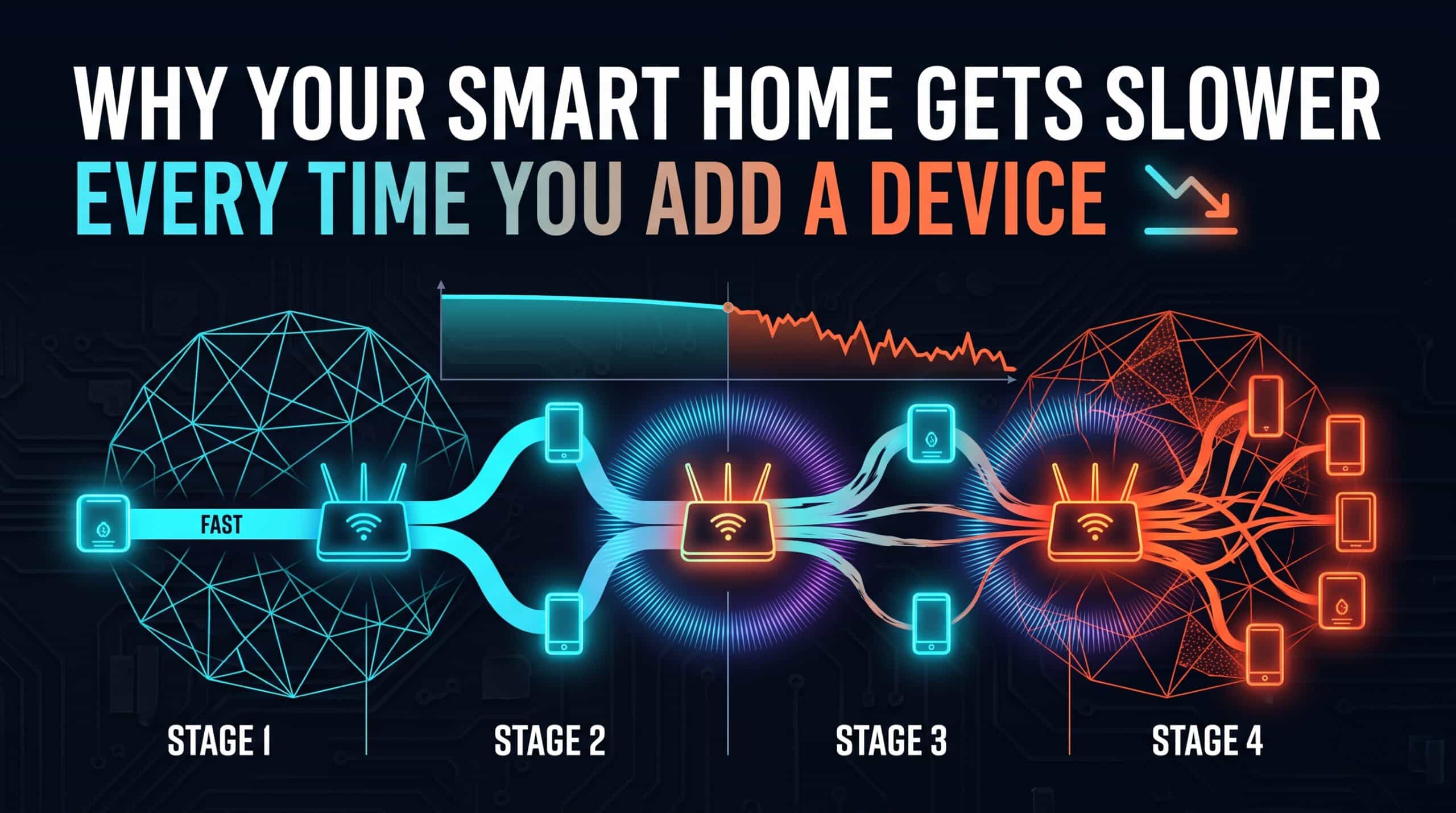
The tenth smart bulb doesn’t feel like it should matter — it’s a tiny, low-power device sending almost no data. And yet households that steadily add smart home devices over time often notice a real, gradual decline in overall network responsiveness, even though no single new device seems significant enough to explain it on its own.
Small Costs That Genuinely Add Up
Every WiFi device, even one that’s mostly idle, periodically checks in with the router to maintain its connection — a small amount of network “airtime” consumed regardless of how little actual data the device sends. WiFi is a shared medium where devices take turns communicating, and each additional device, however minor its own usage, adds one more participant competing for those turns.
Why This Feels Gradual Rather Than Sudden
Adding one smart plug rarely produces a noticeable change on its own — the cost per device is genuinely small. But smart homes tend to grow incrementally over months or years, one device at a time, which means the cumulative effect arrives so gradually that it’s easy to miss the actual cause. By the time a household has thirty or forty connected devices, the accumulated overhead from all that periodic check-in traffic becomes genuinely measurable, even though no single addition felt significant when it happened.
What Actually Helps as a Smart Home Grows
A more capable router, ideally supporting WiFi 6 or WiFi 6E’s improved multi-device efficiency features, handles this kind of growth meaningfully better than an older or budget router designed around a much smaller expected device count. Splitting devices across bands — low-bandwidth smart home gadgets on 2.4GHz, bandwidth-hungry devices on 5GHz — also reduces contention on any single band as the total device count climbs.
If your network has slowed as your smart home has grown, test your current speed and responsiveness with our free speed test to establish a baseline before making changes.
Related Guides
- How Many Smart Devices Your WiFi Can Actually Handle
- WiFi 6 vs WiFi 5 Speed Difference
- 2.4GHz vs 5GHz WiFi
Frequently Asked Questions
Can adding smart home devices really slow down my whole network over time?
Yes, cumulatively. Each device, even a mostly idle one, periodically checks in with the router and consumes a small amount of shared network airtime. Added gradually over months or years, this overhead becomes genuinely measurable even though no single device felt significant on its own.
What helps most as a smart home grows?
A more capable router with WiFi 6 or WiFi 6E’s multi-device efficiency features, combined with splitting devices across the 2.4GHz and 5GHz bands based on their actual bandwidth needs, handles growth meaningfully better than a basic router.