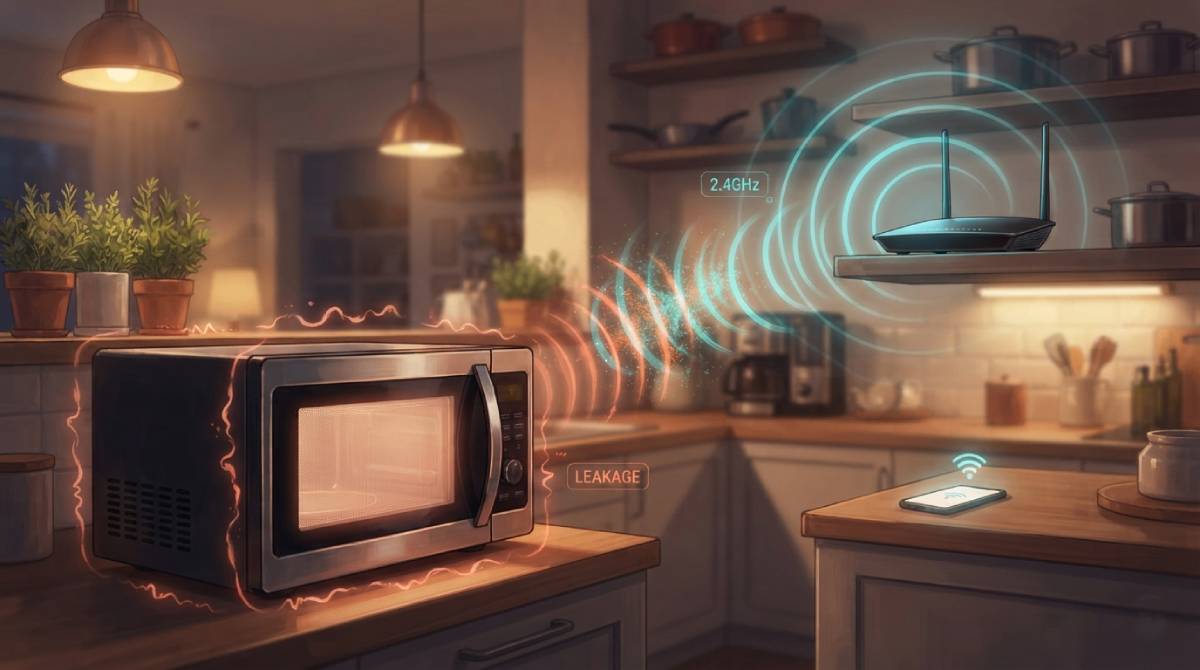
Run a microwave in the kitchen and notice your WiFi stutter at the same time? That’s not a coincidence, and it’s not a faulty router — your microwave oven and your WiFi router are operating in the same slice of radio frequency spectrum, and one of them is designed to leak a little.
A Shared Frequency by Design
Standard 2.4GHz WiFi and household microwave ovens both operate around the same 2.4GHz frequency band — not as a coincidence, but because this particular frequency happens to be efficient at exciting water molecules, which is exactly what a microwave is designed to do to heat food, and exactly the frequency range early WiFi standards were built around for unrelated reasons of spectrum availability. Microwave ovens are shielded to contain that energy, but shielding isn’t perfect, and a small amount of leakage during operation can bleed into the same frequency your router is using to communicate with your devices.
Why This Interference Is Usually Brief but Real
This is why some households notice a genuine, repeatable dip in WiFi performance specifically while a microwave is running, particularly for devices on the 2.4GHz band that are physically close to the kitchen. It’s not damage, and it’s not permanent — it’s temporary interference sharing the same slice of spectrum, and it clears up the moment the microwave stops.
Why 5GHz and 6GHz Devices Rarely Have This Problem
This is one of several genuine reasons the 5GHz and 6GHz WiFi bands exist alongside 2.4GHz — they operate on frequencies far enough away from a microwave’s range to avoid this specific interference entirely. If a device supports 5GHz and you’ve noticed WiFi hiccups specifically during cooking, switching that device to the 5GHz network is a direct, effective fix for this exact problem.
Test whether this interference is measurably affecting your connection with our free speed test, run once with the microwave off and once while it’s running.
Related Guides
Frequently Asked Questions
Can a microwave really interfere with WiFi?
Yes. Microwave ovens and 2.4GHz WiFi both operate in the same slice of radio spectrum, and small amounts of leaked energy during microwave operation can cause temporary interference, particularly for nearby devices on the 2.4GHz band.
How do I stop my microwave from affecting my WiFi?
Switch affected devices to your router’s 5GHz network if they support it. That band operates far enough away from a microwave’s frequency range to avoid this specific interference entirely.