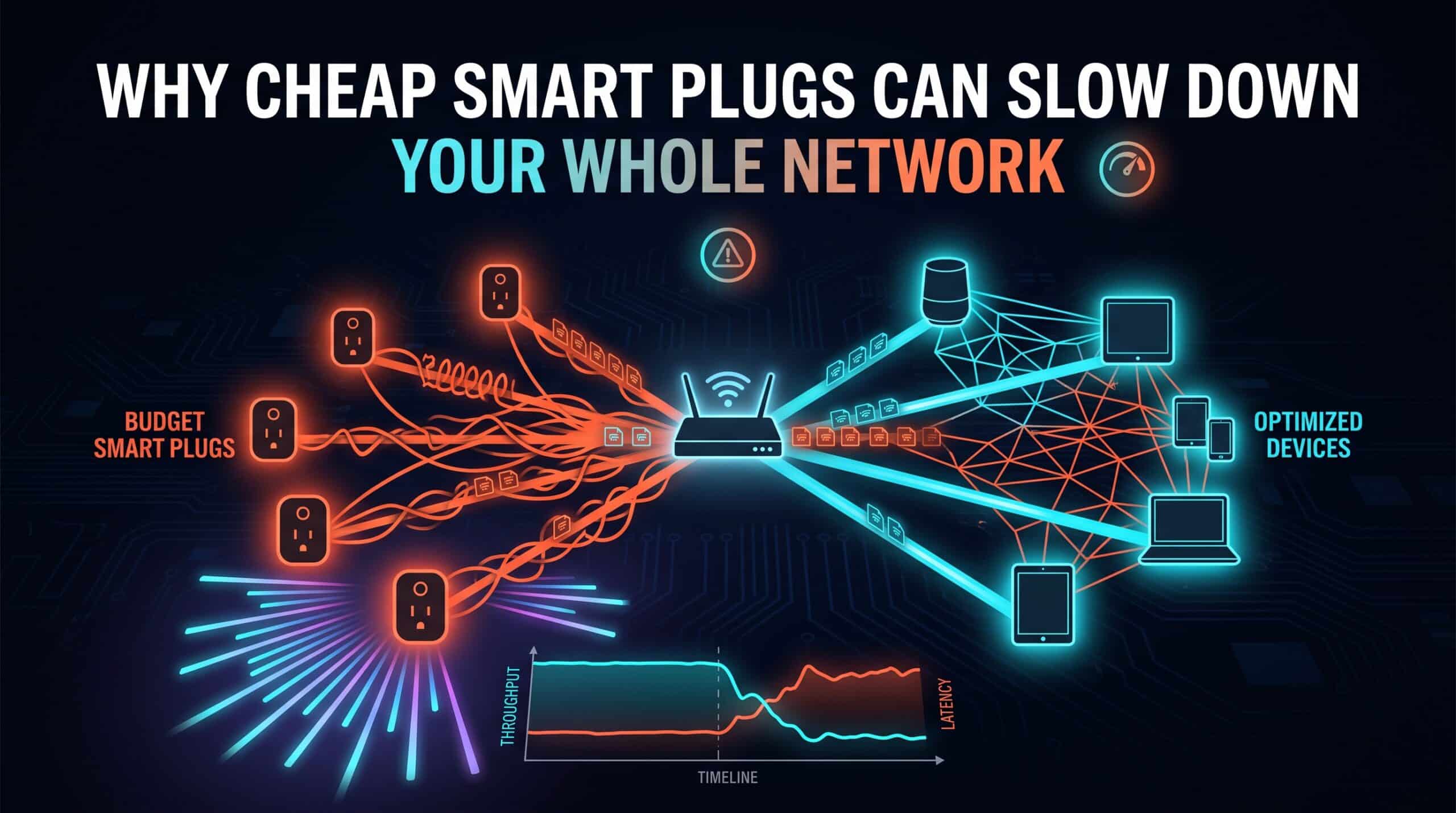
A smart plug costing a few dollars and one costing four times as much can look functionally identical — both turn a lamp on and off from an app. What that price difference often actually reflects is the quality of the wireless chipset inside, and a genuinely cheap chipset can cause problems that extend well beyond that one device’s own performance.
Where the Savings Actually Come From
Budget smart home manufacturers frequently cut costs specifically on wireless components, since a weaker chipset is invisible to a customer comparing products in a store or online listing — the plug still works, at least in a basic sense. What that weaker chipset can produce is a device with a poorly implemented WiFi stack: one that reconnects unnecessarily often, holds connections inefficiently, or in worse cases, floods the network with more traffic than its actual function requires.
How One Weak Device Can Affect Others
Because WiFi is a shared medium, a single misbehaving device — one that reconnects repeatedly, or communicates inefficiently — can consume disproportionate network resources relative to its actual purpose, genuinely affecting the performance other, better-behaved devices experience on the same network. This is different from the earlier point about idle devices adding small individual costs; this is about one specifically poorly-implemented device causing an outsized impact.
How to Actually Spot This
If your network’s overall performance seems to correlate with when a specific budget smart device is active, or if your router’s connected devices list shows a device reconnecting unusually frequently, that’s a real, checkable symptom worth investigating specifically, rather than a vague suspicion. Isolating that single device — temporarily unplugging it and testing network performance without it — is a straightforward way to confirm whether it’s genuinely the cause.
Test your network’s performance with and without a suspected device connected using our free speed test to confirm the impact directly.
Related Guides
- Internet Speed for Smart Home Devices
- What Is Network Congestion?
- How Many Smart Devices Your WiFi Can Actually Handle
Frequently Asked Questions
Can one cheap smart plug really affect my whole network?
Yes, if it has a poorly implemented WiFi chipset that reconnects unnecessarily often or communicates inefficiently. Because WiFi is a shared medium, one misbehaving device can consume disproportionate network resources relative to its actual function, affecting other devices.
How do I check if a specific device is causing problems?
Check your router’s connected devices list for unusually frequent reconnections from a specific device, or temporarily unplug a suspected device and test network performance without it to confirm whether it’s genuinely the cause.