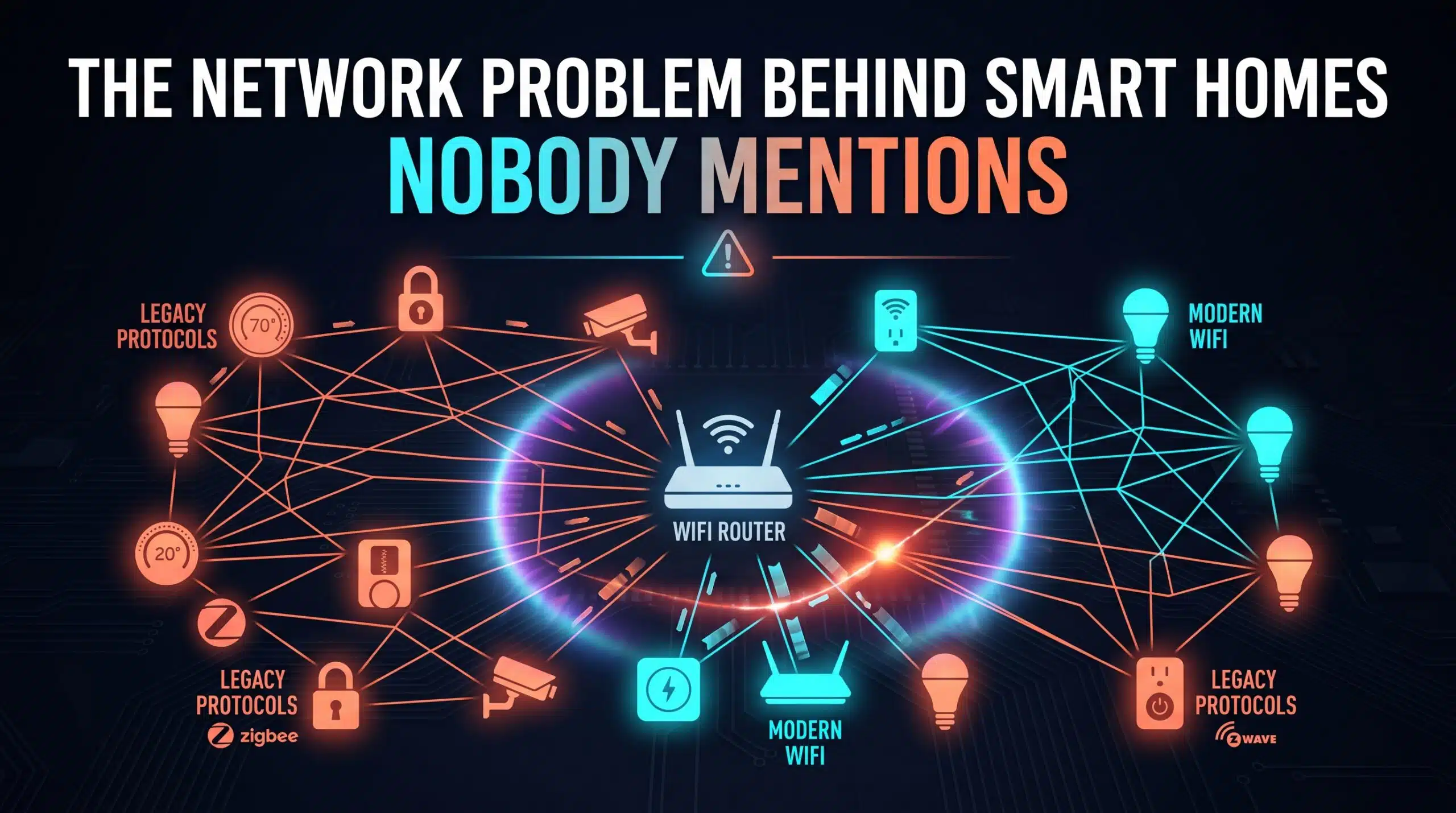
Smart home setup guides walk through pairing devices, naming rooms, and building automations. Almost none of them mention the specific, underlying network issue responsible for a huge share of the most frustrating smart home failures: devices that use different, sometimes incompatible wireless protocols, all expected to somehow work together seamlessly.
Not Every Smart Device Speaks the Same “Language“
WiFi is only one of several wireless protocols smart home devices commonly use — Zigbee, Z-Wave, Bluetooth, and increasingly Thread are all in active use across different device brands and categories, each with different range, power, and bandwidth characteristics. A device using Zigbee doesn’t directly communicate with your WiFi router at all; it needs a separate hub or bridge device to translate between protocols, which is an extra point of failure most users never think to check when troubleshooting.
Why This Produces Confusing, Inconsistent Failures
This is precisely why smart home troubleshooting often feels inconsistent and confusing — a WiFi-based smart plug and a Zigbee-based smart sensor can fail for completely different underlying reasons, even though both simply appear as “not responding” from the user’s perspective. Treating every smart home issue as a WiFi problem, when a meaningful share of your devices might not even be using WiFi at all, leads to a lot of wasted troubleshooting effort aimed at the wrong layer of the system.
What Actually Helps
Knowing which protocol each of your specific devices actually uses — usually documented in the device’s manual or app — lets you troubleshoot the right layer when something breaks. A Zigbee device acting up is a hub or bridge problem, not a router problem, and checking your router settings won’t fix it. Thread, the newer unifying standard gaining adoption, is specifically designed to reduce this fragmentation over time, though most existing smart homes still run a genuine mix of protocols today.
For the WiFi-based portion of your smart home specifically, check your actual network performance with our free speed test.
Related Guides
Frequently Asked Questions
Do all smart home devices use WiFi?
No. Many use other wireless protocols like Zigbee, Z-Wave, or Bluetooth, each requiring a separate hub or bridge to communicate with your main network, which is a common source of confusing, inconsistent smart home issues.
How do I know which protocol my smart devices actually use?
Check the device’s manual or companion app, which typically documents the protocol it uses. Knowing this lets you troubleshoot the correct layer of your system rather than assuming every issue is a WiFi problem.