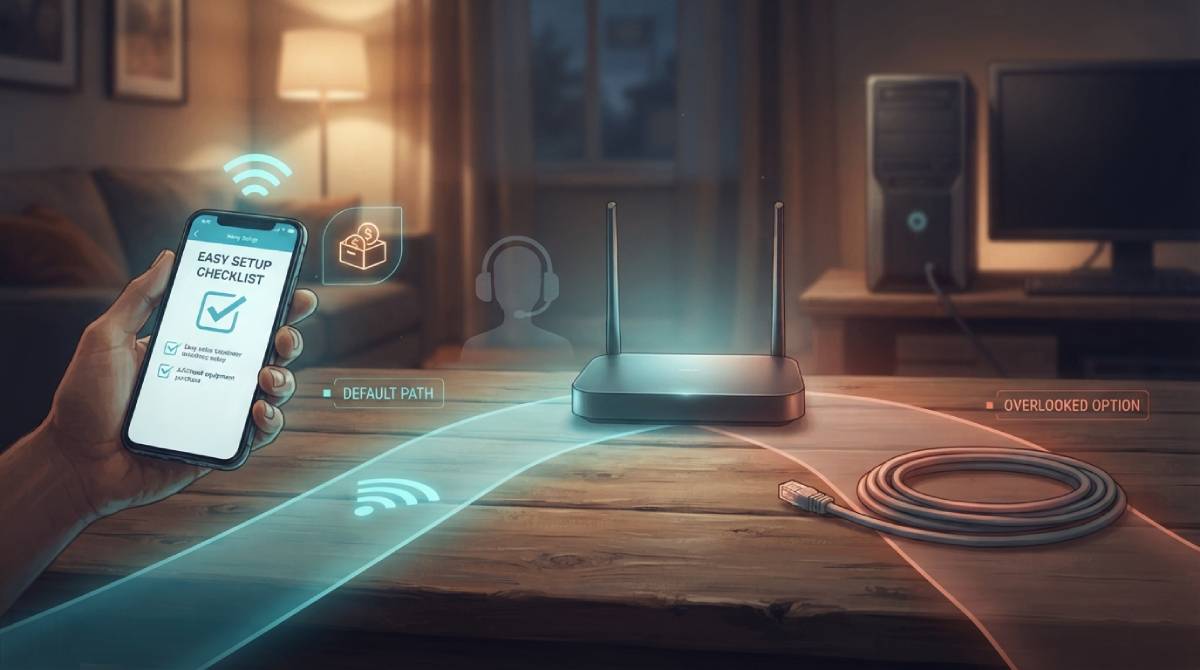
Set up a new internet connection and the process almost always guides you toward connecting via WiFi first, with Ethernet treated as an afterthought at best. This isn’t necessarily because WiFi is better for you — there’s a real, separate business logic behind why that’s the default path most ISPs steer customers toward.
Fewer Support Calls, Simpler Setup
WiFi setup is simpler to walk a non-technical customer through over the phone or via an app — connect to a network name, enter a password, done. Wired setup, while ultimately simpler in principle, introduces variables like cable routing through a home that don’t fit as cleanly into a standardized support script. Fewer setup complications generally means fewer support calls, which is a genuine cost consideration for ISPs operating at scale.
The Mesh Extender Upsell Angle
WiFi coverage gaps are also a genuine, recurring source of customer complaints and support calls, and many ISPs address this by upselling mesh WiFi extenders or additional equipment rentals — an additional revenue stream that only exists because the default setup pushes customers toward WiFi in the first place, rather than suggesting a wired connection that wouldn’t have the same coverage gap issue in a specific room to begin with.
What This Means for Your Own Setup Choices
None of this means WiFi is a bad choice for most everyday use — it genuinely is convenient, and for many devices and use cases, it performs perfectly well. But for anything latency-sensitive or performance-critical — competitive gaming, video calls in a home office, a desktop computer that never moves — a wired Ethernet connection to that specific device is worth actively choosing yourself, rather than assuming the ISP’s default setup path represents the best option for every device in your home.
Compare your own WiFi versus Ethernet performance directly with our free speed test, run once on each connection type.
Related Guides
Frequently Asked Questions
Is WiFi actually worse than Ethernet for everyday use?
Not necessarily — WiFi is genuinely convenient and performs well for many everyday devices and uses. The point isn’t that WiFi is bad, it’s that ISP setup defaults toward it partly for support-cost reasons, not purely because it’s the best option for every device.
When should I actively choose Ethernet over WiFi?
For anything latency-sensitive or performance-critical — competitive gaming, video calls in a dedicated home office, or a desktop that never moves — a direct wired connection is worth setting up yourself, since it typically outperforms WiFi for those specific use cases.