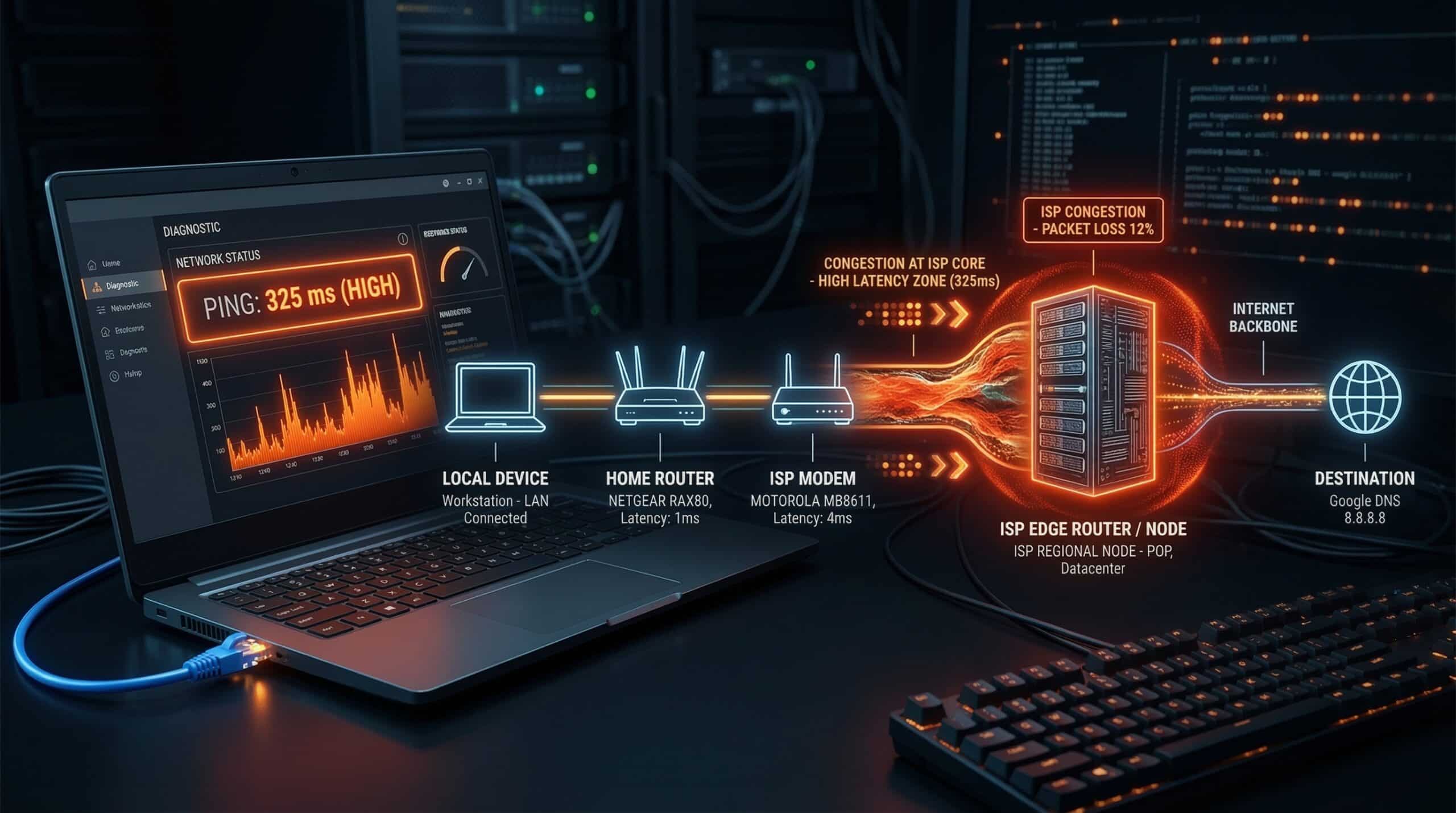
High Ping on Wired Connection — Why It Happens and How to Fix It
High ping on Ethernet is more puzzling than WiFi lag because Ethernet eliminates the most common lag source. When you have 60–100ms ping despite being wired, the problem is upstream — in the ISP network, game server routing, or your modem. Check your ping at instantspeedtest.net/ first, then work through these causes.
Causes of High Ping on Wired Connection — Ranked
| Cause | Symptom | Fix |
|---|---|---|
| ISP-level congestion | High ping evenings/weekends, normal mornings | Document and complain; switch ISP |
| Distant game server selected | Consistently high ping all times | Change game server to nearest region |
| Router/modem processing delay | Ping higher through router than direct to modem | Upgrade router; enable QoS |
| ISP routing issue (poor peering) | High ping to game servers specifically | Contact ISP; may require ISP switch |
| Background upload saturating connection | Ping spikes correlate with upload activity | Close background apps; enable QoS |
| Bufferbloat | Low idle ping but high ping during download | Enable SQM/FQ-CoDel on router |
| Old/faulty Ethernet cable | Intermittent high ping, packet loss | Replace with Cat6 cable |
Bufferbloat — The Hidden Cause of Wired Lag Spikes
Bufferbloat occurs when your router’s or modem’s packet buffers fill up during heavy download activity, causing all other packets (including gaming packets) to queue behind the download data. Symptoms: ping is excellent when idle (10–15ms) but spikes to 80–200ms when something downloads in the background. Test bufferbloat at dslreports.com/speedtest (use their bufferbloat test). Fix: enable SQM (Smart Queue Management) or FQ-CoDel in your router settings if available — it prioritizes gaming packets over bulk data. This single change can eliminate bufferbloat-induced lag spikes completely. See our guide on jitter for the related concept.
Related Guides
- How to Reduce Ping in Gaming
- What Is Ping?
- Jitter vs Ping for Gaming
- What Is Jitter?
- Why Is Ping High at Night?
- Cable vs Fiber for Gaming
Frequently Asked Questions
Is 50ms ping bad on wired connection?
Depends on game and server distance. 50ms on a wired connection to a nearby server is higher than expected (15–25ms is typical wired) and suggests an ISP routing or congestion issue. 50ms to a game server in another region may be unavoidable based on physical distance. Run a ping test to 8.8.8.8 (Google DNS) from Command Prompt — if that shows 10–20ms but your game shows 50ms, the game server is distant; if 8.8.8.8 also shows 50ms, the issue is ISP-level.
Does a better Ethernet cable reduce ping?
For modern home networking, Ethernet cable category (Cat5e vs Cat6 vs Cat6a) has no measurable effect on ping. All carry signals at the speed of electricity, which for home distances (under 100 meters) is effectively instantaneous relative to internet latency. Cat6 is still worth using for future-proofing gigabit speeds, but it won’t reduce your ping compared to Cat5e.