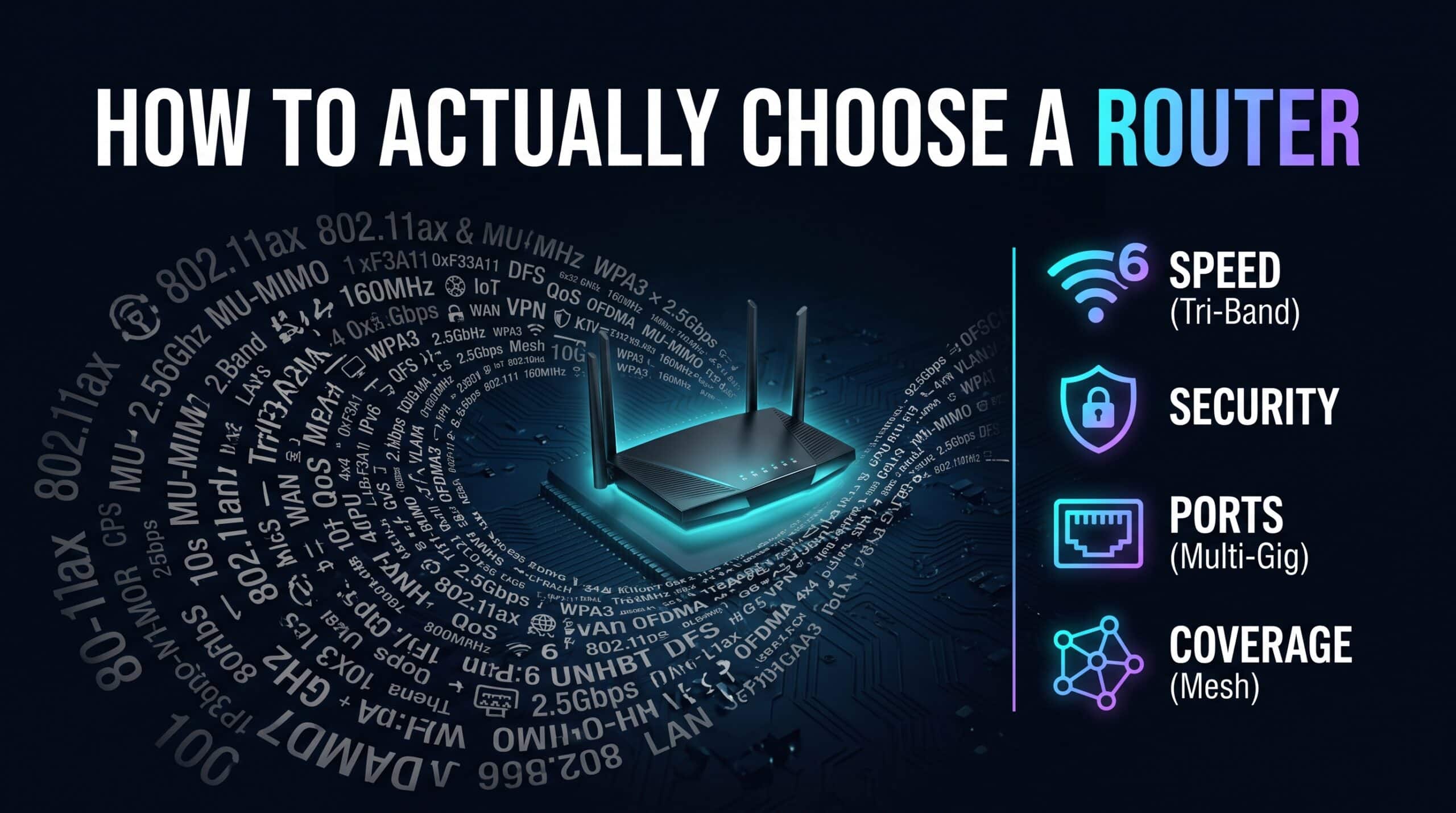
Router shopping pages are basically designed to overwhelm you — combined speed numbers in the thousands, standard names like WiFi 6E or WiFi 7 stacked confidently near the top like they’re supposed to mean something obvious. Most of that information is genuinely useful, just buried under packaging designed to look impressive rather than to actually inform you. Once you know which numbers matter for your specific situation, the whole thing gets a lot less confusing.
Match the Standard to the Internet Plan You Actually Have
A router’s WiFi standard sets its theoretical wireless ceiling, but that ceiling only matters up to whatever your actual internet plan allows through. A WiFi 7 router on a 200 Mbps plan isn’t delivering WiFi 7 speeds to anything — the plan itself is the bottleneck long before the router’s wireless capability enters the picture at all. Most households on plans under roughly 500 Mbps already have a router capability that exceeds what their internet connection can deliver with a solid WiFi 6 unit. WiFi 6E earns its higher price specifically in dense environments — apartments, condos — where the clean 6GHz spectrum genuinely helps. WiFi 7 makes sense mainly for multi-gigabit plans or as a deliberate long-term bet.
What “AX1800” or “AX6000” Is Actually Telling You
Those numbers on router boxes represent a combined theoretical maximum across every band added together, not the speed any single device will ever actually see. An “AX3000” router isn’t handing your laptop 3000 Mbps — it’s adding up the theoretical peaks of its 2.4GHz and 5GHz bands into one number that looks better on a shelf. It’s not a meaningless number, since it roughly correlates with real capability, but treat it as a general capability indicator, not a realistic per-device promise.
Single Router or Mesh: Size the Purchase to Your Actual Home
A single, well-placed router genuinely covers most typical homes and apartments just fine, especially with decent WiFi 6-or-newer hardware. Bigger homes, multiple floors, or a place with dead zones that just won’t go away no matter how you move the router around — those situations are better served starting with mesh from day one, rather than buying one router now and bolting on extenders later as an afterthought. Buying for the home you actually have, rather than the cheapest thing on the shelf, tends to work out cheaper over the long run anyway.
Count Your Ethernet Ports
Even in a household that lives on WiFi, having enough physical Ethernet ports for your stationary gear matters more than it seems while you’re standing in the aisle comparing boxes. A router with only one or two ports might force you to choose which device gets the wired advantage. One with four or more removes that decision entirely — every stationary device gets to benefit from lower latency without needing a separate network switch bolted on.
The Boring Specs Nobody Compares, but Should
A router is a small dedicated computer, and like any computer, its processor and memory determine how well it holds up under real load — lots of connected devices, active traffic prioritization, maybe a VPN or firewall feature running simultaneously. Cheaper routers frequently cut costs specifically here, on parts nobody’s putting in a comparison chart, which can produce real slowdowns under heavy use even when the advertised standard and speed numbers look perfectly competitive on paper. Harder to shop for directly, admittedly — but technical review sites often actually test this kind of real-world load, which is worth a quick search before buying.
Security Features Worth Actually Confirming
WPA3 support should be treated as close to a baseline requirement at this point, not a premium extra. Built-in guest network support, automatic firmware updates, and a genuinely usable admin interface for changing default passwords and checking connected devices are all worth confirming before you buy — trying to bolt good security habits onto hardware that makes them a hassle is a lot harder than just choosing hardware that makes them easy from the start.
The Short Version
For most households: WiFi 6 or 6E, at least four Ethernet ports, WPA3 support, and mesh instead of a single router if your home is on the larger side or has known dead zones. Spend less energy on the flashy combined speed number and more on whether the standard actually matches your plan and whether the port count matches your real stationary devices.
Once your new router’s up and running, confirm the real-world performance with our free speed test.
Related Guides
Frequently Asked Questions
Do I need a WiFi 7 router?
Only really if you’ve got a multi-gigabit internet plan or you’re specifically buying for the long haul. Most households on standard plans are already exceeding what their connection needs with WiFi 6 or 6E.
What does that big combined speed number on the box actually mean?
It’s the theoretical maximum across every band added together — not what any single device will realistically achieve. Treat it as a rough capability indicator, not a per-device guarantee.
How many Ethernet ports should I actually look for?
Enough to cover your stationary devices without having to pick and choose. Four ports comfortably handles most households; fewer than that and you might end up compromising.