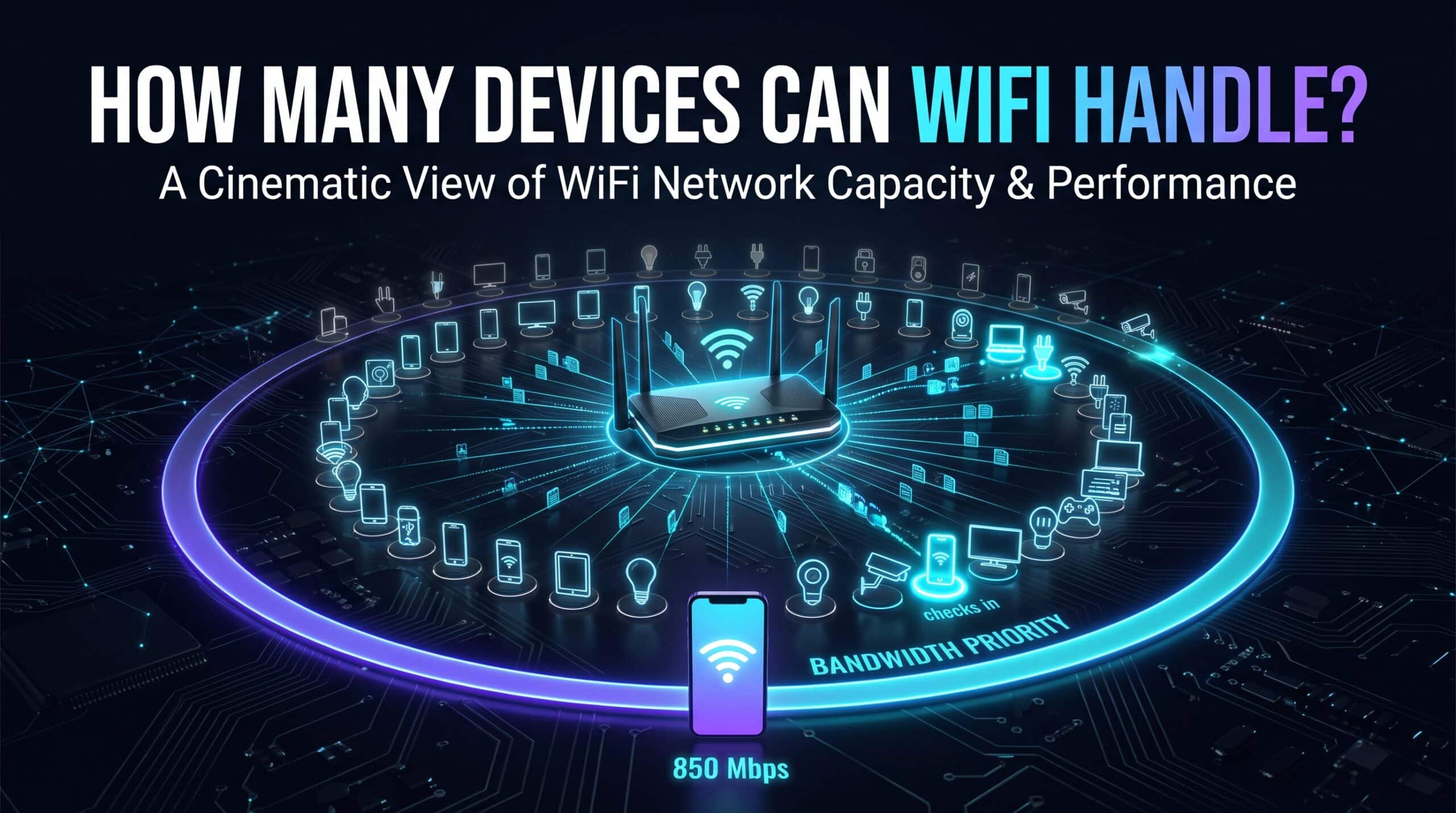
Take stock of a typical household right now — phones, laptops, smart bulbs, plugs, cameras, a speaker or two, a streaming box — and you’re easily looking at two or three dozen devices sharing one WiFi network without anyone thinking twice about it. There’s no single magic number for how many a home network can genuinely handle, but there is a real, practical ceiling, and it shows up a lot sooner than the impressive-sounding specs on your router’s box would suggest.
The Number on the Box Isn’t the Number That Matters
Most consumer routers can technically support well over a hundred connected devices from a pure addressing standpoint. In actual practice, noticeable slowdown across the whole network tends to start way before you get anywhere near that theoretical ceiling, because WiFi is fundamentally a shared medium. Every device has to take a turn talking to the router — even the ones just sitting there doing nothing most of the time.
Why “Doing Nothing” Still Costs Something
A smart plug that barely sends any real data still checks in with the router periodically, just to confirm it’s still connected. That check-in eats a tiny sliver of available airtime — the finite window the shared medium allows for anyone to communicate at all. One device doing this, no big deal. Thirty or forty devices, most of them smart home gadgets doing little more than announcing “still here” every so often, and that overhead genuinely adds up, even though nothing individually looks like it’s doing much of anything.
What Actually Sets Your Real Ceiling
Router quality matters more here than most people expect. WiFi 6 and 6E specifically brought in OFDMA, a technology that lets the router talk to multiple devices at once within the same channel, instead of the older, more one-at-a-time approach previous standards used. A WiFi 6 router juggling forty connected devices in a busy smart home genuinely outperforms an older WiFi 5 router struggling with way fewer devices in the same scenario — pure efficiency difference, nothing else changed.
Splitting devices deliberately across bands helps too, and it costs nothing beyond a few minutes in your router settings. Low-bandwidth smart home gadgets — bulbs, plugs, sensors — genuinely don’t need 5GHz or 6GHz’s speed. Parking them on 2.4GHz instead frees up the faster bands specifically for the devices that actually benefit from the extra throughput, like your laptop or your streaming box.
How to Tell You’re Actually Hitting the Limit
A network genuinely struggling under too many devices shows specific symptoms — connections that drop for no obvious reason, simple things like loading a webpage feeling slower than it should, a general sense of everything being a little worse that seems to creep up as more devices come online over the course of a day. These symptoms build gradually as a smart home grows over months and years, which makes them easy to blame on your internet plan when the real cause has been accumulating device count on hardware that was never built to handle this many connections at once.
What to Actually Do About It
If your household has genuinely outgrown a basic or aging router, moving to WiFi 6 or 6E specifically for its multi-device efficiency produces a real, felt improvement in exactly this situation — not just a speed bump, an actual different way of handling many simultaneous connections. And regardless of whether you’re buying anything new, splitting your existing devices across bands based on what they actually need, rather than letting everything default to whatever band it happened to connect to first, meaningfully cuts down on contention for free.
Test your network’s real performance with your current full device load using our free speed test to see exactly how much headroom you’ve actually got left.
Related Guides
Frequently Asked Questions
Is there a hard limit on how many devices can connect to WiFi?
Not really a strict one — most routers can technically handle well over a hundred devices from an addressing standpoint. Real performance issues tend to show up well before that, driven by shared airtime rather than any hard device cap.
Do idle smart home gadgets actually slow things down?
Individually, barely at all. Stacked across dozens of devices, though, even mostly-idle gadgets checking in periodically add up to genuinely measurable overhead on the network.
What’s the single best upgrade for a device-heavy smart home?
A router with WiFi 6 or 6E, specifically for OFDMA — it handles a lot of simultaneous devices far more gracefully than older standards ever managed, which matters more than raw speed in this exact scenario.