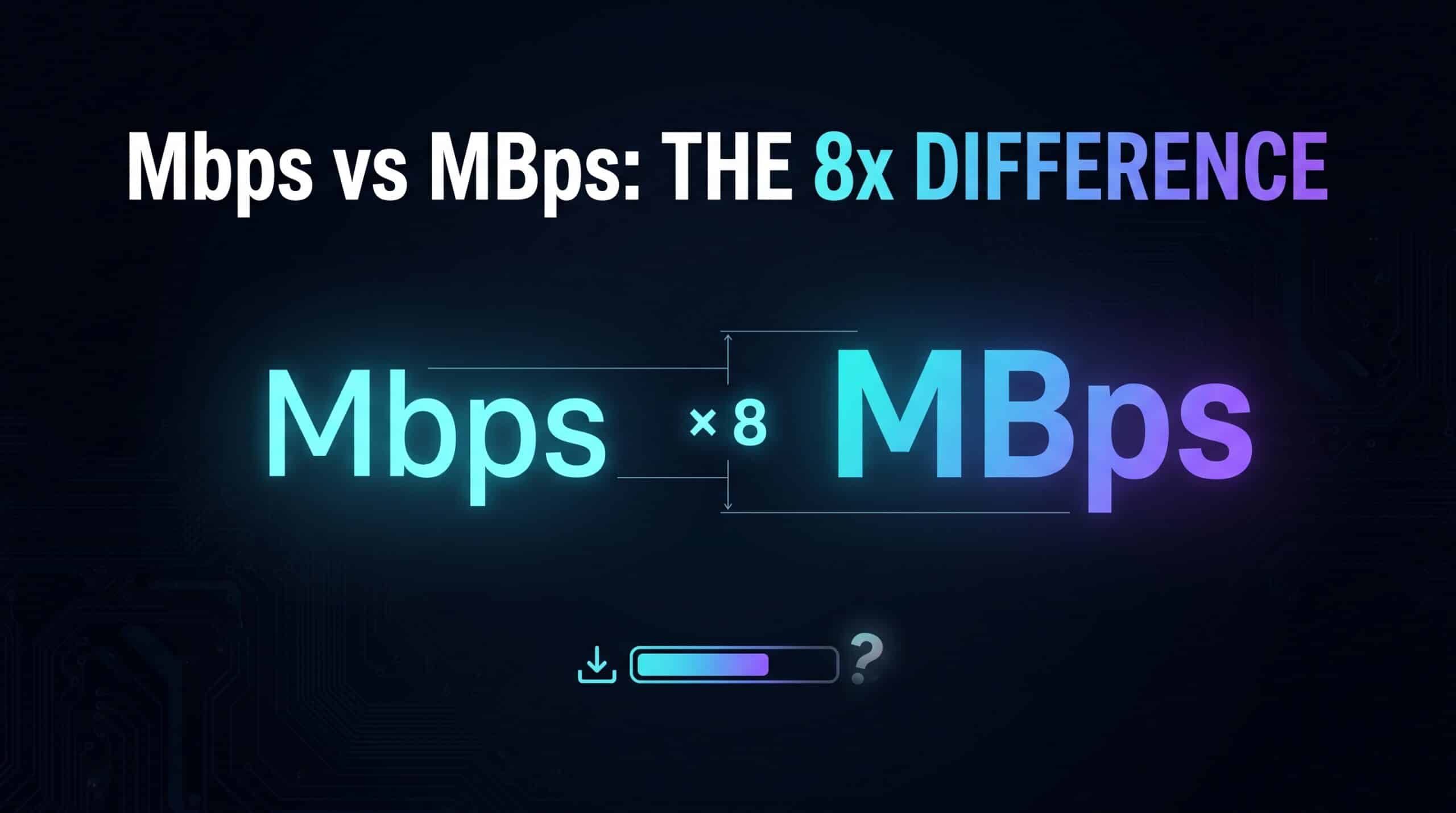
Mbps means megabits per second; MB/s means megabytes per second. The capital B matters. One byte contains eight bits, so 100 Mbps converts to 12.5 MB/s in decimal units. That is a unit conversion, not a promise that every download will maintain the theoretical rate.
Convert Mbps and MB/s
Exact decimal conversion: 8 megabits equal 1 megabyte. This converts units, not your connection’s guaranteed throughput.
100 Mbps = 12.5 MB/s in decimal units.
Divide Mbps by 8 for MB/s; multiply MB/s by 8 for Mbps. Examples are in the table below.
Common rate conversions
| Connection rate | Decimal equivalent |
|---|---|
| 50 Mbps | 6.25 MB/s |
| 100 Mbps | 12.5 MB/s |
| 300 Mbps | 37.5 MB/s |
| 500 Mbps | 62.5 MB/s |
| 1,000 Mbps | 125 MB/s |
Going the other way, a download showing 25 MB/s corresponds to 200 Mbps of file data. Check the application’s label before comparing numbers: some clients can display either bits or bytes. Valve documents this distinction for Steam downloads.
Why a download may stay below the converted figure
The rate available to a file also depends on its source, the route, competing traffic, device processing and storage, and the client’s settings. Network overhead is separate from the file payload. A correct conversion cannot identify which of these is limiting one application.
For a useful comparison, pause optional transfers and record the app’s units and rate alongside a browser speed test. Run them separately so they do not compete. If the difference persists after allowing for units, follow the speed test versus actual download guide instead of assuming the plan is mislabelled.
MB and MiB are different size conventions
Decimal MB is 1,000,000 bytes; binary MiB is 1,048,576 bytes. The converter above uses decimal Mbps and MB/s. If an app explicitly shows MiB/s, use that unit in the comparison rather than treating it as decimal MB/s. Ambiguous labels deserve a check in the client’s documentation.
Turn a measured rate into a time estimate
Use the existing download-time calculator with the file size and a realistic measured rate. A theoretical conversion does not include pauses for installation, scanning, patching, or other transfers. An estimate is most useful when the size convention and rate assumptions are visible.
Frequently asked questions
Does a 100-Mbps plan mean 100 MB/s?
No. In decimal units, 100 Mbps is 12.5 MB/s. An application may achieve less after other constraints are considered.
Is 1 MB/s approximately or exactly 8 Mbps?
For decimal megabytes and megabits, it is exactly 8 Mbps. Approximation enters when a displayed value is rounded or another unit, such as MiB/s, is involved.