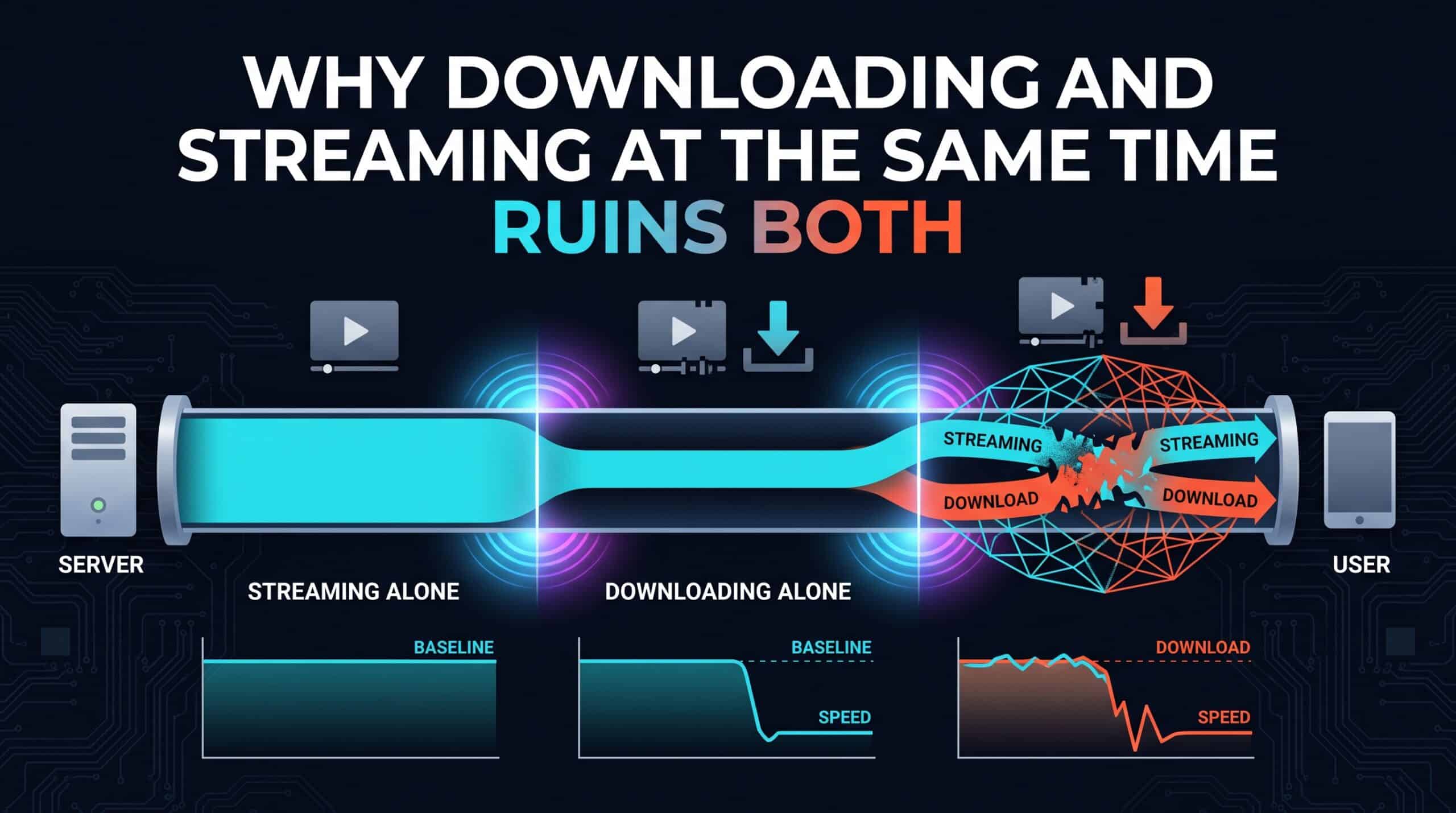
A connection rated well above what streaming actually requires still stutters the moment a large download starts in the background. On paper, there should be plenty of bandwidth for both — and yet both activities noticeably suffer at once. The cause usually isn’t a lack of raw capacity; it’s how that capacity gets divided under sudden competing demand.
Downloads Are Greedy by Design
A file download is engineered to use as much available bandwidth as it possibly can, as fast as it can, to finish as quickly as possible — that’s a reasonable design goal for a download considered in isolation. The problem is that this same aggressive behavior means a download will happily consume bandwidth that a simultaneous video stream also needs, without any built-in awareness that something else on the network needs a share too.
Why This Hits Right at the Start of the Download
This effect is often most noticeable in the first several seconds after a download begins, before your router’s own queue management, if it has any, has a chance to settle into a more balanced state. That initial burst can be enough to cause a visible stutter in whatever’s streaming, even if the download and stream would otherwise coexist fairly smoothly for the rest of their overlap.
What Actually Fixes This
Quality of Service settings, again worth the effort to configure, let you explicitly tell your router to prioritize streaming or video call traffic over background downloads, preventing exactly this kind of one-sided competition. Many download managers and platforms also offer a bandwidth-limiting option specifically for this scenario — deliberately capping a download’s own speed so it leaves headroom for everything else happening on the network at the same time.
Check your total available bandwidth with our free speed test to understand how much room actually exists to share between simultaneous activities.
Related Guides
Frequently Asked Questions
Why does a large download disrupt streaming even on a fast connection?
Downloads are designed to use as much available bandwidth as possible as quickly as possible, without built-in awareness of other traffic sharing the network, which can crowd out a simultaneous stream’s needs, especially in the first several seconds after the download begins.
How can I stop this from happening?
Set up Quality of Service (QoS) on your router to prioritize streaming or call traffic over background downloads, or use a download manager’s bandwidth-limiting option to cap the download’s own speed and leave headroom for everything else.