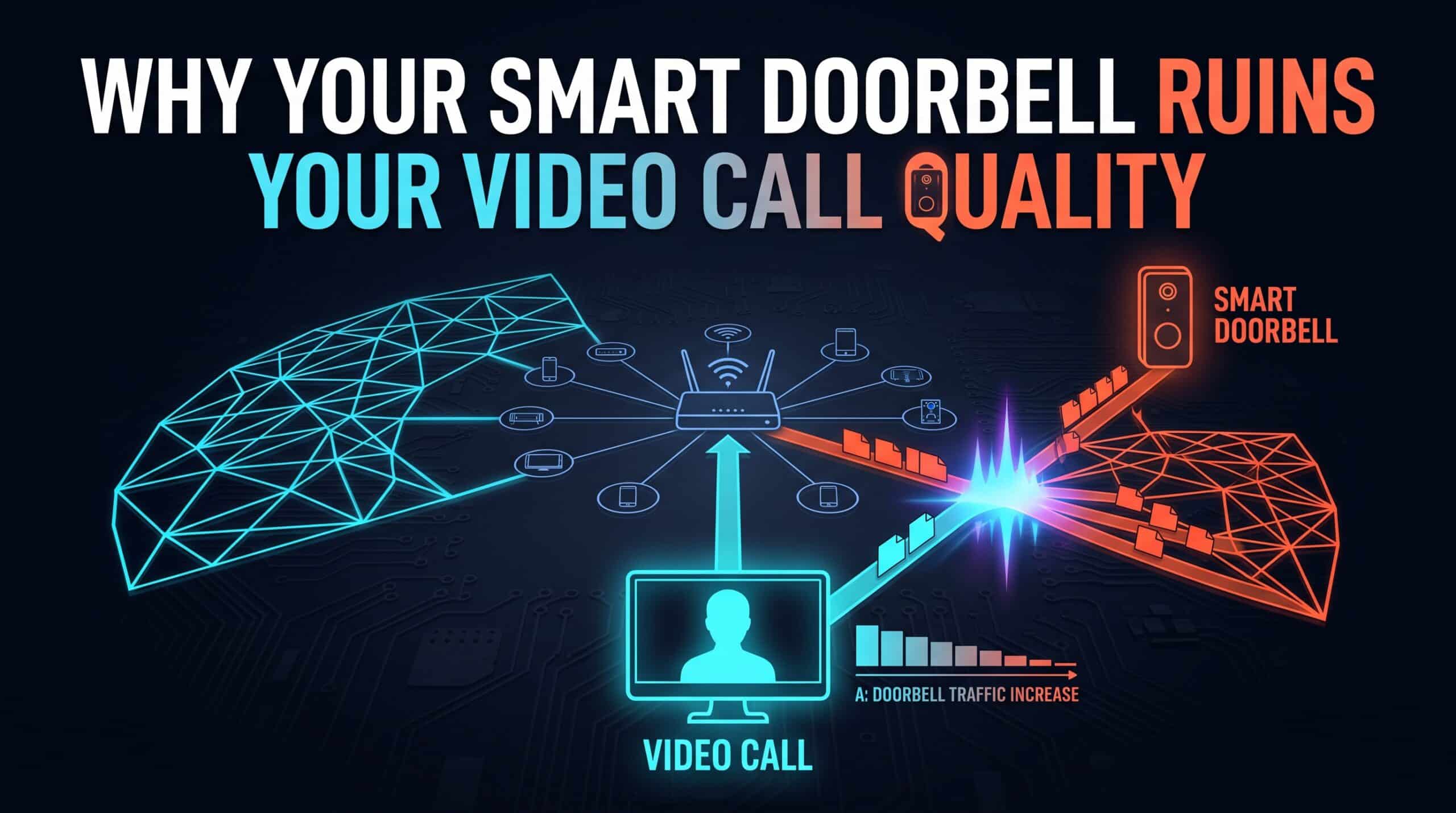
Video call freezes right as someone rings the doorbell, or right around when a smart camera detects motion outside — this isn’t a coincidence, and it isn’t your imagination. Smart doorbells and security cameras are genuinely bandwidth-hungry in short, sudden bursts, precisely at the moments they’re actually doing their job.
Mostly Idle, Then Suddenly Not
A smart doorbell spends most of its time sending almost no data at all — a small periodic check-in to confirm it’s still online. The moment it detects motion or someone presses the button, that changes instantly: it begins uploading a live video stream, often in high definition, continuously for as long as the event lasts. That’s a sudden, sharp spike from near-zero to a genuinely significant chunk of your upload bandwidth, with no gradual ramp-up in between.
Why Upload Specifically Is the Vulnerable Part
Most home internet plans are asymmetric, meaning upload speed is meaningfully lower than download speed — often a fraction of it. A smart doorbell’s video stream competes directly for that same limited upload capacity your video call is also using to send your own camera feed out. Two devices fighting over a narrower lane at the same moment is a recipe for exactly the stutter and freezing that tends to show up right as the doorbell activates.
What Actually Fixes This
Quality of Service settings, discussed elsewhere as a genuinely underused router feature, are the most direct fix here — prioritizing video call traffic over smart camera traffic specifically ensures your call stays smooth even if a doorbell event happens to fire at the same moment. Reducing a doorbell’s video quality setting, where the manufacturer’s app allows it, is a simpler secondary option that reduces the size of that spike without eliminating the device’s usefulness.
Check your available upload bandwidth with our free speed test to understand exactly how much headroom you’re working with before both devices compete for it.
Related Guides
Frequently Asked Questions
Why does my video call freeze specifically when my doorbell activates?
A smart doorbell spends most of its time sending almost no data, then spikes sharply the moment it detects motion or a button press, competing directly with your video call for the same limited upload bandwidth most home plans have less of than download bandwidth.
What’s the most effective fix?
Setting up Quality of Service (QoS) on your router to prioritize video call traffic over smart camera traffic is the most direct fix, ensuring your call stays smooth even if a doorbell event fires at the same time.