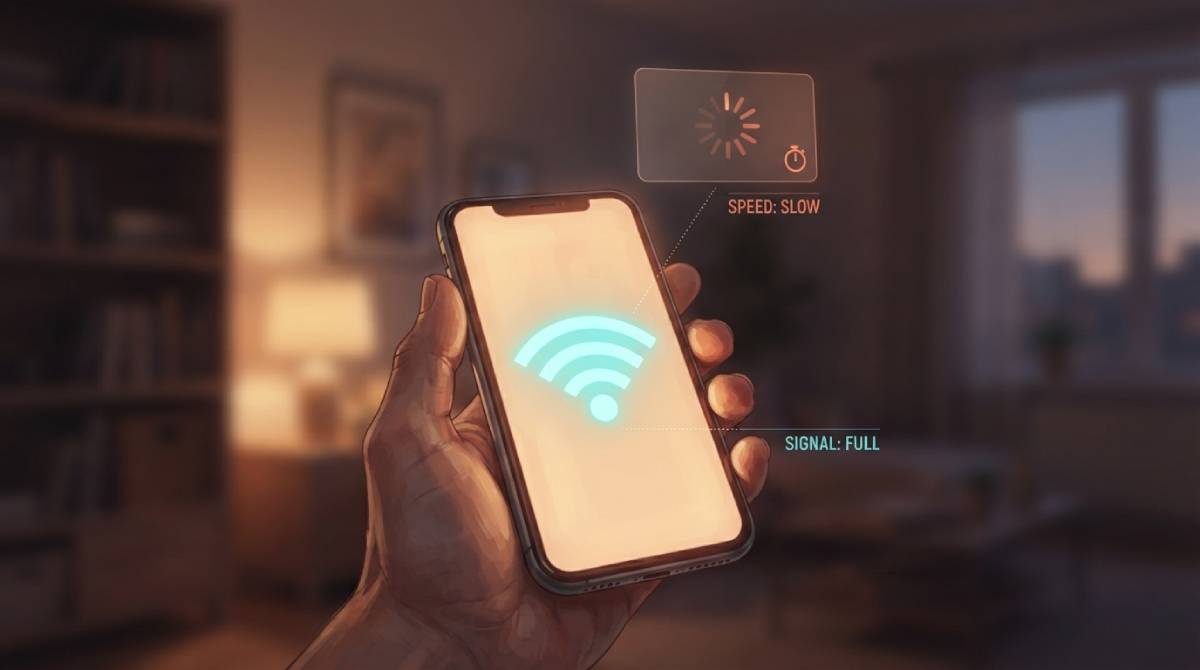
Full bars, terrible internet. It’s one of the most common and most confusing experiences in home networking, and it happens because the WiFi signal indicator on your phone or laptop isn’t measuring what most people assume it’s measuring.
What Those Bars Are Actually Showing
WiFi signal strength, technically measured as RSSI — Received Signal Strength Indicator — tells you how clearly your device is hearing the router’s radio signal. It says nothing about the quality of your actual internet connection or how much usable bandwidth is getting through. A device can hear a router perfectly clearly, register full bars, and still be stuck behind a slow or congested internet connection, because signal clarity and connection speed are genuinely separate things being measured differently.
Why This Disconnect Happens So Often
Think of it like a phone call with a perfectly clear connection to someone who simply talks very slowly. You can hear every word with total clarity — that’s your full signal bars — but the actual rate of information arriving is still slow, because the bottleneck isn’t the clarity of the connection, it’s something else entirely: network congestion, ISP-level throttling, too many devices sharing the same bandwidth, or a slow connection further upstream that has nothing to do with how well your device hears the router.
What to Actually Check Instead
Full bars are a genuinely useful piece of information — they rule out one specific problem, confirming your device isn’t struggling to physically hear the router. But they can’t confirm your speed is good, only that weak signal specifically isn’t the cause of whatever’s slow. If your bars are full and things still feel sluggish, the cause lives somewhere else in the chain: your router’s connection to your ISP, congestion from other devices, or the specific service you’re trying to use being slow on its own end.
The only way to actually know your speed is to measure it directly — run our free speed test rather than relying on the bars icon as a proxy for performance.
Related Guides
Frequently Asked Questions
If I have full WiFi bars, why is my internet still slow?
Signal bars measure how clearly your device hears the router’s radio signal, not your actual internet speed. Full bars rule out weak signal as the cause, but slowness can still come from network congestion, ISP-level issues, or too many devices sharing bandwidth.
What should I check instead of signal bars?
Run an actual speed test to measure your real download, upload, and ping. That gives you a direct measurement rather than an indirect proxy that only tells part of the story.