What Is T-Mobile Home Internet Speed? Real-World Performance
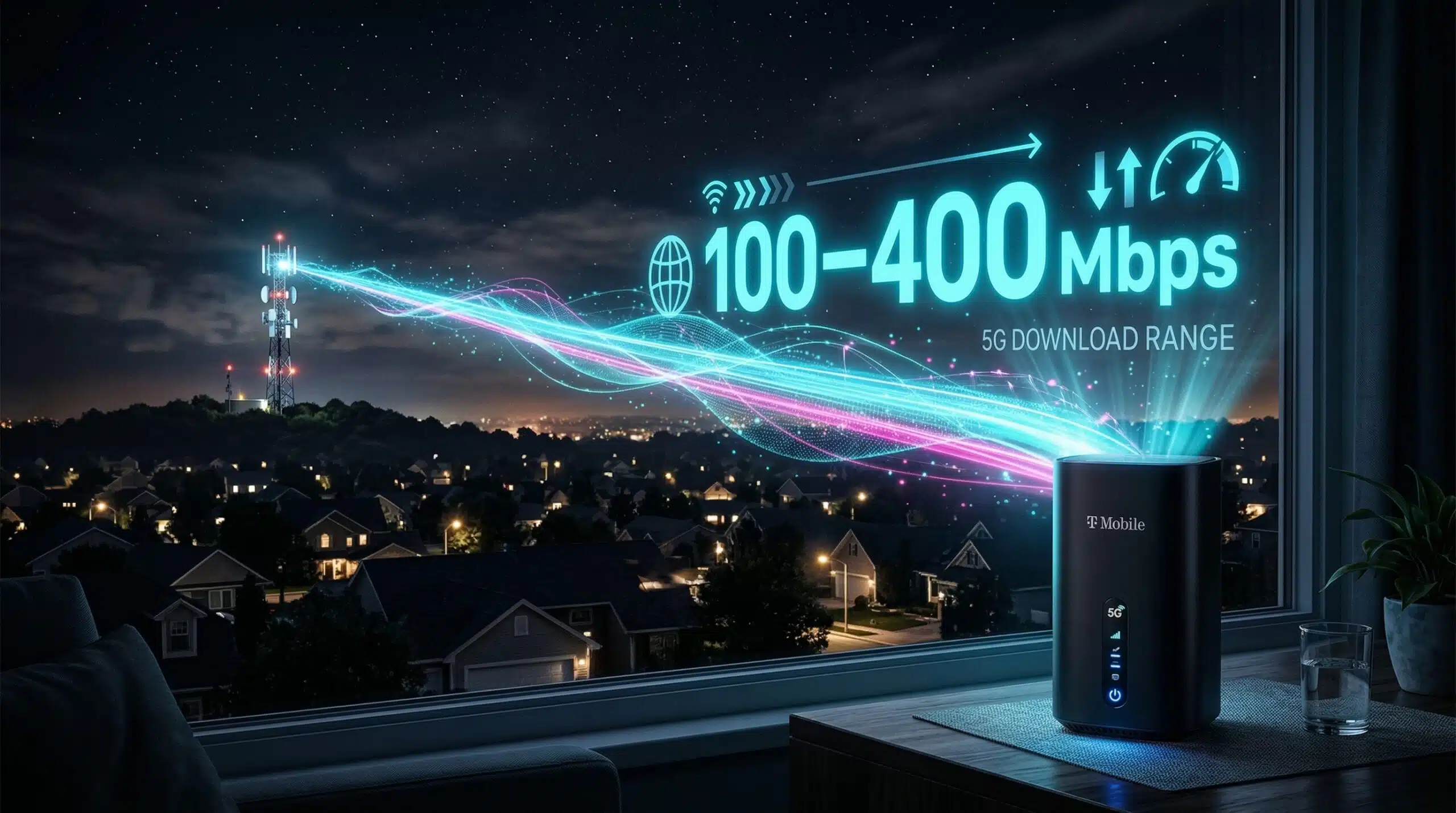
T-Mobile Home Internet delivers home broadband via their 4G LTE and 5G cellular network — no cable or fiber installation required. Speeds vary significantly by location and tower load. Test your T-Mobile Home Internet speed at instantspeedtest.net/ and compare to the typical ranges below.
T-Mobile Home Internet Speed — Typical Ranges
| Network | Typical Download | Typical Upload | Latency |
|---|---|---|---|
| 4G LTE (rural) | 25–100 Mbps | 5–15 Mbps | 30–60ms |
| 5G Sub-6 GHz (suburban) | 100–300 Mbps | 15–40 Mbps | 20–40ms |
| 5G Sub-6 GHz (good coverage) | 200–500 Mbps | 20–50 Mbps | 15–30ms |
| 5G mmWave (dense urban) | 500 Mbps–2 Gbps | 50–200 Mbps | Under 20ms |
T-Mobile Home Internet — Who It Works Well For and Who Should Avoid It
Works well for: Rural households where cable or fiber isn’t available; light-to-moderate users (streaming, browsing, occasional video calls); households wanting to escape long-term cable contracts. Potential issues: Speeds vary by time of day (cellular network congestion during peak hours); upload is lower than fiber (problematic for WFH video callers and content creators); gaming ping is higher than fiber or cable at 20–40ms; large household with many simultaneous 4K streams may hit congestion. Compare to our guides on 5G home internet and Starlink vs 5G home internet.
Related Guides
- What Is 5G Home Internet?
- Starlink vs 5G Home Internet
- 4G vs 5G Speed
- Fiber vs Cable Internet
- What Is Fixed Wireless Internet?
- What Is a Good Download Speed?
Frequently Asked Questions
Is T-Mobile Home Internet good for streaming 4K?
Generally yes on 5G Sub-6 GHz — 100–300 Mbps handles 4K streaming comfortably. On LTE in congested areas, speeds may drop below 25 Mbps during peak evening hours, which can cause 4K buffering. T-Mobile offers a 15-day trial, allowing you to test real-world performance at your specific address before committing to the service.
Is T-Mobile Home Internet good for gaming?
Adequate for casual gaming — 20–40ms latency is acceptable. Not ideal for competitive gaming — fiber at 5–15ms is structurally better. The real gaming risk is peak-hour latency spikes when the cellular tower is congested — latency can jump to 60–100ms unpredictably during busy periods on the shared cellular infrastructure. Wired cable or fiber provides more consistent gaming performance.