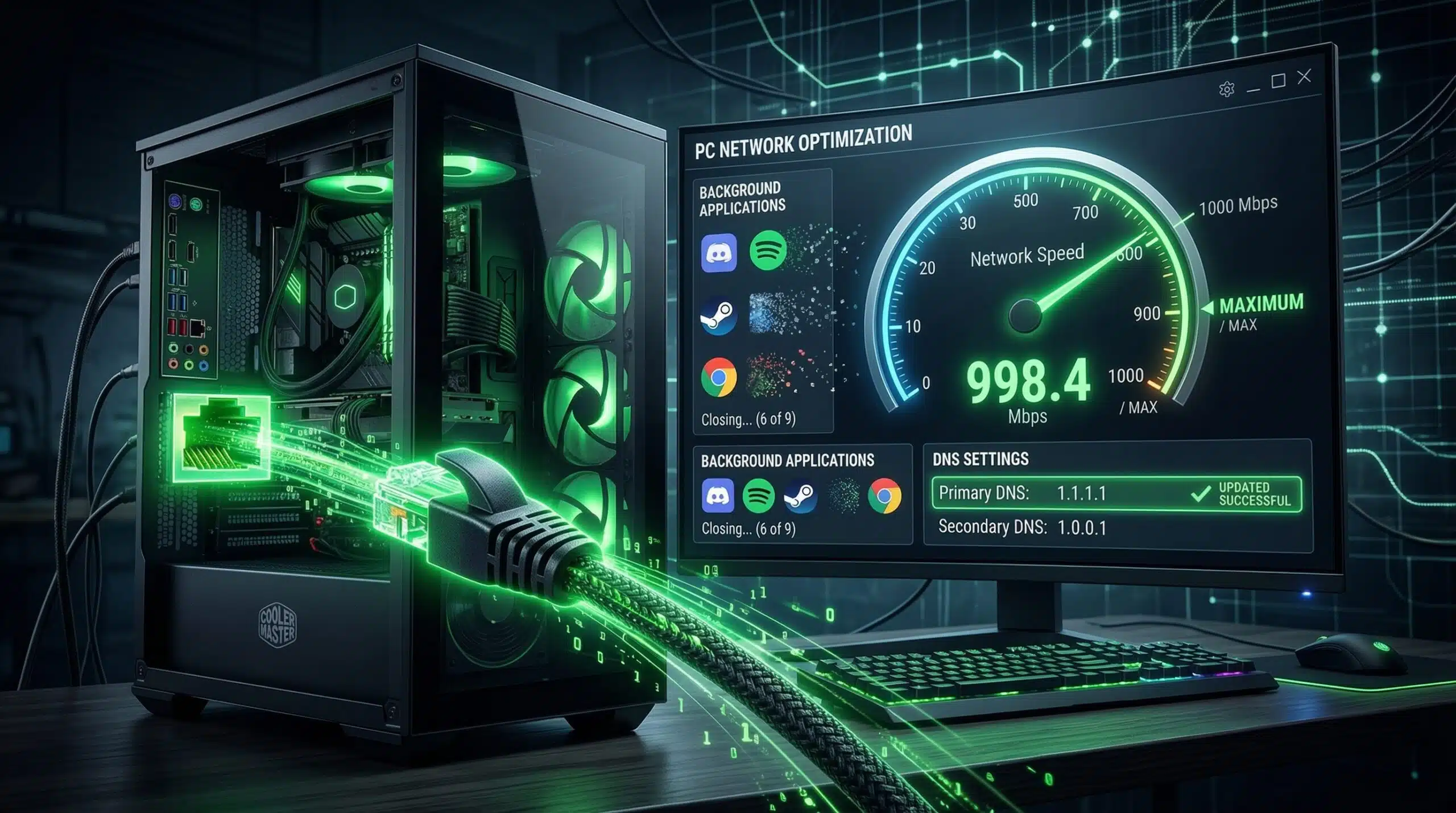
How to Speed Up Internet on PC — 10 Fixes That Actually Work
Before trying anything, benchmark your current speed at instantspeedtest.net/. Note your download, upload, and ping. Then work through these fixes and retest after each to confirm improvement.
The 10 Most Effective PC Internet Speed Fixes
1. Switch to Ethernet. Nothing improves PC internet speed more reliably. A wired connection eliminates WiFi signal loss, interference, and band limitations. Ethernet is always the first recommendation. See our wired vs wireless guide.
2. Change to 5 GHz WiFi. If Ethernet isn’t possible, ensure your PC connects to the 5 GHz band. 2.4 GHz tops at 100–150 Mbps real-world; 5 GHz reaches 300–600 Mbps on modern hardware.
3. Update network driver. Device Manager → Network Adapters → update WiFi and Ethernet drivers. One of the highest-impact fixes for persistent speed problems on Windows PCs.
4. Change DNS to 1.1.1.1. Control Panel → Network → adapter properties → IPv4 → Custom DNS: 1.1.1.1 primary, 1.0.0.1 secondary. Improves page load speed immediately.
5. Disable Windows Update P2P sharing. Settings → Windows Update → Advanced Options → Delivery Optimization → allow downloads from other PCs → OFF. Stops Windows from uploading your bandwidth to other users.
6. Kill bandwidth-hogging background apps. Task Manager → Performance → Resource Monitor → Network. Identify and close: cloud sync apps, automatic backup tools, Steam auto-updates, torrent clients.
7. Flush DNS and renew IP. Run as admin: ipconfig /flushdns and ipconfig /renew. Clears stale DNS entries that slow domain lookups.
8. Reset TCP/IP stack. Run as admin: netsh int ip reset and netsh winsock reset. Restart. Fixes corrupted network configuration that accumulates over time.
9. Disable Large Send Offload. Device Manager → Network adapter → Properties → Advanced → Large Send Offload V2 → Disabled. Known fix for speed issues on Intel adapters.
10. Router reboot. Unplug router for 30 seconds. Clears router state, gets fresh IP from ISP, and can improve congested connection tables. Most effective after long router uptimes (weeks/months).
Related Guides
- How to Fix Slow Internet on Windows 11
- Wired vs Wireless Internet Speed
- Best DNS Servers for Speed
- Get Faster Internet Without Upgrading
- Does a Router Affect Internet Speed?
- 2.4 GHz vs 5 GHz WiFi
Frequently Asked Questions
Does clearing browser cache speed up internet?
It can help with page load speed for sites with corrupted cached files, but it doesn’t improve your actual internet bandwidth. If pages load slowly, clearing browser cache resolves browser-level issues. For actual download speed improvement, focus on driver updates, DNS changes, and Ethernet connectivity.
Can a virus slow down PC internet speed?
Yes — malware and adware frequently consume bandwidth for command-and-control communication, ad injection, or as part of a botnet. If internet is slow specifically on one PC and other fixes don’t help, run a full malware scan with Malwarebytes (free version) before replacing hardware. A clean PC reinstall resolves persistent malware-related speed issues.