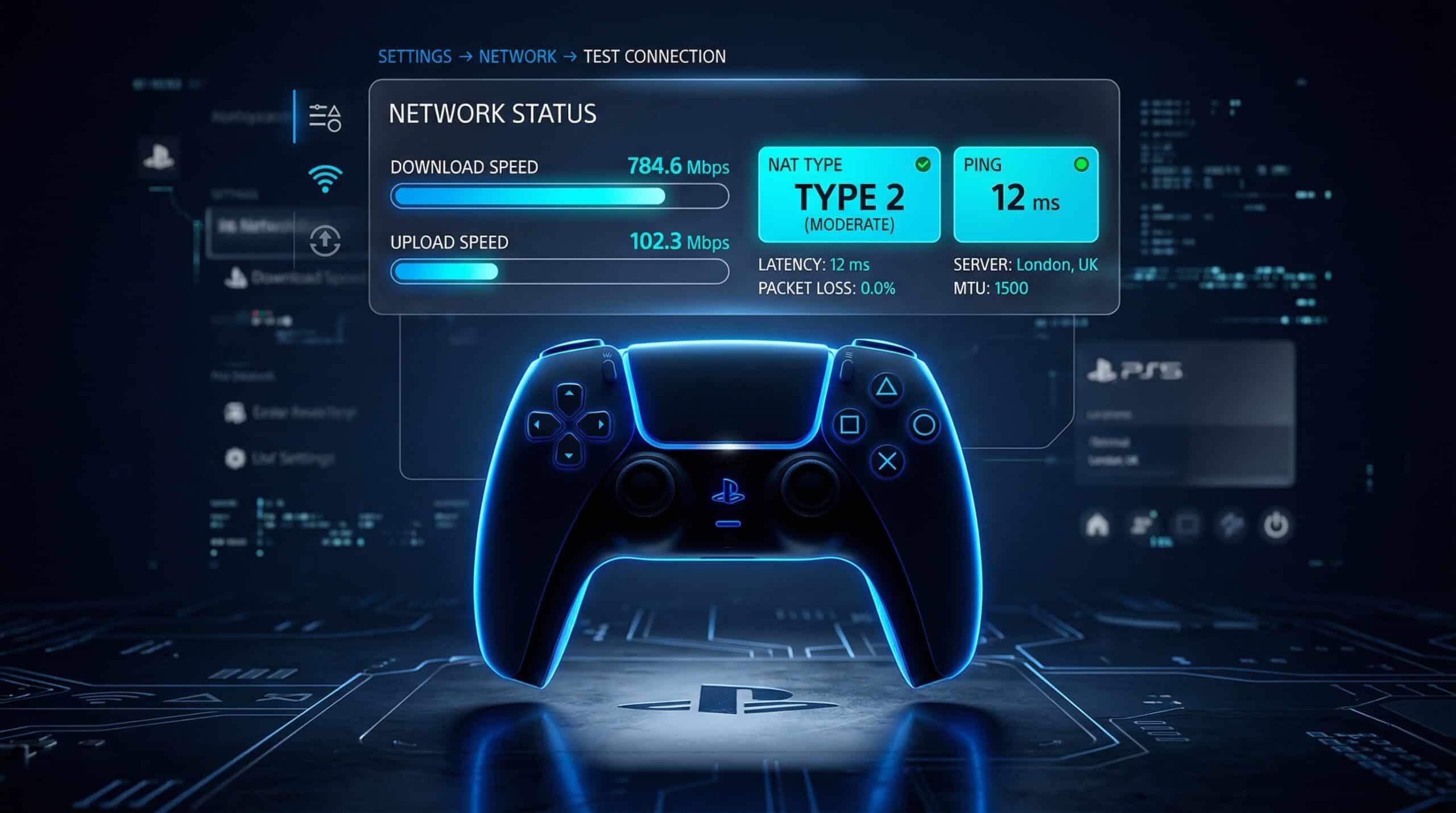
How to Test Internet Speed on PS5 — Built-In Test vs Real Results
The PS5 has a built-in network test, but it measures speed to PlayStation’s servers specifically — not your overall internet capability. Understanding what each test measures helps you diagnose gaming issues correctly. Also test at instantspeedtest.net/ via a browser for comparison.
PS5 Built-In Speed Test — How to Run It
Step 1: Go to Settings → Network → Connection Status → Test Internet Connection.
Step 2: The PS5 tests: IP address assignment, internet connectivity, PlayStation Network (PSN) reachability, download speed to Sony’s servers, and upload speed to Sony’s servers.
Step 3: Note the download and upload speeds. These reflect your connection quality to PSN servers specifically — which is what matters for PS5 game downloads and online play latency.
PS5 Speed Test Results — What’s Good?
| Activity | Minimum | Good | Excellent |
|---|---|---|---|
| Online multiplayer | 3 Mbps / 1 Mbps up | 25 Mbps / 5 Mbps up | 100 Mbps / 10 Mbps up |
| Game downloads (speed) | 10 Mbps | 100 Mbps | 500 Mbps+ |
| Remote Play | 5 Mbps / 3 Mbps up | 15 Mbps / 10 Mbps up | 50 Mbps / 20 Mbps up |
| Ping (in-game) | Under 80ms | Under 40ms | Under 20ms |
Why PS5 WiFi Speed Tests Lower Than Ethernet
The PS5 supports WiFi 6 (802.11ax) on the PS5 Slim/Digital Edition and WiFi 5 on the original model. Despite WiFi 6 capability, PS5 WiFi typically tests 30–60% lower than Ethernet due to console placement (often inside entertainment centers), wall obstructions, and 2.4 GHz interference. The PS5 has a single Gigabit Ethernet port — connecting via Ethernet dramatically improves both download speeds and ping consistency. For large game downloads (70–150 GB) that can take hours on WiFi, Ethernet cuts time proportionally. See our PS5 and Xbox speed guide.
Related Guides
- Internet Speed for PS5 and Xbox
- Wired vs Wireless Speed
- Good Speed for Gaming 2025
- What Is a Good Ping for Gaming?
- How to Improve Gaming Ping
- Ethernet Cable Guide
Frequently Asked Questions
Why are my PS5 download speeds slower than my internet plan?
PS5 downloads are throttled by PlayStation’s servers, not your internet connection. Sony limits download speeds per user to manage server load — real-world PS5 downloads often max at 150–300 Mbps even on a 1 Gbps connection. Additionally, the PS5 downloads, installs, and verifies content simultaneously, which reduces effective download throughput. This is normal behavior and not a home network issue. When PSN has high traffic (game launches, sale periods), download speeds are further reduced server-side.
Does having many devices on WiFi slow PS5 downloads?
Yes — if your total household bandwidth is saturated by other devices, PS5 downloads slow accordingly. Enable QoS on your router to prioritize console traffic, or download games overnight when other devices are idle. Ethernet connection bypasses WiFi congestion and provides more consistent download speeds. See our device connection guide.