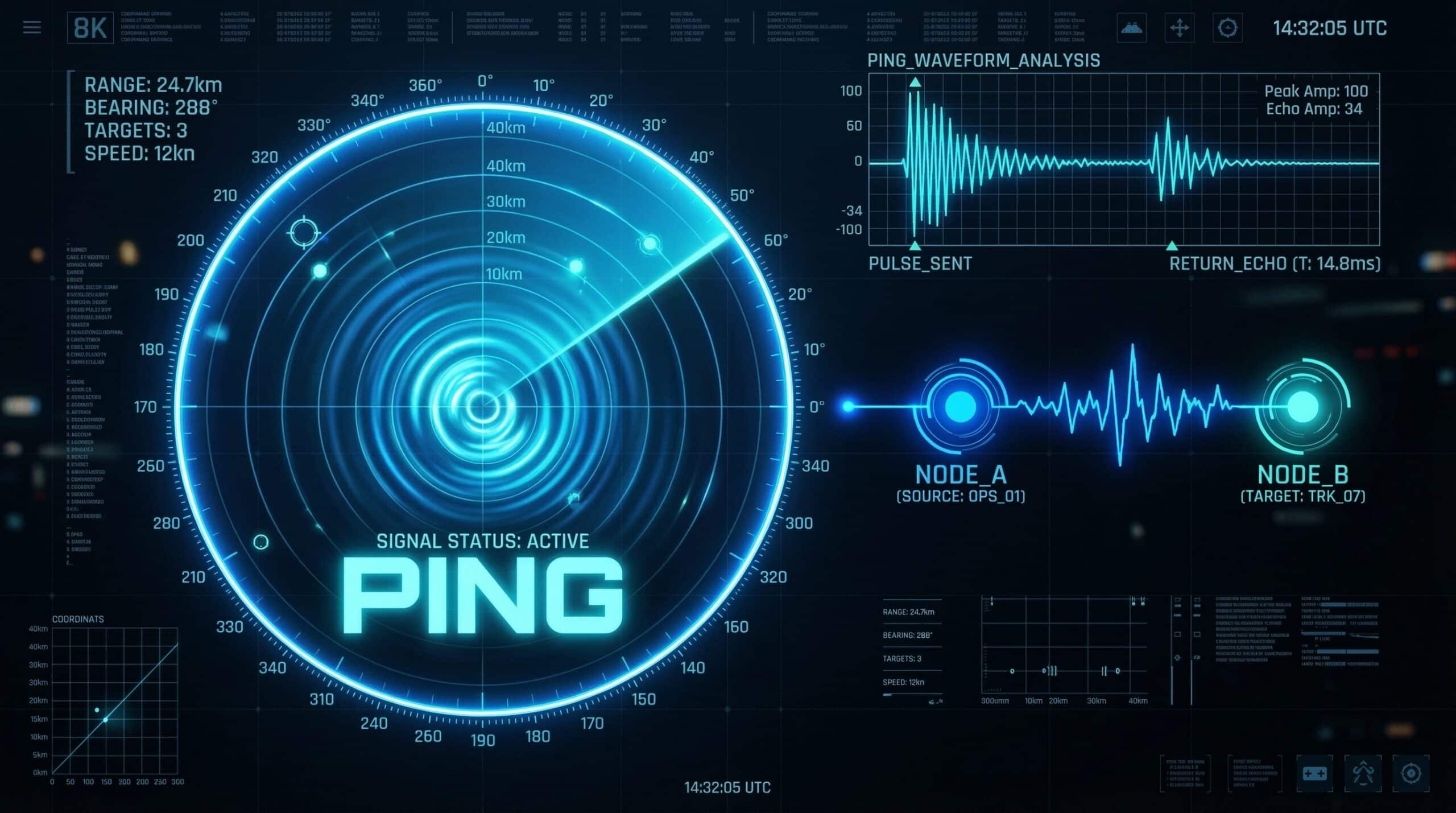
What Is Ping?
Ping is the time it takes for a small data packet to travel from your device to a server and back — measured in milliseconds (ms). Lower ping means faster, more responsive internet. While download speed determines how fast files arrive, ping determines how quickly your device and a remote server communicate in real time. This makes ping the critical metric for gaming, video calls, and any interactive application. Check your ping right now with our free speed test.
Ping vs Latency — Are They the Same?
Ping and latency are closely related but technically different. Latency is the total one-way travel time of a data packet. Ping is the round-trip time — packet travels to server and back. In practice, most people use the terms interchangeably. When a speed test shows “ping: 18ms,” it means 18 milliseconds round trip — or roughly 9ms each way. For gaming and real-time applications, this round-trip figure is what matters.
What Is a Good Ping? — By Use Case
| Ping Range | Rating | Best For |
|---|---|---|
| Under 10ms | Exceptional | Competitive esports, ultra-responsive gaming |
| 10–20ms | Excellent | All gaming, video calls, real-time apps |
| 20–40ms | Good | Gaming, streaming, video calls |
| 40–60ms | Acceptable | Casual gaming, HD video calls |
| 60–100ms | Noticeable | Streaming fine; gaming feels sluggish |
| 100–150ms | Poor | Streaming only; gaming significantly impaired |
| 150ms+ | Very Poor | Basic browsing; gaming and calls difficult |
What Causes High Ping?
Physical distance to the server is the primary factor — light travels through fiber cable at roughly 200,000 km/s, so a server 1,000 km away adds a minimum of ~5ms purely from physics. Beyond distance, high ping is caused by: network congestion (too much traffic on shared infrastructure), WiFi overhead (wireless adds 2–10ms over wired), routing inefficiencies (packets taking inefficient paths), and overloaded servers. Understanding what counts as good ping for gaming helps you determine whether your current connection is competitive.
Ping vs Jitter — Why Both Matter
Ping is your average latency. Jitter is the variation in that latency over time. A connection with 30ms ping but 25ms jitter is far worse for gaming than a connection with 40ms ping and 2ms jitter. Jitter causes the erratic, inconsistent behavior — enemies teleporting, audio cutting out, actions failing to register — while stable high ping just causes consistent sluggishness. For competitive gaming, low jitter is often more important than low average ping. See our comparison of jitter vs ping for gaming for the full breakdown.
How to Lower Your Ping
The most impactful steps: switch from WiFi to Ethernet (eliminates WiFi overhead and jitter), select game servers closest to your geographic location, use QoS on your router to prioritize gaming traffic, switch to fiber internet (fiber offers 10–20ms ping vs cable’s 20–40ms), and close bandwidth-heavy background applications. For detailed steps, see our guide on how to reduce ping in gaming.
Related Guides
- What Is Jitter?
- What Is Latency?
- What Is a Good Ping for Gaming?
- How to Reduce Ping in Gaming
- High Ping on Wired Connection
- Jitter vs Ping for Gaming
Frequently Asked Questions
Does download speed affect ping?
Not directly — ping is determined by physical distance, routing, and connection type, not bandwidth. However, a heavily congested connection where bandwidth is maxed out causes latency spikes. If your download is saturated with a large download, ping will spike temporarily. Under normal usage, your ping is independent of download speed.
Why is my ping high at night?
Peak-hour network congestion. From 7–10pm, ISP infrastructure handles its highest traffic volumes — particularly on cable networks where neighborhoods share a node. The shared bandwidth gets congested, causing both slower speeds and higher ping. Fiber is much less susceptible to this due to dedicated infrastructure per home.
Is 60ms ping good for gaming?
For casual gaming — yes. For competitive gaming — it depends. At 60ms, fast-paced games like CS2, Valorant, or Call of Duty feel noticeably sluggish compared to sub-20ms ping. Fighting games and racing games are more sensitive to ping than strategy or RPG games. If you’re playing casually, 60ms is fine. If you’re competing, target below 30ms.