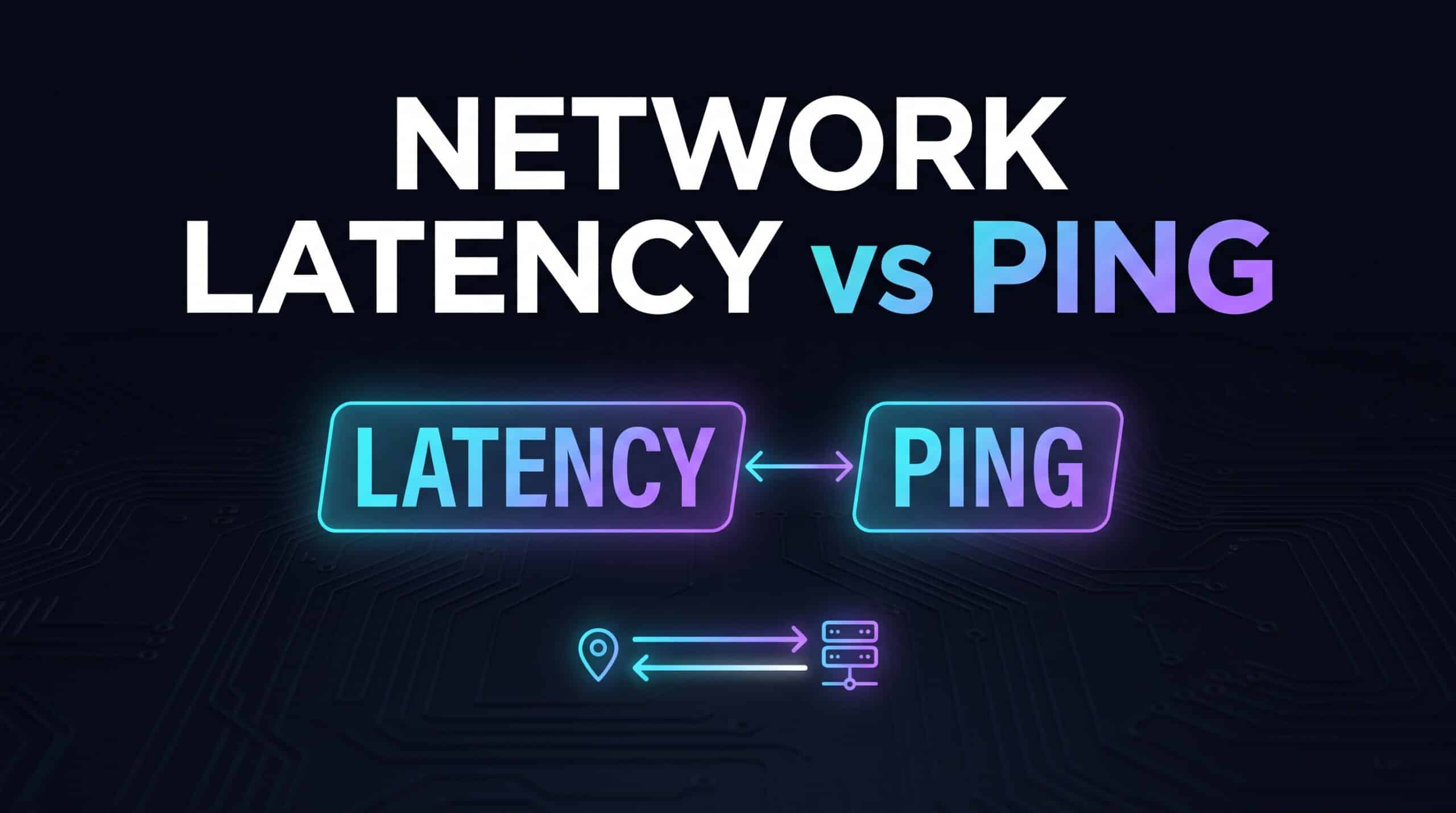
Latency and ping are used almost interchangeably in everyday conversation, and for practical purposes that is usually fine. But there is a precise technical distinction between the two worth understanding, even if it rarely changes what you actually need to do about it.
What Latency Actually Means
Latency, in the strict technical sense, refers to the one-way delay for data to travel from one point to another — how long it takes a signal to make the trip in a single direction. It is a broader networking concept that applies to any data transmission, not specifically tied to any one measurement method.
What Ping Actually Measures
Ping is a specific, practical tool and measurement: it sends a small packet to a destination and measures the full round-trip time — there and back — reported in milliseconds. Ping is technically measuring round-trip latency specifically, not one-way latency, which is the precise distinction between the two terms.
Why This Distinction Rarely Matters in Practice
In everyday use, when someone says “check your latency” and someone else says “check your ping,” they are almost always asking for the same thing — the round-trip number your speed test or in-game network indicator reports. The one-way versus round-trip technical distinction matters mainly in specialized networking contexts, not for a typical gamer or remote worker troubleshooting their connection.
Check your own ping (round-trip latency) with our free speed test.
Related Guides
Frequently Asked Questions
Is ping the same thing as latency?
Technically, ping specifically measures round-trip latency, while latency as a broader term can refer to one-way delay too. In everyday conversation, the two terms are used interchangeably without causing real confusion.
Does this distinction affect how I troubleshoot my connection?
No — whether you call it ping or latency, the practical troubleshooting steps (checking your connection type, router, and network congestion) remain exactly the same.