What Does ms Mean in a Speed Test?
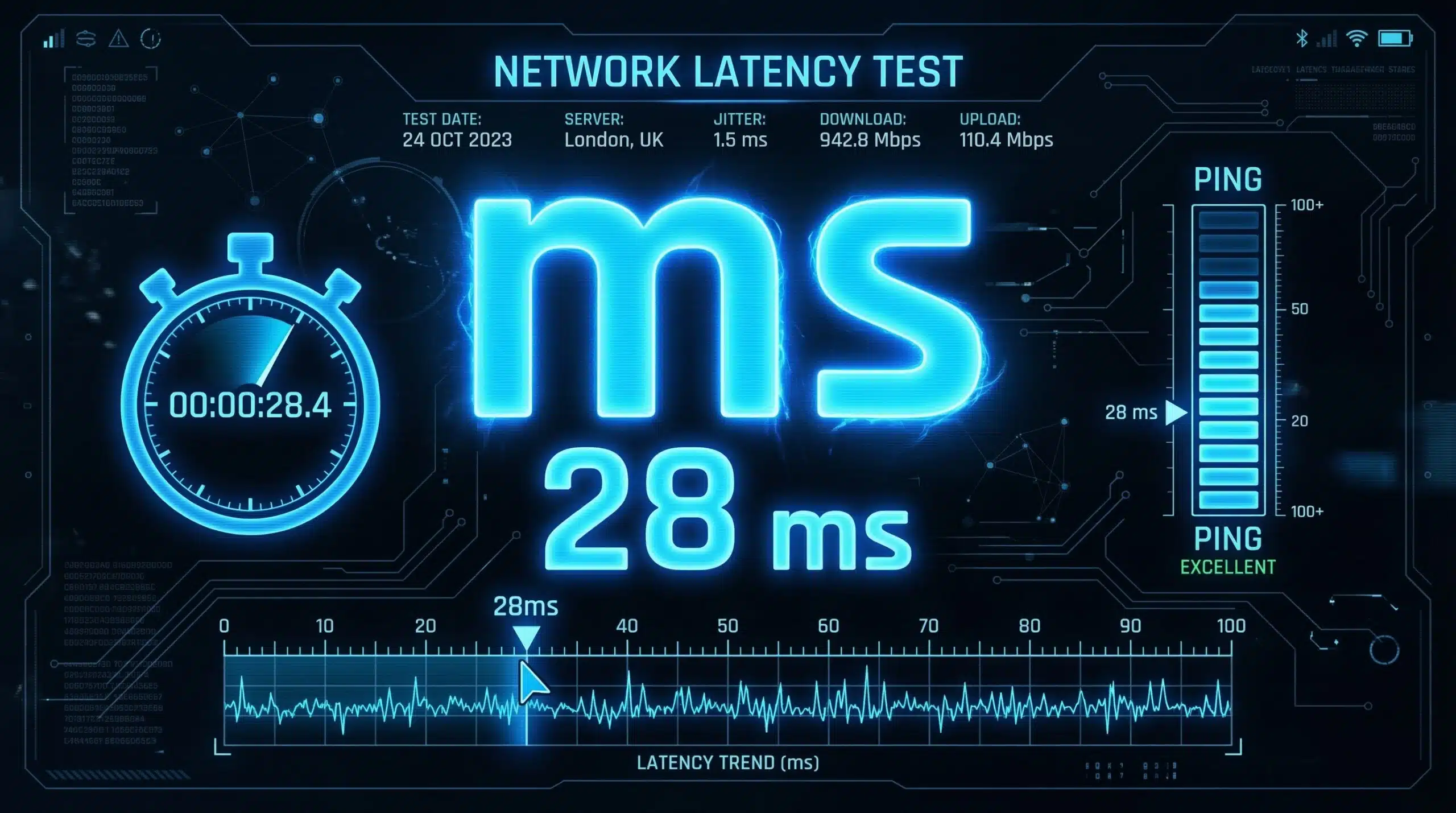
ms stands for milliseconds — one-thousandth of a second. In a speed test, ms measures your ping (the round-trip time for data to travel from your device to the test server and back) and your jitter (the variation in that ping over multiple measurements). While Mbps tells you how much data can flow, ms tells you how fast your connection responds. Run our free speed test to see your current ms readings.
The Two ms Readings in a Speed Test — Explained
| Metric | What It Measures | Good Value | Poor Value |
|---|---|---|---|
| Ping (ms) | Round-trip time to test server | Under 20ms | Over 100ms |
| Jitter (ms) | Variation in ping over time | Under 5ms | Over 30ms |
Why ms Matters More Than Mbps for Some Activities
For interactive applications — online gaming, video calls, VoIP, remote desktop — milliseconds matter far more than Megabits. A 25 Mbps connection with 10ms ping plays online games more responsively than a 500 Mbps connection with 80ms ping. The Mbps determines how fast large files transfer; the ms determines how quickly your device and a server communicate in real time. High ms = sluggish, unresponsive internet feel regardless of speed.
What Is a Good ms for Gaming?
Under 20ms is excellent for all gaming. 20–40ms is good for all games including competitive titles. 40–60ms is acceptable for casual gaming. Above 60ms, fast-paced competitive games (CS2, Valorant, Call of Duty) feel noticeably slow. Above 100ms, most players notice significant responsiveness issues. See our complete guide on what is a good ping for gaming for game-by-game breakdowns.
What Affects Your ms Reading?
The largest factor is physical distance to the test server — the further away, the higher the ms due to the speed of light in fiber cable. Connection type also matters significantly: fiber typically achieves 5–15ms, cable 15–35ms, 4G LTE 30–60ms, and traditional satellite 500–800ms. WiFi adds 2–10ms overhead versus wired connections. Understanding what latency is and its causes helps you set realistic expectations for your connection type.
How to Improve Your ms Reading
Switch from WiFi to Ethernet — this alone can reduce ping by 5–15ms and dramatically reduce jitter. Select test servers or game servers geographically closer to you. Enable QoS on your router to prioritize latency-sensitive traffic. Upgrade from cable to fiber for a structural latency improvement. For a complete checklist of fixes, see our guide on how to reduce ping in gaming.
Related Guides
- What Is Ping?
- What Is Latency?
- What Is Jitter?
- What Does Mbps Mean?
- How to Read Speed Test Results
- What Is a Good Ping for Gaming?
Frequently Asked Questions
Is 5ms good for a speed test?
5ms is excellent — this is fiber-tier, near-local-server latency. It means your connection responds in 5 milliseconds, which is imperceptible in any application. Gaming at 5ms feels as responsive as a local game with no network delay. Very few users outside of major cities with fiber achieve sub-10ms ping consistently.
What does high ms in a speed test mean?
High ping (ms) means slow response time between your device and the internet. Above 100ms you’ll notice sluggishness in gaming and calls. The cause is usually physical distance to the server, WiFi overhead, ISP congestion, or a slow connection type (4G, satellite, DSL with long line). Switching to Ethernet and choosing nearby servers are the fastest fixes.
Does ms affect streaming?
Not significantly for pre-recorded streaming (Netflix, YouTube, Spotify). These buffer content ahead of time, making them tolerant of high latency. Live streaming and video calls are sensitive to ms because they require real-time data exchange. For everyday streaming, focus on Mbps (download speed) rather than ms values.