How to Test Internet Speed on Xbox Series X and S — Built-In Guide
Xbox has one of the most detailed network diagnostics tools of any gaming console, showing not just speed but also latency, packet loss, and MTU — all critical for understanding your gaming connection. Test your home connection baseline at instantspeedtest.net/ first.
Xbox Network Speed Test — Step by Step
Step 1: Press Xbox button → Profile & system → Settings → General → Network settings.
Step 2: Select “Test network speed & statistics.”
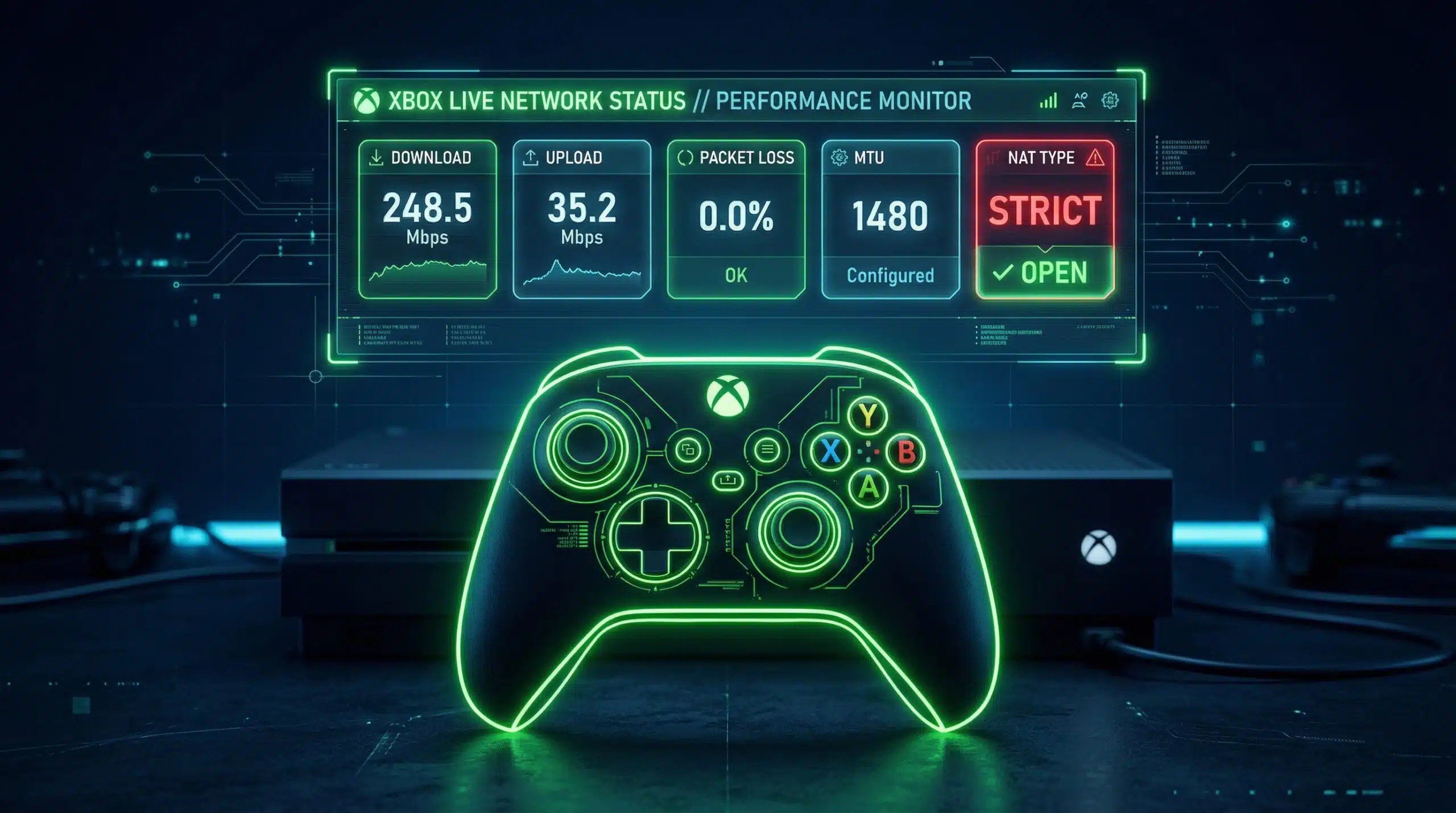
Step 3: Xbox runs a comprehensive test showing: download speed (to Xbox servers), upload speed, packet loss percentage, MTU size, and latency class.
Step 4: Xbox also shows your NAT type (Open/Moderate/Strict). Open NAT = full multiplayer access. Strict NAT = limited matchmaking and potential connection issues.
Xbox Speed Test Results — What Each Metric Means
| Metric | Good Result | Problem Threshold | Fix |
|---|---|---|---|
| Download speed | 50+ Mbps | Under 10 Mbps | Ethernet; check ISP |
| Upload speed | 10+ Mbps | Under 3 Mbps | Ethernet; check ISP |
| Packet loss | 0% | Any percentage | Ethernet; router restart |
| MTU | 1500 | Under 1400 | Check router MTU settings |
| NAT type | Open | Strict | Enable UPnP; port forward |
Xbox NAT Type — Why “Strict” Ruins Multiplayer
Strict NAT on Xbox severely limits who you can connect with in multiplayer — you can only connect to players with Open NAT, not Moderate or Strict. This reduces your matchmaking pool and causes longer queue times and connection failures. Fix strict NAT: go to your router admin panel → enable UPnP (Universal Plug and Play) — Xbox automatically opens the required ports. If UPnP is already enabled, manually forward ports 3074 (UDP/TCP), 53 (UDP/TCP), 80 (TCP), 500 (UDP), 3544 (UDP), and 4500 (UDP) to your Xbox’s internal IP address. See our NAT fix guide.
Related Guides
- How to Fix Strict NAT Type
- Test Speed on PS5
- Internet Speed for PS5 and Xbox
- Wired vs Wireless Speed
- What Is UPnP?
- Good Speed for Gaming 2025
Frequently Asked Questions
Why is my Xbox download speed slower than my speed test?
Xbox downloads from Microsoft’s servers, which have their own capacity limits per user. During peak periods (major game launches, Game Pass additions), Microsoft’s download servers are congested and all users see reduced speeds. This is server-side throttling outside your control. Additionally, Xbox simultaneously downloads, decompresses, and installs content, reducing effective throughput. Off-peak downloads (overnight) can be 2–5x faster than peak-hour downloads on the same connection.
Does Xbox WiFi 6 make a real difference?
Xbox Series X/S both support WiFi 5 (802.11ac) — not WiFi 6. For most gaming use cases, WiFi 5 is adequate. The main limitation is placement inside entertainment centers which reduces signal significantly. Any improvement from WiFi 6 would be marginal compared to the gains from simply running an Ethernet cable. If your setup requires wireless, position the console with line-of-sight to the router rather than inside a closed cabinet.