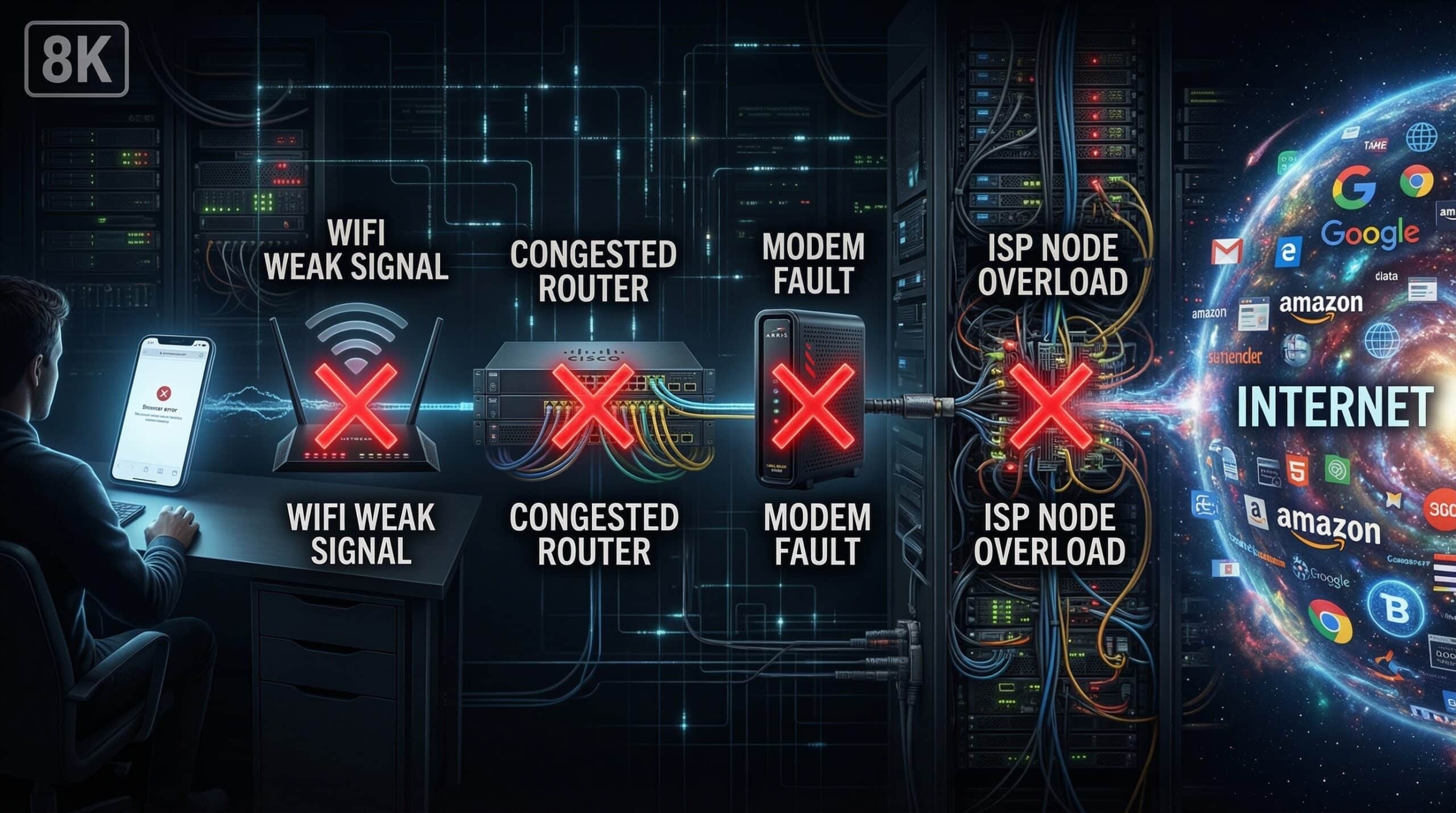
What Causes Packet Loss? Every Cause Explained
Packet loss occurs when data packets sent across a network fail to reach their destination. Unlike high ping (where packets arrive slowly) or jitter (where packets arrive unevenly), packet loss means packets simply disappear. Even 1–2% loss causes real-time application failures. Test your connection quality at instantspeedtest.net/.
Packet Loss Causes — From Your Device to the Internet Backbone
| Location | Cause | Symptoms |
|---|---|---|
| Your device | Faulty network driver, overheating NIC | Loss on all connections from one device |
| WiFi environment | Weak signal, interference, congested channel | Loss on WiFi, none on Ethernet |
| Ethernet cable/port | Damaged cable, faulty port, EMI interference | Loss only on that physical connection |
| Router | Overloaded CPU, faulty firmware, overheating | Loss on all devices through router |
| Modem | Signal-to-noise ratio problems, overheating | Loss even with direct modem connection |
| ISP last mile | Damaged line, corroded connectors, node overload | Loss during specific times or always |
| ISP backbone | Network congestion, routing issues | Loss to specific destinations |
| Destination server | Server overload, DDoS mitigation dropping packets | Loss to one service, others fine |
WiFi Packet Loss — The Most Common Source
WiFi packet loss happens when: the signal is too weak for reliable transmission (packets must be retransmitted); the 2.4 GHz channel is so congested that packet collisions increase; or the WiFi adapter’s receive buffer overflows. At WiFi signal strength below -70 dBm (check in your device’s WiFi details), packet loss becomes common. The fix: switch to Ethernet, move closer to router, or switch to the less congested 5 GHz band. See our packet loss fix guide for step-by-step diagnosis.
Related Guides
- How to Fix Packet Loss on WiFi
- Packet Loss vs High Ping
- What Is Jitter?
- Why Is My Jitter So High?
- What Is Network Congestion?
- Wired vs Wireless Internet Speed
Frequently Asked Questions
How do I test for packet loss?
On Windows: open Command Prompt and run ping 8.8.8.8 -n 100 (sends 100 packets). The results show how many were lost as a percentage. On Mac/Linux: ping -c 100 8.8.8.8. Any loss above 0% indicates a problem. Also run PingPlotter (free version) for continuous monitoring with visualization of where in the network path the loss occurs — invaluable for ISP complaint documentation.
Is packet loss always the ISP’s fault?
No — packet loss can occur at any point in the path: your device, WiFi, router, modem, ISP last mile, ISP backbone, or destination server. Systematic diagnosis (Ethernet vs WiFi test, modem direct test, traceroute) isolates where in the path the loss occurs before blaming the ISP. WiFi-only packet loss is almost always fixable locally; persistent loss on Ethernet to the ISP’s test server is the ISP’s responsibility.