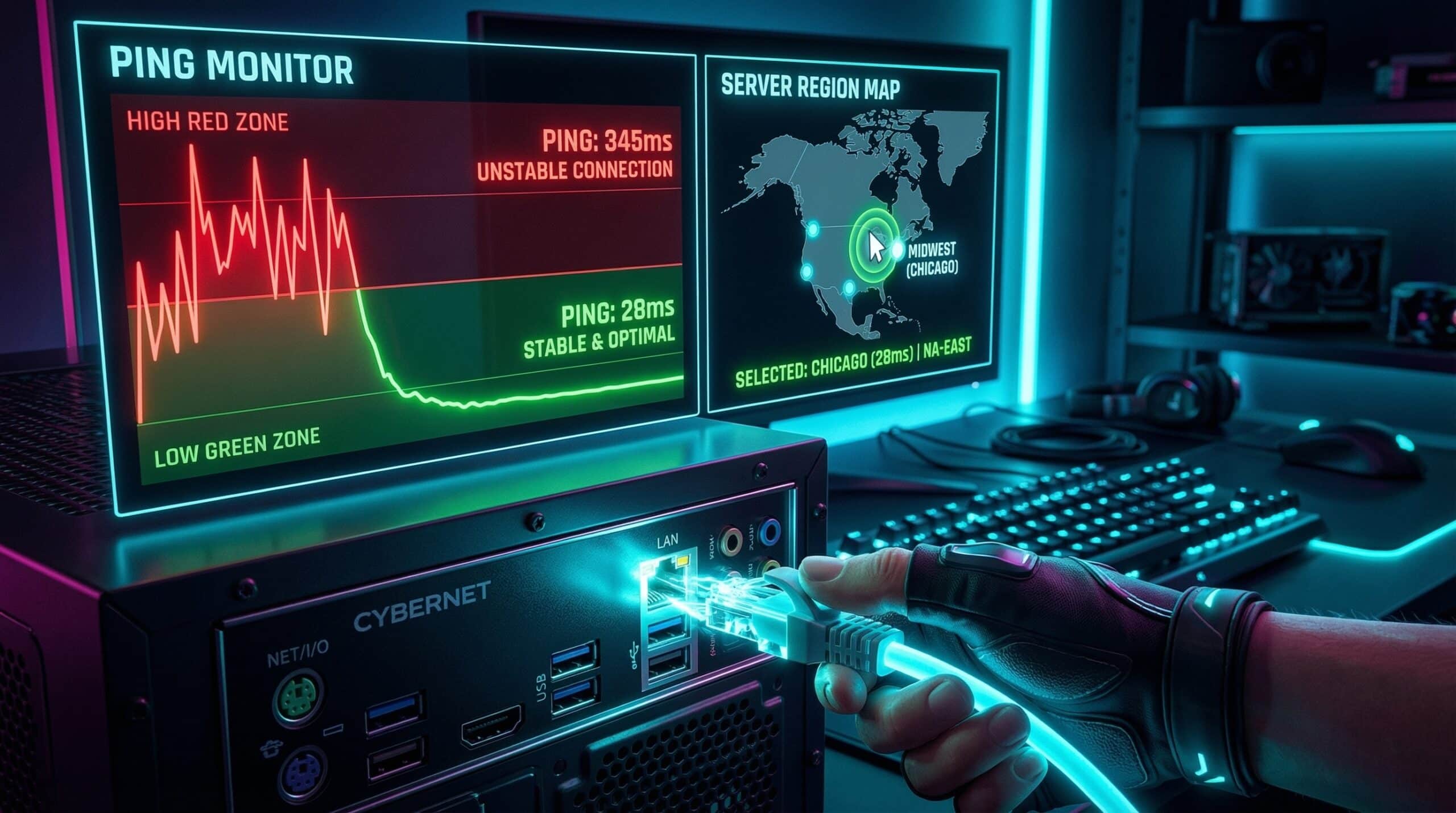
How to Reduce Ping in Gaming — Every Method That Works
High ping in online gaming is the difference between winning and losing in competitive play. Test your current baseline ping at instantspeedtest.net/, then work through these ranked fixes — from the highest-impact changes to fine-tuning options.
Ping Reduction Methods — Ranked by Impact
| Method | Ping Reduction | Cost |
|---|---|---|
| Switch WiFi to Ethernet | 5–20ms reduction + eliminates jitter | Free (with Ethernet cable) |
| Switch to fiber internet | 10–30ms reduction from base latency | ISP plan change |
| Select closest game server | 10–100ms depending on current server | Free (in-game setting) |
| Enable QoS on router for gaming | 5–20ms during high-traffic periods | Free (router setting) |
| Close bandwidth-consuming background apps | 5–15ms during congestion | Free |
| Change DNS to 1.1.1.1 | 1–5ms for initial connection lookup | Free |
| Upgrade router | 5–15ms for old hardware | Router cost |
The Ethernet Switch — Single Biggest Improvement
If you’re gaming on WiFi, switching to Ethernet is the single most impactful change you can make. WiFi adds 5–15ms baseline latency over Ethernet, but more importantly, it introduces jitter — variable packet timing that causes lag spikes even when average ping looks acceptable. A 20ms average WiFi ping with 5ms jitter means pings ranging from 15–25ms — inconsistent in competitive play. Ethernet delivers steady, predictable latency without jitter. For extended Ethernet runs, a flat CAT6 cable under doors or furniture is a practical option without drilling.
Related Guides
- What Is a Good Ping for Gaming?
- High Ping on Wired Connection
- Fix Gaming Lag Without VPN
- Wired vs Wireless Internet Speed
- Jitter vs Ping for Gaming
- Cable vs Fiber for Gaming
Frequently Asked Questions
Does a gaming router actually reduce ping?
Somewhat — gaming routers prioritize gaming traffic via advanced QoS and reduce processing latency for game packets. The improvement is typically 2–10ms, meaningful in competitive gaming. However, replacing a 5-year-old budget router with any modern router often provides similar benefits. “Gaming routers” charge a premium for marketing; a good WiFi 6 router with solid QoS provides the same functional benefit at lower cost.
Can I reduce ping below my physical distance limit?
No — physics imposes a hard floor. Light through fiber travels at ~200,000 km/s, giving a theoretical minimum of ~5ms per 1,000 km. Real-world routing adds overhead, so actual minimum ping to distant servers is always higher. You can’t reduce ping below the speed-of-light limitation imposed by physical distance to the game server. Choose servers in your region to stay near the physical minimum.