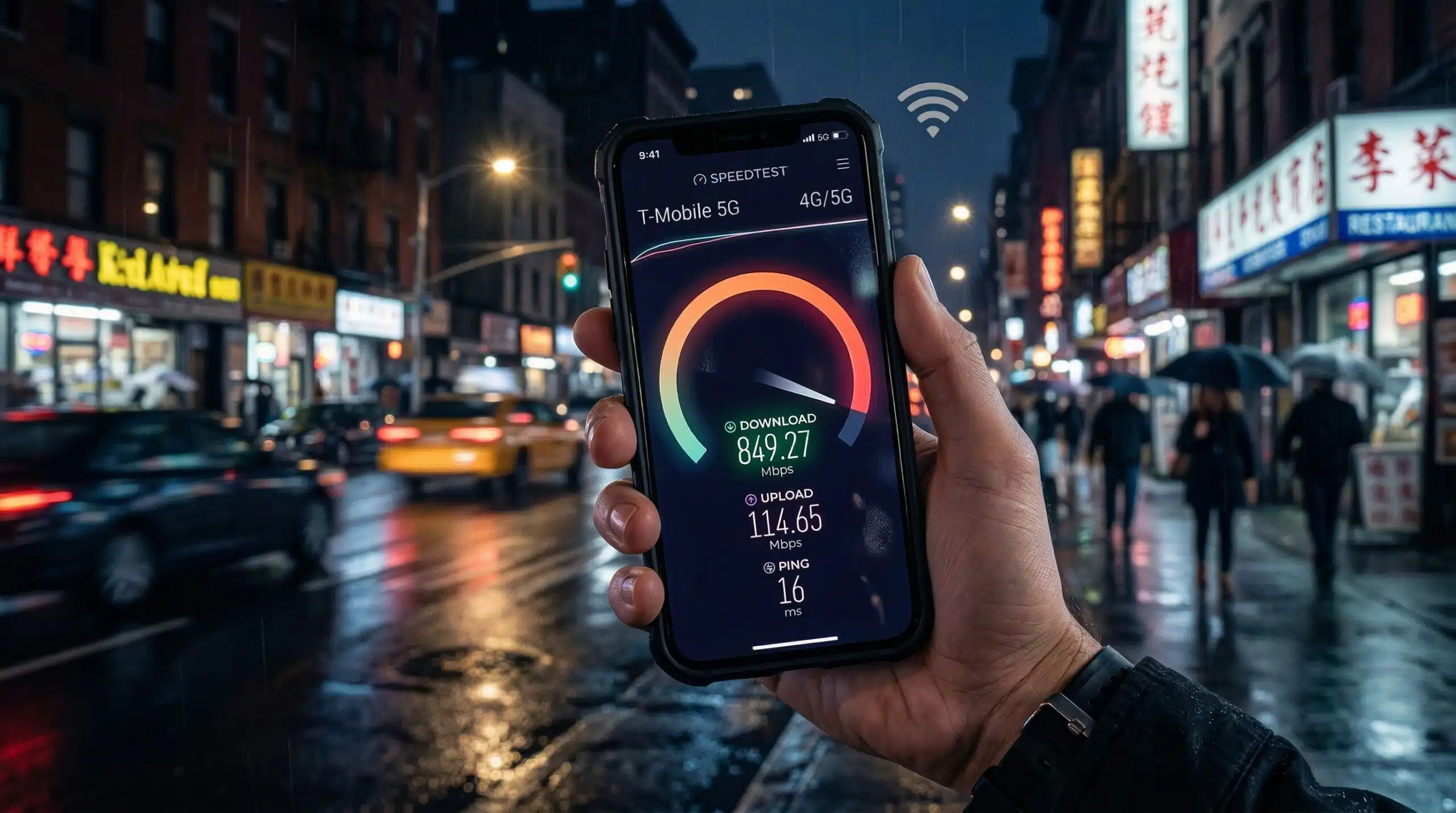
How to Test Mobile Data Speed — 4G LTE and 5G Speed Testing
Testing mobile data speed (LTE/5G) is straightforward but requires one critical step: disconnect from WiFi first. Go to instantspeedtest.net/ in your mobile browser with WiFi turned off. The test measures your actual cellular connection, not WiFi. Always note your location — mobile speed varies significantly by location and time of day.
How to Test Mobile Data Speed — Step by Step
Step 1 — Disable WiFi. Settings → WiFi → toggle off. This forces the test to run over cellular data, not WiFi. Without this step, your speed test measures WiFi even if you intend to test mobile data.
Step 2 — Check your signal strength and network type. In your status bar, confirm you see 4G, LTE, 5G, or 5GNR — not just bars. Note the network type as it affects expected speeds.
Step 3 — Run the speed test. Open instantspeedtest.net/ in your browser. The test takes 30–60 seconds and shows download speed, upload speed, and ping.
Step 4 — Test multiple times and locations. Mobile speed varies significantly by location. Test in your home, workplace, and frequently visited areas to understand typical performance across your usage areas.
Step 5 — Compare to carrier averages. Compare your results to published average speeds for your carrier. Consistently getting 30% of typical speeds may indicate coverage issues, throttling, or deprioritization.
Expected Mobile Data Speeds — By Network Type
| Network | Typical Download | Peak Download | Latency |
|---|---|---|---|
| 3G HSPA+ | 3–10 Mbps | 21 Mbps | 50–100ms |
| 4G LTE | 20–50 Mbps | 150 Mbps | 30–50ms |
| LTE-Advanced | 50–150 Mbps | 300+ Mbps | 20–30ms |
| 5G Sub-6 GHz | 100–400 Mbps | 1 Gbps | 10–30ms |
| 5G mmWave | 500–3,000 Mbps | 10 Gbps | Under 5ms |
Related Guides
- 4G vs 5G Speed
- What Is 5G Home Internet?
- How to Speed Up Internet on Phone
- How to Test Internet Speed Without App
- How to Test Speed on Smart TV
- Ookla vs Fast.com vs Google Speed Test
Frequently Asked Questions
How do I know if I’m on 5G or LTE?
Check your phone’s status bar — the network indicator shows “5G,” “5GE” (T-Mobile’s LTE branded as 5G), “5G UW” (Verizon mmWave), “LTE,” or “4G.” Settings → About Phone → Status → SIM Status (Android) or Settings → Cellular → Network on iOS shows detailed network information. Note that 5GE is not true 5G — it’s AT&T’s marketing label for advanced LTE.
Why is my 5G slower than my LTE was?
Sub-6 GHz 5G doesn’t always beat LTE in real-world conditions. 5G Sub-6 uses similar spectrum to LTE and may perform comparably in congested areas. True 5G speed advantage comes in mmWave deployments (dense urban areas) and as carriers continue 5G investment. If you switched to a 5G plan and see no improvement, you may be on Sub-6 5G in an area with heavy 5G subscriber density.