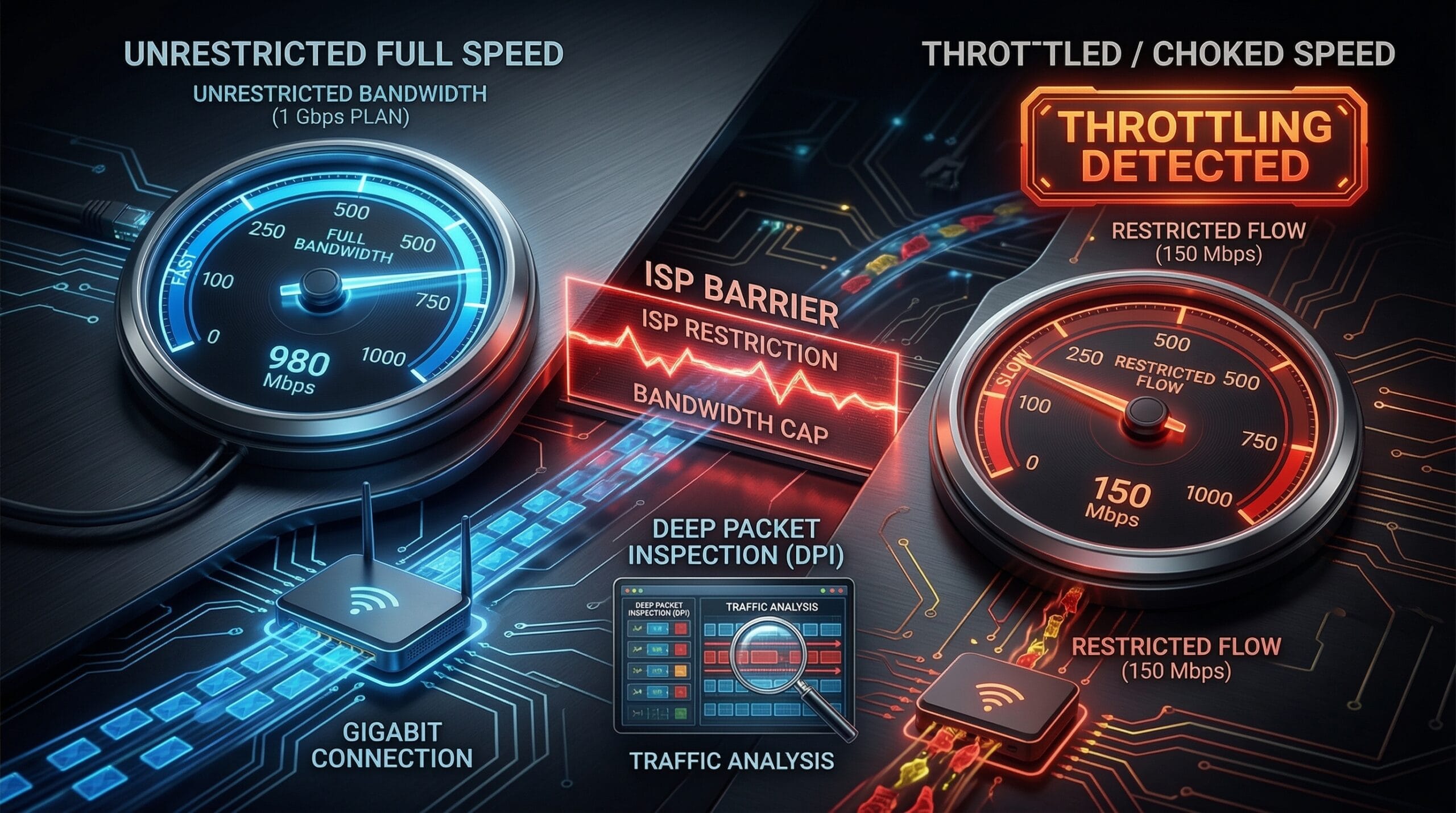
How to Check If Your ISP Is Throttling Your Internet Speed
ISP throttling — deliberately slowing your connection to specific services or during certain periods — is real and measurable. The key diagnostic: compare speed test results using different testing infrastructure. If tests show wildly different results, throttling is likely. Start by testing your baseline speed at instantspeedtest.net/.
The 3-Test Method to Detect Throttling
Step 1 — Run our speed test (Cloudflare CDN): note your download speed. Step 2 — Run Fast.com (Netflix CDN): if significantly lower than Step 1, your ISP may throttle Netflix traffic. Step 3 — Run Google’s M-Lab test: M-Lab uses non-ISP-peered infrastructure; much lower results indicate general ISP throttling. A 20–30% gap between tests is normal. A 50%+ gap is a strong throttling indicator.
Throttling Types — How to Identify Each
| Throttling Type | Symptom | Detection Method |
|---|---|---|
| Service-specific (Netflix/YouTube) | Fast.com slow, Ookla fast | Fast.com vs Ookla comparison |
| Peak-hour throttling | Evening speeds 40%+ lower | Test at 6am vs 8pm |
| Post-data-cap throttling | Speeds drop to 1–5 Mbps | Check data usage vs cap |
| VPN traffic throttling | VPN speeds much lower than baseline | Compare VPN vs non-VPN speeds |
| P2P/torrenting throttling | P2P very slow, streaming fine | Application-specific comparison |
Confirming Throttling — The VPN Test
Connect a VPN that encrypts your traffic so your ISP can’t see what service you’re using. Run the same speed test again. If speeds improve significantly with VPN active, your ISP is throttling based on traffic type or destination — the VPN hides the traffic classification. If speeds don’t improve, the issue is likely infrastructure congestion rather than deliberate throttling. Note: a VPN typically reduces speeds 5–15% due to encryption overhead, so a small speed drop is expected — a 50%+ improvement on VPN strongly confirms throttling. See our VPN speed impact guide.
Related Guides
- Ookla vs Fast.com vs Google Speed Test
- Why Is Internet Slow at Night?
- Does VPN Slow Down Internet Speed?
- What Is Network Congestion?
- Download Speed Slower Than Plan
- What Causes Slow Internet?
Frequently Asked Questions
Is ISP throttling legal?
In most countries — yes, it’s legal in many circumstances. After the US FCC repealed net neutrality rules in 2018, ISPs gained broad latitude to manage traffic, including throttling. Service-specific throttling (slowing Netflix while keeping Ookla fast) remains controversial. Some states have enacted their own net neutrality protections. ISPs are generally required to disclose throttling practices in their terms of service.
What can I do if my ISP is throttling my connection?
Options: use a VPN to encrypt traffic and prevent classification-based throttling; document the issue with timestamped speed test results and contact your ISP; file a complaint with the FCC (US) or equivalent regulator; switch to a competing ISP if available; or upgrade to a business plan, which often has different traffic management policies. For peak-hour throttling, there may be no solution short of switching ISPs or technologies.
Does throttling only affect downloads?
No — ISPs can throttle downloads, uploads, or both. Streaming throttling typically affects downloads. Torrent/P2P throttling often affects uploads. Video call throttling affects both directions. Run separate upload speed tests (via our test or Ookla) at different times of day to check for upload-specific throttling.