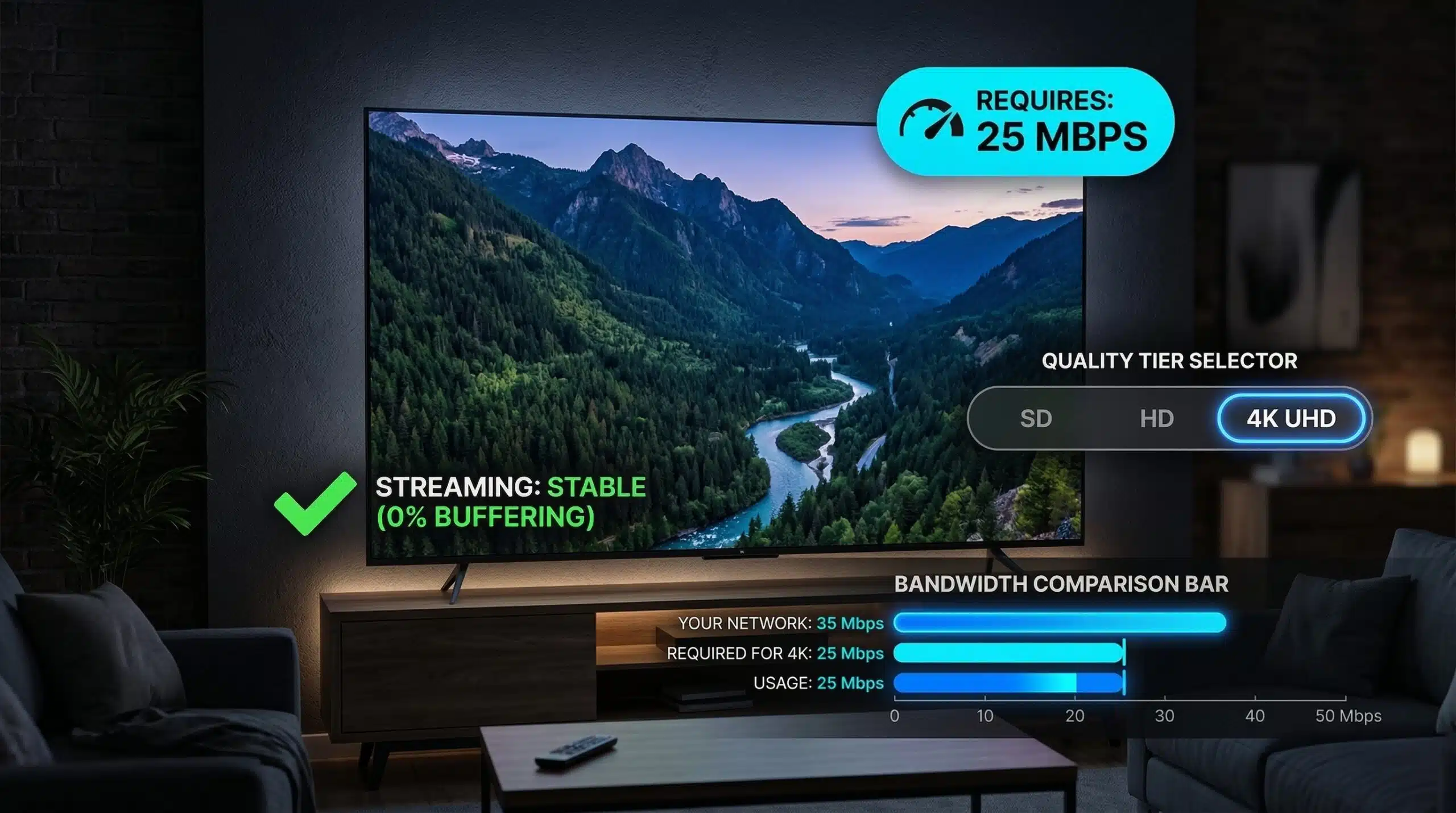
Internet Speed for Netflix 4K — What You Actually Need
Netflix officially recommends 25 Mbps for Ultra HD (4K) streaming. In practice, Netflix dynamically adjusts bitrate based on your connection — it may stream at 15–20 Mbps on a slightly slower connection but at reduced quality. For consistently reliable 4K without any quality drops, a sustained 25 Mbps to Netflix’s servers is the target. Test your actual speed at instantspeedtest.net/ and compare against Fast.com (Netflix’s own CDN).
Netflix Speed Requirements — All Quality Tiers
| Quality | Resolution | Netflix Minimum | Recommended |
|---|---|---|---|
| Low quality | 480p | 0.5 Mbps | 1 Mbps |
| Standard definition | 480p | 1.5 Mbps | 3 Mbps |
| HD | 1080p | 5 Mbps | 10 Mbps |
| Ultra HD (4K) | 2160p | 15 Mbps | 25 Mbps |
Why Your Speed Test Passes But Netflix 4K Still Buffers
Your Ookla speed test showing 100 Mbps doesn’t guarantee 100 Mbps to Netflix — Ookla uses ISP-peered servers with optimal routing. Netflix traffic follows a different network path. To test the actual Netflix-relevant speed, run Fast.com — Netflix’s own speed test using their CDN servers. If Fast.com shows 20 Mbps while Ookla shows 100 Mbps, your ISP has a congestion or throttling issue on the path to Netflix specifically. This is surprisingly common and fixable — check our ISP throttling guide and buffering fix guide.
Does Netflix 4K Require a Special Plan?
Yes — Netflix 4K (Ultra HD) requires a Netflix Premium or Ultimate plan. The Standard plan (at lower cost) caps at 1080p HD regardless of your internet speed. Additionally, 4K playback requires a 4K-capable TV or monitor, HDCP 2.2-compatible HDMI cable, and a supported streaming device or smart TV. Internet speed is only one of several requirements — even with 50 Mbps, you won’t see 4K on an HD-only TV or unsupported device.
Related Guides
- Good Internet Speed for Streaming
- How to Fix Buffering
- Ookla vs Fast.com vs Google Speed Test
- How to Check If ISP Is Throttling
- Is 25 Mbps Good Internet Speed?
- Internet Speed for Smart Home Devices
Frequently Asked Questions
Can I watch Netflix 4K on 10 Mbps?
Technically Netflix will attempt 4K but will downscale quality significantly. You’ll likely see 1080p or less, not true 4K. Netflix’s adaptive bitrate system reduces quality to avoid buffering — on 10 Mbps you’ll get HD at best, with frequent quality fluctuations. 25 Mbps is the minimum for a consistent 4K experience.
Does WiFi affect Netflix 4K streaming?
Yes — WiFi signal fluctuations cause momentary speed drops that trigger Netflix’s quality algorithm to reduce resolution. Even if average WiFi speed is 50 Mbps, a dip to 8 Mbps for 3 seconds causes a visible quality drop. Ethernet provides stable sustained throughput that maintains consistent 4K quality. This is often why Netflix looks better on a wired smart TV than on WiFi-connected devices in the same room.
Why does Netflix show 4K sometimes and 1080p other times?
Netflix’s adaptive bitrate algorithm continuously monitors your available bandwidth and adjusts quality accordingly. A slowdown during peak hours (7–10pm on cable) triggers a quality drop mid-stream. ISP congestion, WiFi fluctuations, or other devices consuming bandwidth all cause these adjustments. For consistently locked 4K, ensure stable 25+ Mbps to Netflix’s servers via Ethernet.