Internet Speed for Ring Doorbell and Smart Doorbells — What You Need
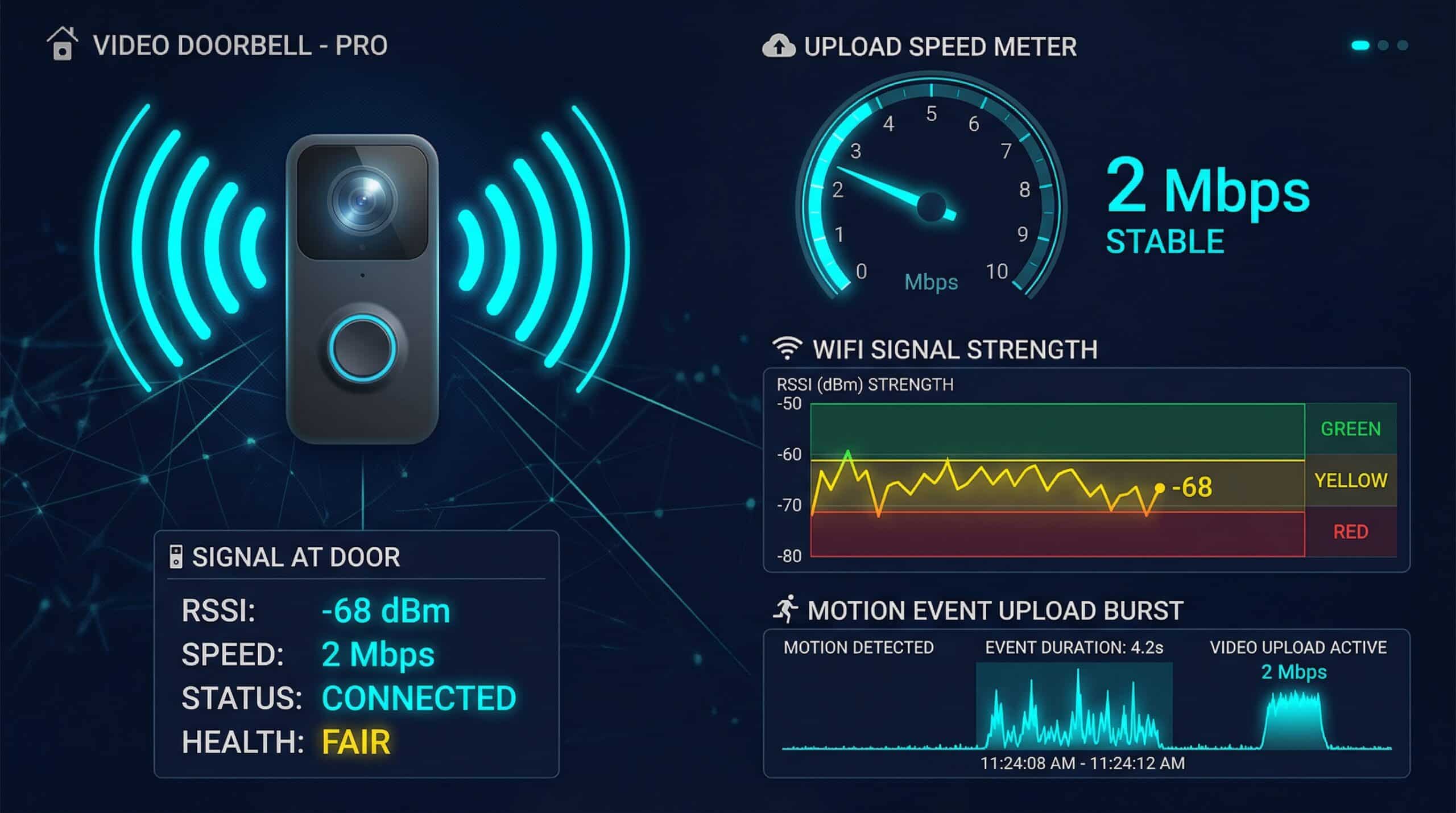
Check upload speed for your exact Ring model, then check the doorbell’s own Wi-Fi connection. A fast download result elsewhere in the home does not establish either. Ring’s current guidance lists 2 Mbps upload per 1080p device, with different connection recommendations for higher resolutions. These are planning requirements, not a measurement of constant video traffic. Check Ring’s current Wi-Fi and upload recommendations.
Run the internet speed test for a browser baseline. A phone test near the front door measures that phone’s connection; it cannot read the doorbell’s radio, identify its bitrate or certify camera reliability.
Ring Upload Guidance — Match the Device
| Video resolution | Upload connection guidance per device |
|---|---|
| 720p | 1 Mbps |
| 1080p | 2 Mbps |
| 1536p | 2.5 Mbps |
| 2K | 10 Mbps |
| 4K | 15 Mbps |
Add the requirements for devices that may be active together, and account separately for other household traffic. A low daily average does not describe the upload needed during simultaneous live views or recordings.
To compare scenarios, use the security camera bandwidth calculator with your own stream-rate and recording-time assumptions. It estimates capacity and data use from entries; a manufacturer connection recommendation is not automatically the camera’s actual encoding bitrate.
Check the Connection at the Front Door
In the Ring app, open your device’s Device Settings → Device Health and inspect Signal Strength. Ring describes RSSI from 0 to -60 as strong, -60 to -70 as improvable and values below -70 as poor or very poor. Use this alongside the symptom and upload result; it does not identify every possible fault.
- Record the problem. Note whether live view fails, clips are missing, or the device goes offline, and whether other devices are affected at the same time.
- Compare conditions. Repeat your browser baseline with your own large uploads paused. Compare the Ring app’s device-health reading before and after a controlled placement change.
- Check the exact model’s setup guidance. Confirm supported Wi-Fi bands and required power. Avoid assuming that every Ring doorbell supports the same band or that a particular extender will fix the problem.
- Retest the camera. A better phone result is a useful clue; verify live view and recording in the Ring app before treating the change as successful.
For a location comparison, read our Wi-Fi dead zone guide. Keep any router or mesh purchase decision separate from the evidence: an extender is not a guaranteed repair.
Related Guides
- How to Fix WiFi Dead Zones
- Smart Home Internet Speed
- What Is a Good Upload Speed?
- 2.4 GHz vs 5 GHz WiFi
- Does Router Placement Affect Speed?
- What Is a Mesh WiFi System?
Frequently Asked Questions
Why does my Ring doorbell have a poor connection despite fast internet?
A whole-home download result does not isolate the doorbell’s Wi-Fi link, available upload, power or service connection. Check Device Health and reproduce the symptom in the Ring app. Compare one condition at a time; the results here cannot tell you that the cause is always Wi-Fi.
Does a Ring doorbell slow down my Wi-Fi?
It shares network capacity with other devices. Whether you notice contention depends on the active stream, the connection and simultaneous traffic. Avoid labelling camera use negligible for every broadband plan.
How much data will my doorbell upload?
Use the actual stream rate and the time video is uploaded. As an arithmetic example only, 2 Mbps sustained for one hour is about 0.9 GB in decimal units before overhead. This is not a measured Ring result or an assumption about how long your doorbell records.