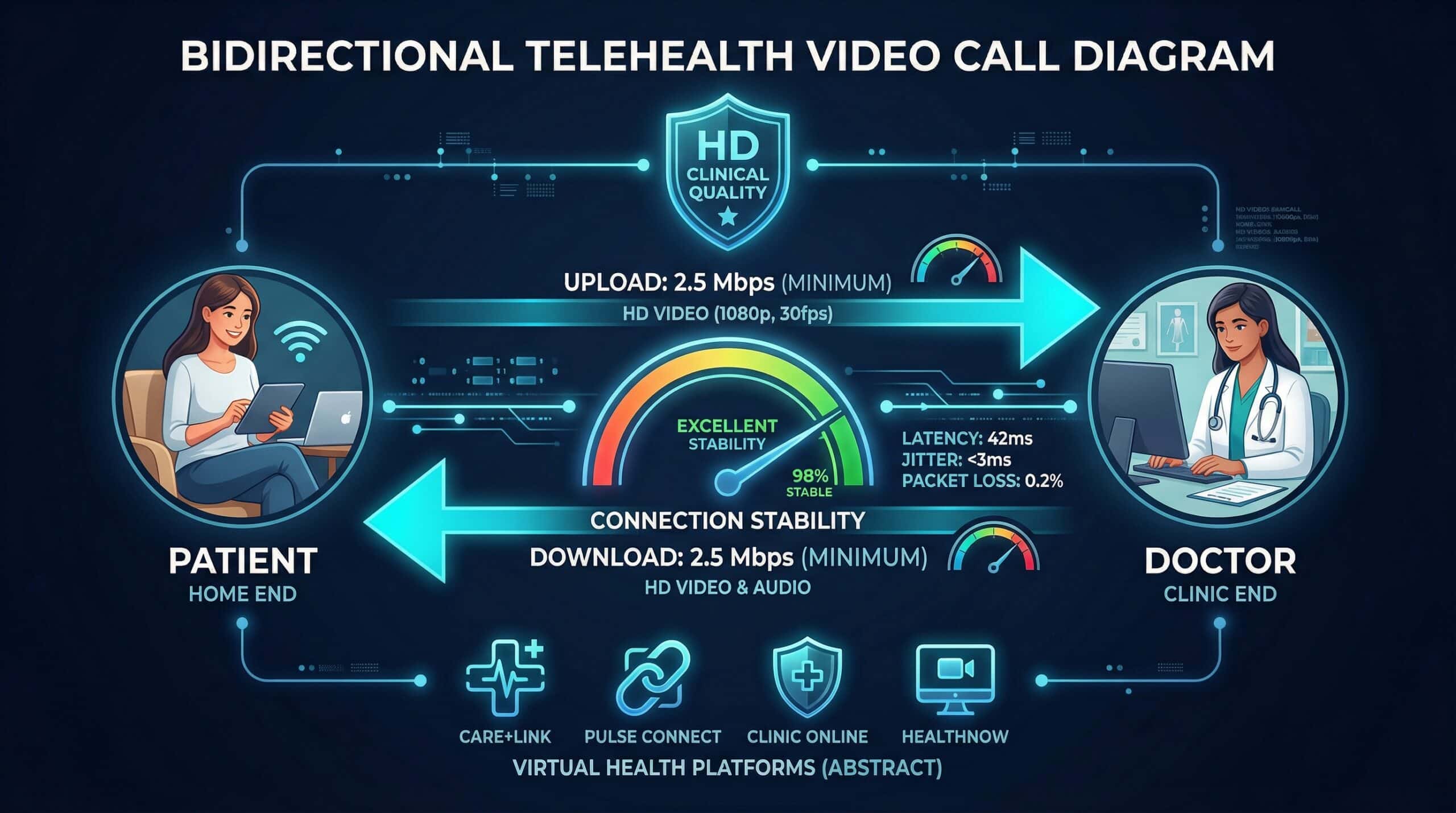
Internet Speed for Telemedicine — What Doctors and Patients Need
Telemedicine video visits have specific requirements beyond standard video calls — medical platforms often use higher-quality video for clinical accuracy, and connection drops can interrupt care. Test your connection at instantspeedtest.net/ before your next telehealth appointment.
Telemedicine Speed Requirements — By Role
| Role/Platform | Download | Upload | Ping Max |
|---|---|---|---|
| Patient (basic visit) | 3 Mbps | 3 Mbps | 150ms |
| Patient (HD quality) | 8 Mbps | 8 Mbps | 100ms |
| Healthcare provider | 10 Mbps | 10 Mbps | 80ms |
| Telestroke / urgent care | 15 Mbps | 15 Mbps | Under 50ms |
| Teleradiology (image sharing) | 25 Mbps | 10 Mbps | 100ms |
| Remote surgical assistance | 50 Mbps | 50 Mbps | Under 20ms |
Why Telemedicine Upload Matters as Much as Download
Unlike entertainment streaming which is primarily download, telemedicine requires bidirectional HD video. A patient with 100 Mbps download but only 5 Mbps upload (common on cable) may appear pixelated and choppy to their healthcare provider — making clinical assessment of visible symptoms (skin conditions, eye movement, physical mobility) unreliable. For patients using telemedicine for dermatology, ophthalmology, or neurology assessments where visual quality matters clinically, symmetric upload speed is important. Upload requirement: minimum 3 Mbps for basic visits; 8–10 Mbps for HD quality that supports clinical visual assessment. See our upload speed guide.
Related Guides
- What Is a Good Upload Speed?
- Internet Speed for Video Calls
- Internet Speed for Zoom
- Does Speed Affect Video Call Quality?
- Best Speed for Remote Work
- Wired vs Wireless Speed
Frequently Asked Questions
Can I do telemedicine on mobile internet?
Yes — 4G LTE and 5G provide adequate bandwidth for telemedicine. The concern with mobile is stability — outdoor LTE connections can fluctuate causing video freeze or dropped calls mid-consultation. For planned telehealth appointments, WiFi is preferable to mobile data for reliability. If using mobile, ensure strong signal (4 bars minimum) and switch to a stronger location indoors before starting the appointment. Most telehealth platforms will drop to audio-only automatically if video bandwidth is insufficient.
What should I do if telemedicine keeps freezing?
Switch to Ethernet if possible — this eliminates WiFi as a variable. Close other applications and browser tabs. Ask household members to pause streaming during your appointment. If still freezing, check if your platform has a bandwidth setting — reducing video quality to 720p (still clinically adequate for most visits) halves the bandwidth requirement. If problems persist, contact your telehealth platform’s technical support — some use bandwidth-intensive codecs that can be optimized for your connection quality.