What Is a Network Switch vs Hub? Key Differences Explained
Hubs and switches both provide multiple Ethernet ports but work completely differently — and that difference has major performance implications. Test your wired network baseline at instantspeedtest.net/.
Network Hub vs Switch — Technical Comparison
| Feature | Hub | Unmanaged Switch | Managed Switch |
|---|---|---|---|
| Data forwarding | Broadcasts to ALL ports | Forwards only to destination port | Forwards with VLAN/QoS control |
| Collision domain | One shared domain | Each port is isolated | Each port isolated + managed |
| Speeds supported | 10/100 Mbps (obsolete) | 10/100/1000 Mbps | 10/100/1000/10G Mbps |
| Security | All devices see all traffic | Traffic isolated per port | Full access control |
| Available today | Practically no | Yes — widely available | Yes — pro/enterprise |
| Price | N/A (obsolete) | $15–50 (home) | $50–500+ |
Why Hubs Are Obsolete and You’ll Never Buy One
Network hubs were the precursor to switches and haven’t been manufactured for consumer use since the early 2000s. The critical flaw: hubs broadcast every packet to every port — if Device A sends data to Device B, Devices C, D, and E also receive that packet (and discard it). This wastes bandwidth, creates collisions in half-duplex operation, and is a security liability (any device on the hub can see all other devices’ traffic). Switches learned device MAC addresses and send packets only to the correct destination port — full duplex, no collisions, private per-port data paths. If you’re shopping for “more Ethernet ports,” you are 100% looking for a switch. For home use, an unmanaged Gigabit switch ($15–30) is the correct choice. See our Ethernet splitter guide.
Related Guides
- Does Ethernet Splitter Reduce Speed?
- Modem vs Router Difference
- Ethernet Cable Guide
- Wired vs Wireless Speed
- Does a Router Affect Speed?
- How to Set Up Guest WiFi
Frequently Asked Questions
Do I need a managed or unmanaged switch for home use?
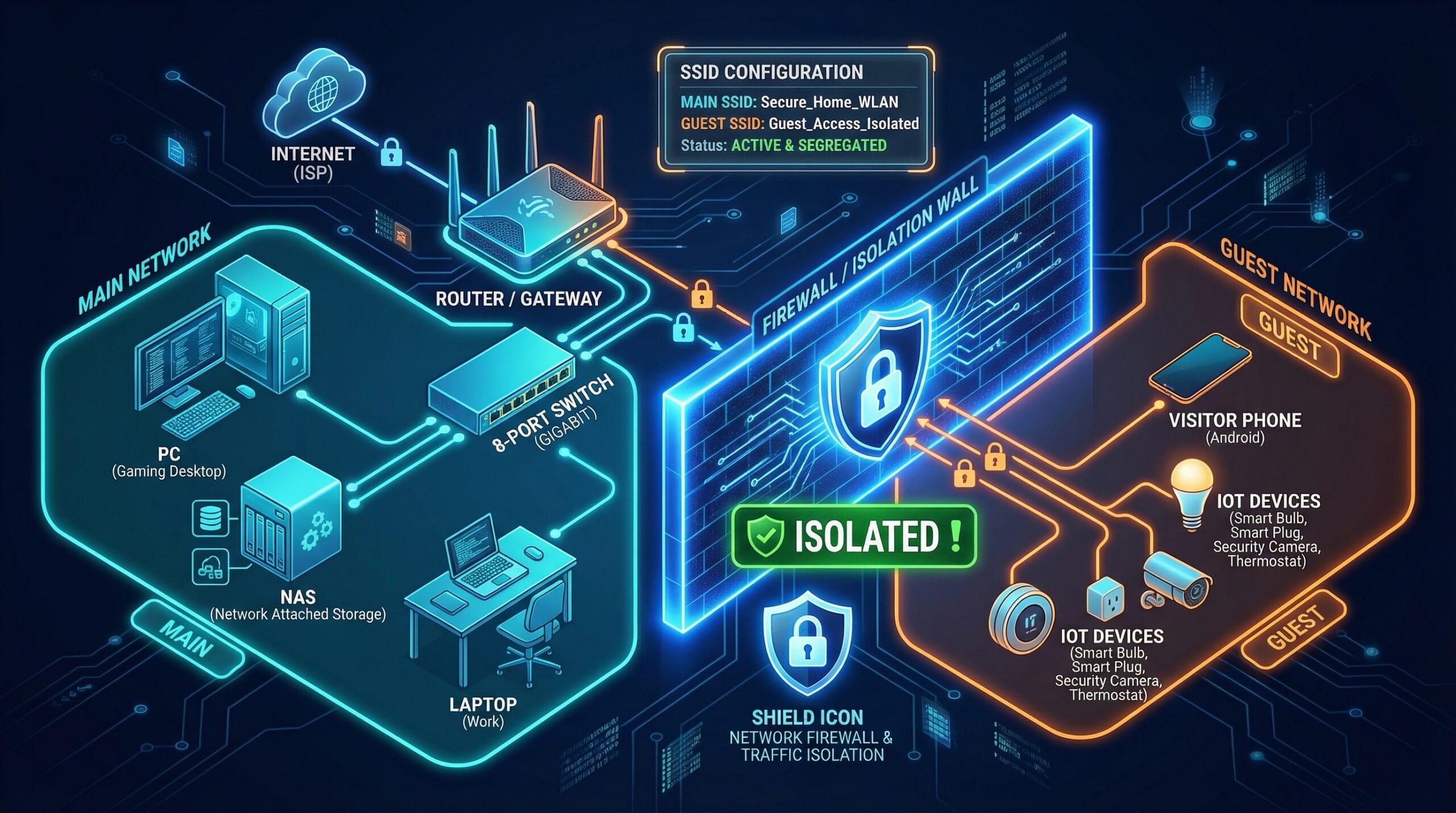
Unmanaged switch — without question for home use. Unmanaged switches are plug-and-play (no configuration needed), provide full Gigabit performance, and cost $15–30 for a 5-port model. Managed switches add VLAN segmentation, QoS priority settings, port monitoring, and SNMP management — features valuable in business networks but unnecessary complexity for home setups. The only home scenario where a managed switch adds value: setting up a dedicated IoT VLAN to isolate smart devices from your main network for security.
Can I daisy-chain switches together?
Yes — connect a cable from any port on Switch 1 to any port on Switch 2. Devices on both switches can communicate and access the internet. Maximum recommended daisy-chain depth is 3 switches to avoid excessive latency accumulation (though each switch adds only microseconds). Each switch uses one port for the uplink connection, so a 5-port switch provides 4 available device ports when used as a secondary switch.