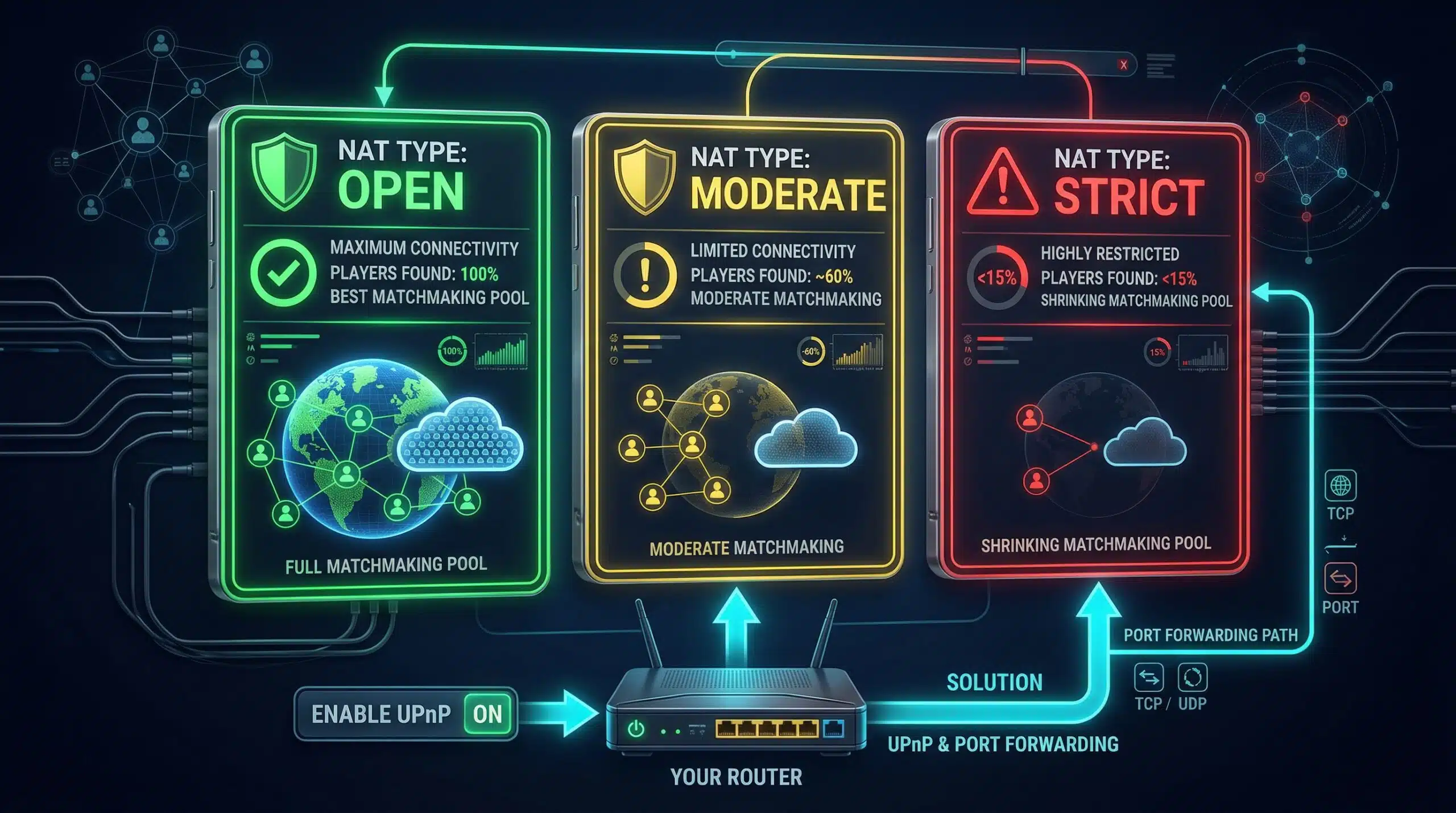
How to Fix Strict NAT Type — Open Your NAT for Gaming
Strict NAT severely limits multiplayer gaming — you can only connect to players with Open NAT, halving your matchmaking pool and causing frequent connection failures. Fixing NAT type is one of the most impactful network changes for online gaming. Test your connection quality at instantspeedtest.net/.
NAT Types Explained — Open vs Moderate vs Strict
| NAT Type | Can Connect To | Host Ability | Matchmaking |
|---|---|---|---|
| Open (Type 1) | All NAT types | Full hosting | Full pool |
| Moderate (Type 2) | Open + Moderate | Limited hosting | Reduced pool |
| Strict (Type 3) | Open only | No hosting | Very limited pool |
Fix Strict NAT — Three Methods in Order of Simplicity
Method 1 — Enable UPnP (easiest). Router admin panel → Advanced/WAN settings → Enable UPnP. Restart console. Most consoles achieve Open NAT within minutes. See our UPnP guide.
Method 2 — Manual port forwarding (most reliable). Assign your console a static IP via DHCP reservation. Forward platform-specific ports to that IP. Full steps in our port forwarding guide.
Method 3 — DMZ (nuclear option, use carefully). Router admin → DMZ → enter your console’s IP. DMZ places the console completely outside the firewall — instant Open NAT but no router-level protection. Only use DMZ for consoles (which have their own security) not for PCs.
Still Strict NAT After Enabling UPnP? — Advanced Fixes
If NAT remains strict after enabling UPnP: check if your ISP uses Carrier-Grade NAT (CGN/CGNAT). With CGNAT, multiple customers share one public IP — making Open NAT impossible without ISP intervention. Ask your ISP for a dedicated public IP (often available for small or no fee). Also check: only one router in the network path — double-NAT (modem with NAT + router with NAT) always causes issues. Put your ISP modem in bridge mode to eliminate double-NAT. See our port forwarding guide.
Related Guides
- What Is UPnP?
- Port Forwarding for Gaming
- Test Speed on PS5
- Test Speed on Xbox
- Modem vs Router
- Improve Gaming Ping
Frequently Asked Questions
Does NAT type affect download or upload speed?
No — NAT type affects peer connection capability, not bandwidth. Open NAT doesn’t increase your download speed for game files; it expands which players you can connect to for online multiplayer. Strict NAT can cause connections to fail or require more time to establish (which may feel like lag at session start), but doesn’t directly reduce your Mbps.
Why does my NAT go back to Strict after restarting?
If NAT reverts after rebooting, your console’s IP address is changing — dynamic IPs get new DHCP assignments after reboot, breaking port forward rules that target the old IP. Fix: reserve a static IP for your console’s MAC address in the router’s DHCP reservation settings before creating port forward rules. The static IP ensures port forwards always point to the correct device.